Businesses today depend on infrastructure that delivers reliability, performance, and scalability. Whether operating high traffic websites, data heavy applications, enterprise systems, or gaming platforms, the choice of hosting directly affects efficiency and user experience. Among available options, a dedicated server and dedicated hosting solution is one of the most powerful choices for demanding workloads.
Unlike shared hosting or VPS environments, dedicated hosting provides exclusive access to an entire physical machine, giving businesses full control over CPU, memory, storage, and bandwidth. This results in improved stability, stronger security, and more predictable performance.
Many organizations choose dedicated web hosting services to ensure consistent uptime and control over their infrastructure. Unlike shared environments, all server resources are reserved for a single user, making it ideal for performance critical operations.
Selecting the right solution is not always simple. With many providers, configurations, and pricing models available, businesses must carefully evaluate their needs to avoid performance issues, unnecessary costs, or scalability limitations.
Blog contents
This guide explains how a dedicated server can match your performance requirements, budget, and long term growth strategy, while highlighting the key factors every decision maker should consider before investing in dedicated hosting.

How to Choose the Right Dedicated Server for Your Business (5 Key Factors)
Selecting the right infrastructure requires a strategic approach. Businesses should assess both their current operational needs and future growth expectations before choosing a server configuration.
One of the main advantages of dedicated server hosting is the ability to access significantly greater computing power compared to shared environments. Because the server’s physical resources are not shared with other customers, businesses can run demanding software applications, databases, and enterprise workloads without performance limitations.
The following five factors will help guide the decision making process.
1. Performance Requirements
Performance is often the primary reason organizations move to dedicated hosting. Understanding how your applications and services utilize resources is the first step in determining the right configuration.
Understand Your Applications and Workload
Every business workload has different performance needs. Some applications rely heavily on CPU power, while others depend more on memory, storage speed, or network bandwidth.
For example:
- E commerce platforms need strong database performance and stable bandwidth during traffic spikes.
- Data analytics systems require powerful processors and large memory capacity.
- Streaming services depend on high network throughput and fast storage performance.
Dedicated servers are ideal for resource intensive workloads like machine learning, high traffic websites, and complex business applications that demand consistent performance.
To choose correctly, businesses should analyze how their applications use system resources. This helps determine whether to prioritize CPU, RAM, storage speed, or bandwidth, and prevents over or under provisioning.

Estimate Traffic and Bandwidth Requirements
Another key factor is estimating traffic volume and bandwidth needs.
Traffic planning should account for:
- Average monthly visitors
- Peak usage periods
- File downloads or streaming activity
- API requests and integrations
Businesses should also anticipate traffic spikes during product launches, marketing campaigns, or seasonal demand.
Platforms such as large websites, SaaS applications, or gaming services often require unmetered or high bandwidth plans to maintain stable performance under heavy load.
Insufficient bandwidth can lead to slow load times, connection issues, and poor user experience, making it essential to choose a provider with robust network capacity and scalable bandwidth options.
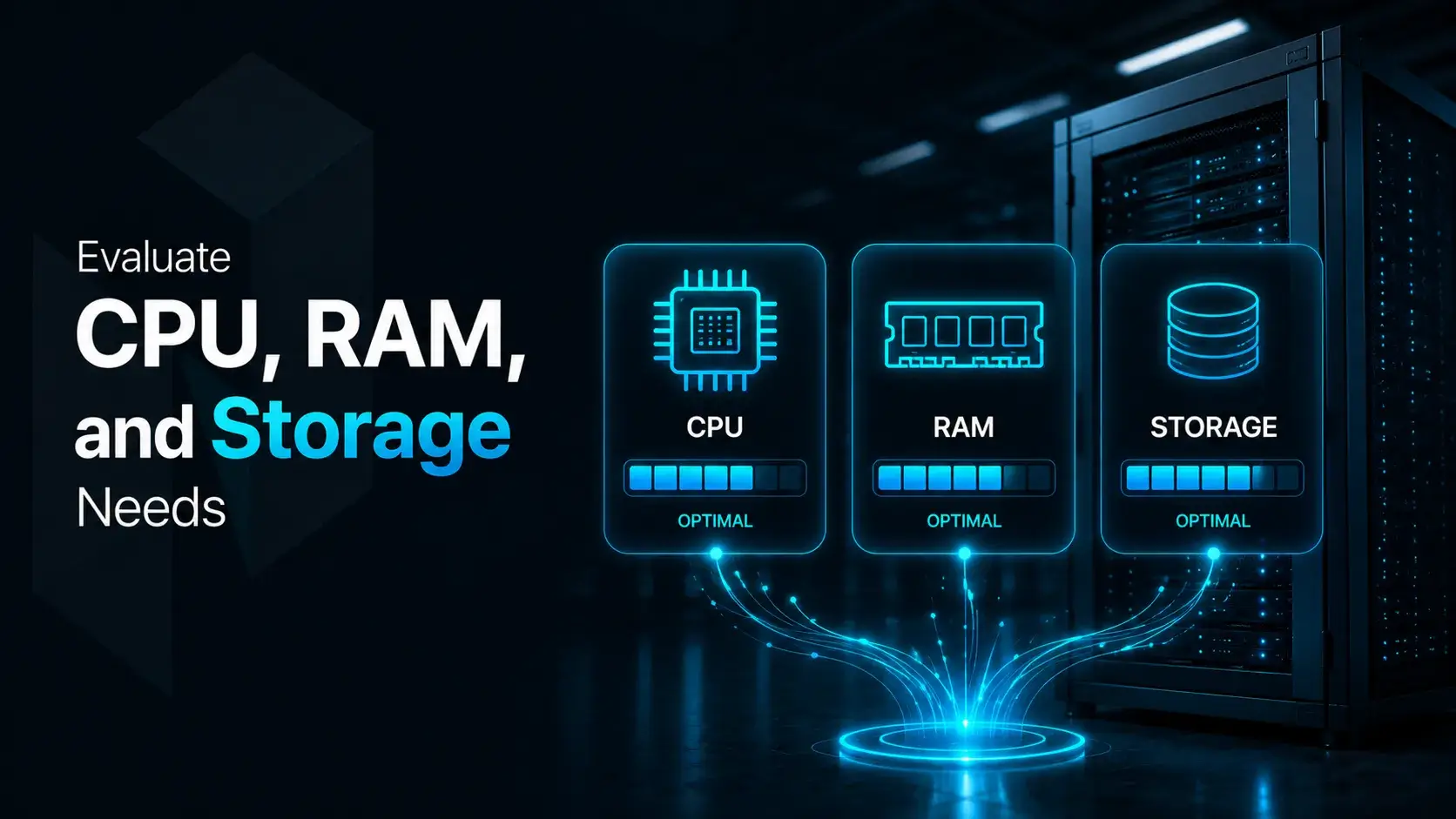
Evaluate CPU, RAM, and Storage Needs
Hardware specifications play a major role in server performance, especially when selecting a dedicated server.
Key components include:
- CPU (Processor) Determines how efficiently the server handles concurrent requests and complex computations.
- RAM (Memory) Ensures smooth application performance by reducing slow disk swapping and improving multitasking.
- Storage Should be chosen based on speed, capacity, and redundancy needs. SSD and NVMe drives are preferred for their faster performance compared to traditional HDDs. Dedicated servers also offer flexible storage allocation for large datasets, applications, and backups without resource competition.
Hardware selection should always match application requirements and anticipated user growth.
2. Scalability
While current performance needs are important, businesses must also plan for future growth. Digital infrastructure is rarely static traffic increases, new services are launched, and data requirements expand over time. A server that works well today may become insufficient if scalability is not considered early.
Scalability is therefore a key factor when choosing a dedicated server. In modern dedicated hosting environments, the ideal setup should support growth without requiring major migrations, costly hardware changes, or downtime.
Modern hosting environments often support scaling through virtualization and hybrid integration with cloud resources, allowing businesses to expand capacity as demand increases.
Key scalability considerations include:
Plan for Future Growth
Business growth often leads to higher traffic, additional services, and increasing storage needs. Choosing a server based only on current usage can quickly create limitations as demands rise.
A scalable infrastructure should be planned with future expansion in mind. Businesses should consider:
- Will traffic significantly increase in the next year? Campaigns, product launches, and seasonal spikes can rapidly strain server resources if not anticipated.
- Are new products or platforms expected? Launching apps, SaaS tools, or e commerce services adds additional computing and storage demands.
- Will database size grow over time? Data heavy systems must handle expanding storage and more complex queries efficiently.
Planning ahead helps avoid performance bottlenecks, costly migrations, and downtime. In fast growing industries, it is often best to forecast needs 2-3 years in advance to ensure long term stability and scalability.
Choose Easily Upgradeable Resources
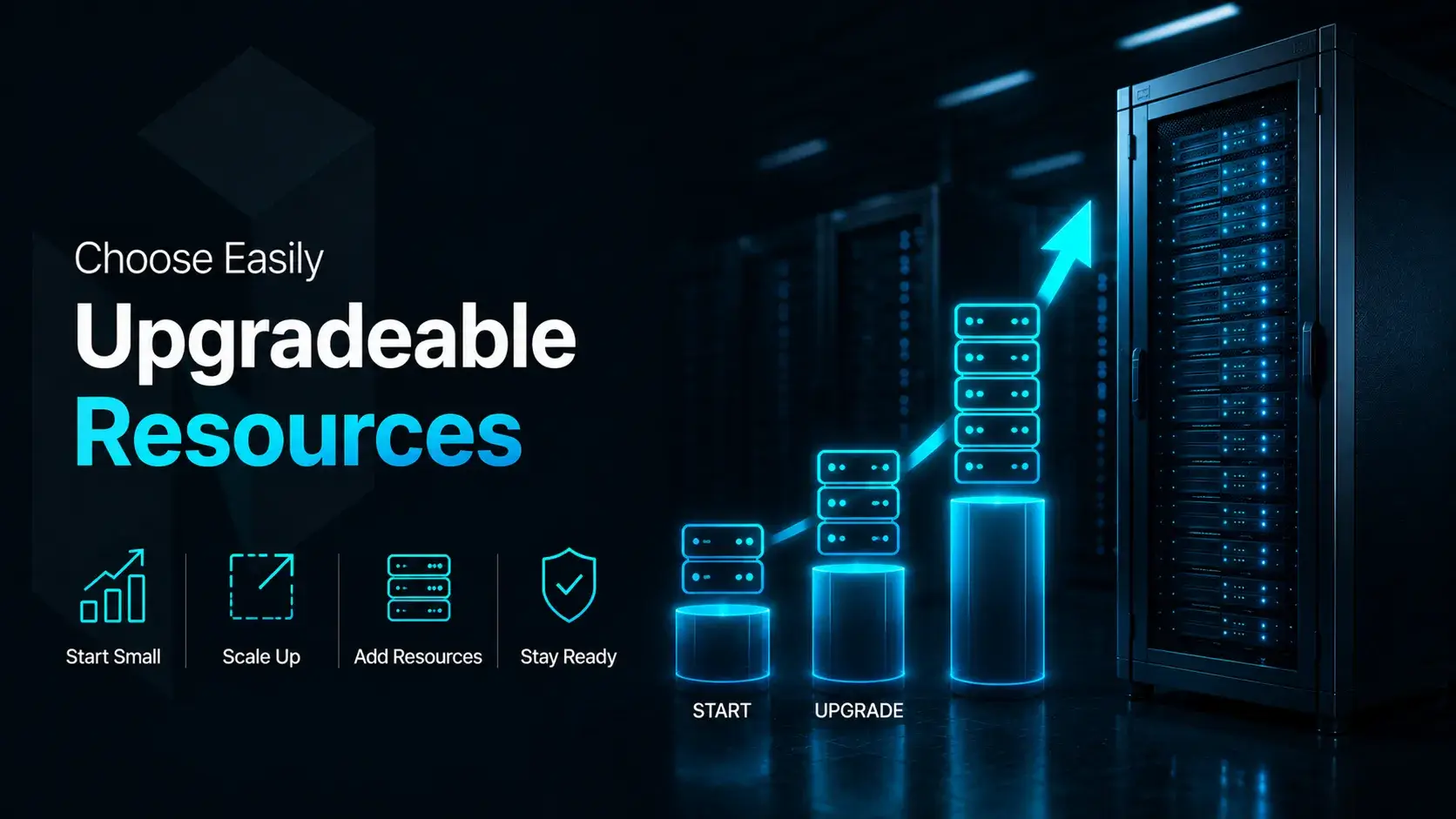
A key aspect of scalability is the ability to upgrade hardware resources quickly without replacing the entire server. Businesses should choose configurations that support incremental upgrades as demand grows.
Common upgrade options include:
- Adding more RAM to improve performance for databases, caching, and virtualized workloads
- Increasing storage capacity to handle growing data without migrating servers
- Upgrading processors to improve performance for more complex or CPU intensive tasks
- Expanding network bandwidth to support higher traffic and data transfer demands
Servers with flexible upgrade options let businesses scale smoothly without downtime or major disruptions. Many providers also support modular designs and custom setups, making it easier to adjust resources as needed while keeping long term costs under control.

Evaluate Provider Scaling Capabilities
A provider’s infrastructure capabilities are just as important as server hardware. Not all hosting companies offer the same level of scalability or support for growing workloads, so this should be evaluated carefully before committing.
Key scalability features to look for include:
- Rapid hardware upgrades The provider should allow quick upgrades to CPU, RAM, or storage with minimal or no downtime, enabling fast response to increased demand.
- Hybrid cloud integration Hybrid setups combine dedicated servers with cloud environments, allowing businesses to shift temporary workloads to the cloud while keeping core systems on dedicated infrastructure.
- Load balancing options Load balancing distributes traffic across multiple servers to prevent bottlenecks and maintain stable performance during traffic spikes.
- Multi server clustering Clustering allows multiple dedicated servers to function as a single system, improving performance, redundancy, and fault tolerance.
Providers that offer these capabilities make it easier to scale infrastructure smoothly without major migrations or service disruption. Global data center availability is also a key advantage, supporting international expansion while maintaining low latency and consistent performance across regions.
Scalability as a Long Term Infrastructure Strategy
Scalability is not just a hardware feature but a long term strategy. Businesses that invest in scalable server environments can adapt to growth, support new initiatives, and maintain consistent performance as demand increases.
A scalable dedicated server provides a strong foundation for expansion, allowing organizations to handle higher workloads and launch new services without compromising stability.
By planning ahead, choosing upgrade friendly hardware, and working with a provider that supports scaling, businesses can ensure their server remains reliable and effective over time.

3. Support and Management
Infrastructure reliability depends not just on hardware, but also on proper management and expertise. Without consistent monitoring and maintenance, even high performance servers can face stability and uptime issues. In many cases, the effectiveness of dedicated hosting depends heavily on how well these systems are managed on an ongoing basis.
Businesses must decide whether to rely on internal IT teams or opt for provider support. As a result, they typically choose between managed and unmanaged dedicated servers based on their technical capabilities and priorities. Strong support ensures long term security, stability, and performance.

24/7 Expert Support and SLA Guarantees
Reliable hosting providers offer continuous support and monitoring to handle issues such as hardware failures, network disruptions, or security threats.
Fast response times are critical to minimizing downtime and maintaining performance. Without responsive support, even small issues can escalate into major disruptions.
When evaluating providers, businesses should review the level of support offered and the guarantees included in their SLAs.
24/7 technical assistance Round the clock support ensures experts are always available to resolve issues, which is critical for businesses running global or mission critical operations.
Fast response times Reliable providers respond quickly often within minutes for urgent issues, minimizing downtime and disruption.
Clear service level agreements (SLAs) SLAs define uptime guarantees, response times, and compensation policies, giving businesses clear expectations of service reliability.
Proactive monitoring Continuous monitoring detects issues like hardware failures or traffic spikes early, allowing teams to resolve problems before they impact performance.
Strong technical support helps reduce operational risks and ensures fast resolution of unexpected issues, making it essential for maintaining stable business operations.
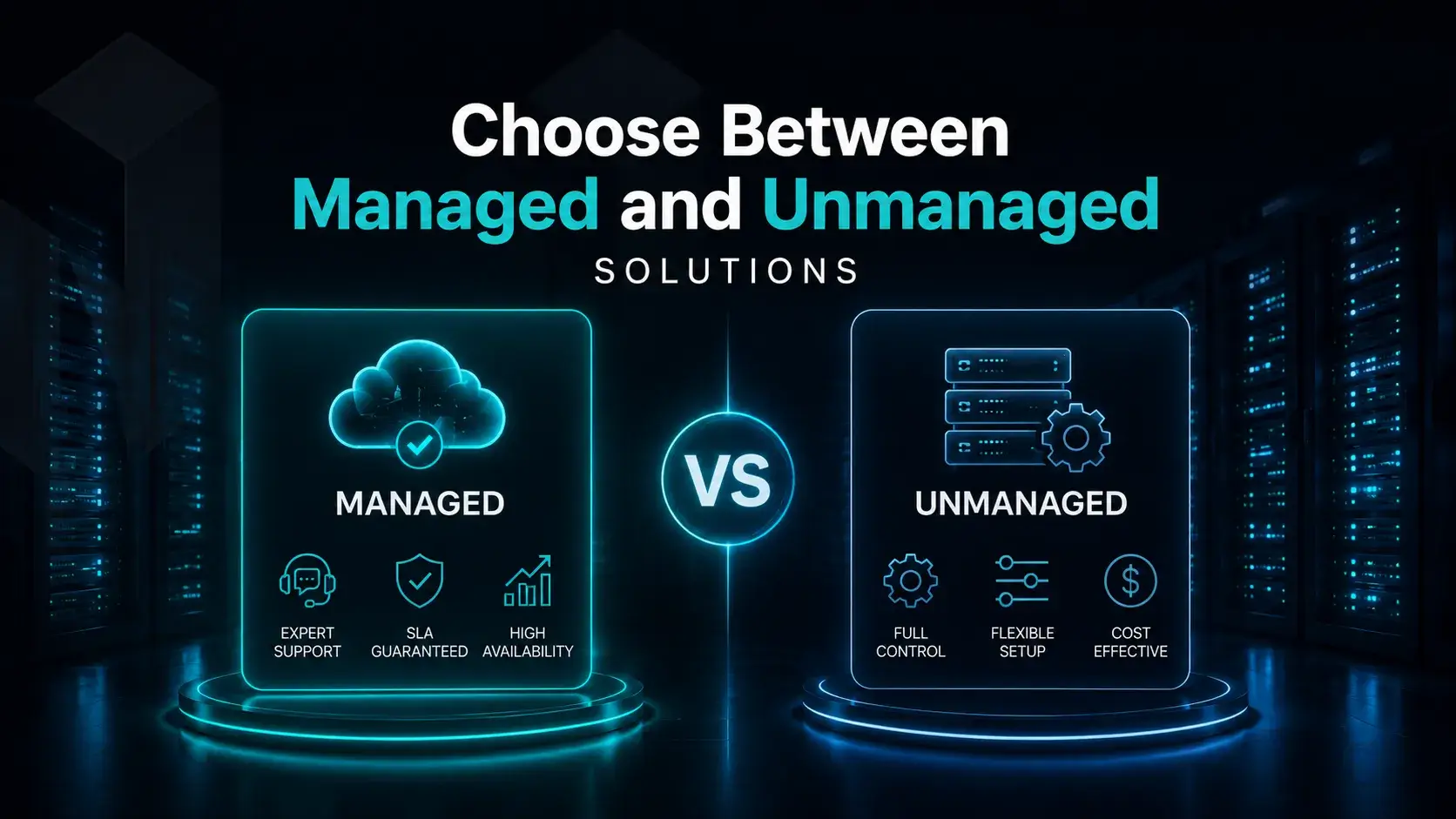
Choose Between Managed and Unmanaged Solutions
Another key decision when selecting a dedicated server is how much control your organization wants over server management.
Some businesses prefer to outsource management to the hosting provider, while others choose to retain full control.
This comes down to choosing between managed and unmanaged dedicated servers, each offering different benefits depending on your technical expertise and operational needs.
Managed dedicated servers
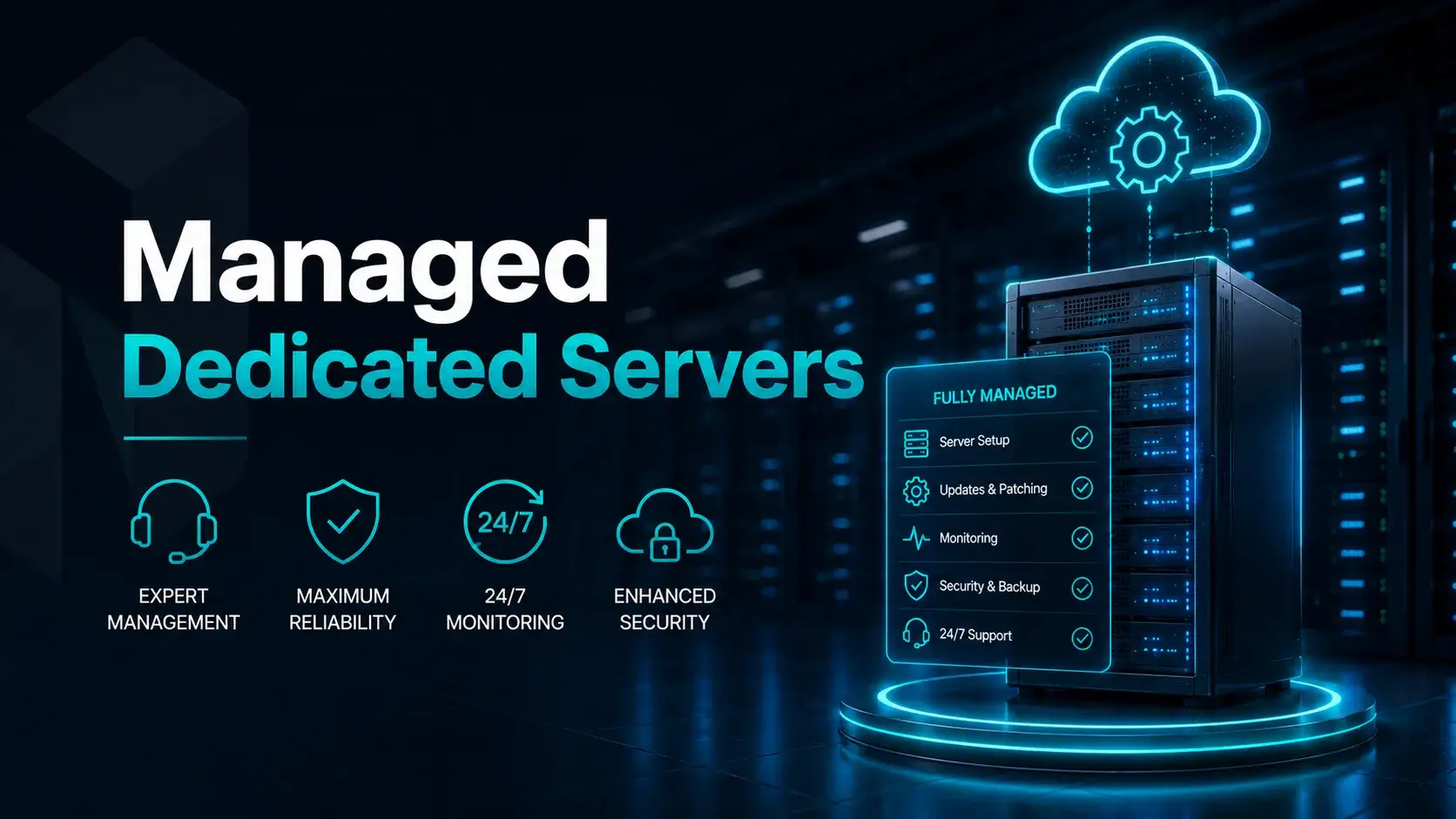
Managed dedicated servers are best suited for organizations that prefer hands off infrastructure management or do not have dedicated in house IT expertise. In this setup, the hosting provider takes responsibility for most technical operations, ensuring the server remains secure, stable, and well maintained.
Typical managed services include:
- Server setup and configuration The provider installs the operating system, configures essential services, and prepares the server for production use.
- Operating system updates Regular updates and patches are applied to maintain security, stability, and compatibility with modern applications.
- Security patching Providers monitor vulnerabilities and apply critical security updates to protect the server from potential threats.
- Performance monitoring Continuous monitoring of CPU, memory, disk, and network usage helps detect issues early and maintain optimal performance.
- Backup management Automated backup systems are implemented to ensure data can be quickly restored in case of failure or loss.
Managed hosting is particularly beneficial for:
- Small and medium sized businesses
- Startups with limited IT teams
- Companies running mission critical applications
- Organizations prioritizing simplicity and reduced operational workload
While managed servers typically come at a higher cost than unmanaged options, the trade off is greater reliability, reduced maintenance burden, and improved operational efficiency
Unmanaged dedicated servers
Unmanaged dedicated servers provide full control over the server environment, while the provider is only responsible for the hardware and network connectivity. All software configuration, maintenance, and administration tasks are handled by the customer.
With root access, businesses can fully customize the operating system, applications, and server configuration to meet specific technical requirements. This makes unmanaged servers a strong choice for teams that need flexibility and control.
Key responsibilities include:
- System administration Managing the operating system, user accounts, server settings, and core configurations.
- Software installation Installing and maintaining applications, databases, and web services required for operations.
- Security management Configuring firewalls, applying security patches, monitoring logs, and protecting against threats.
- Maintenance and troubleshooting Resolving technical issues, optimizing performance, and handling system level problems.
Unmanaged servers are typically used by organizations with strong technical expertise, such as:
- Software development companies
- Enterprise IT departments
- Hosting providers and resellers
- Businesses running custom or specialized applications
While unmanaged servers are often more cost effective and flexible, they require advanced technical knowledge and continuous maintenance. Without experienced administrators, businesses may face operational risks.
Unmanaged dedicated servers are best suited for technically skilled teams that prioritize control and customization over managed support.
4. Provider Reliability
Choosing a trusted dedicated hosting provider is just as important as selecting the right server configuration, as infrastructure reliability directly impacts uptime, performance, and customer satisfaction.
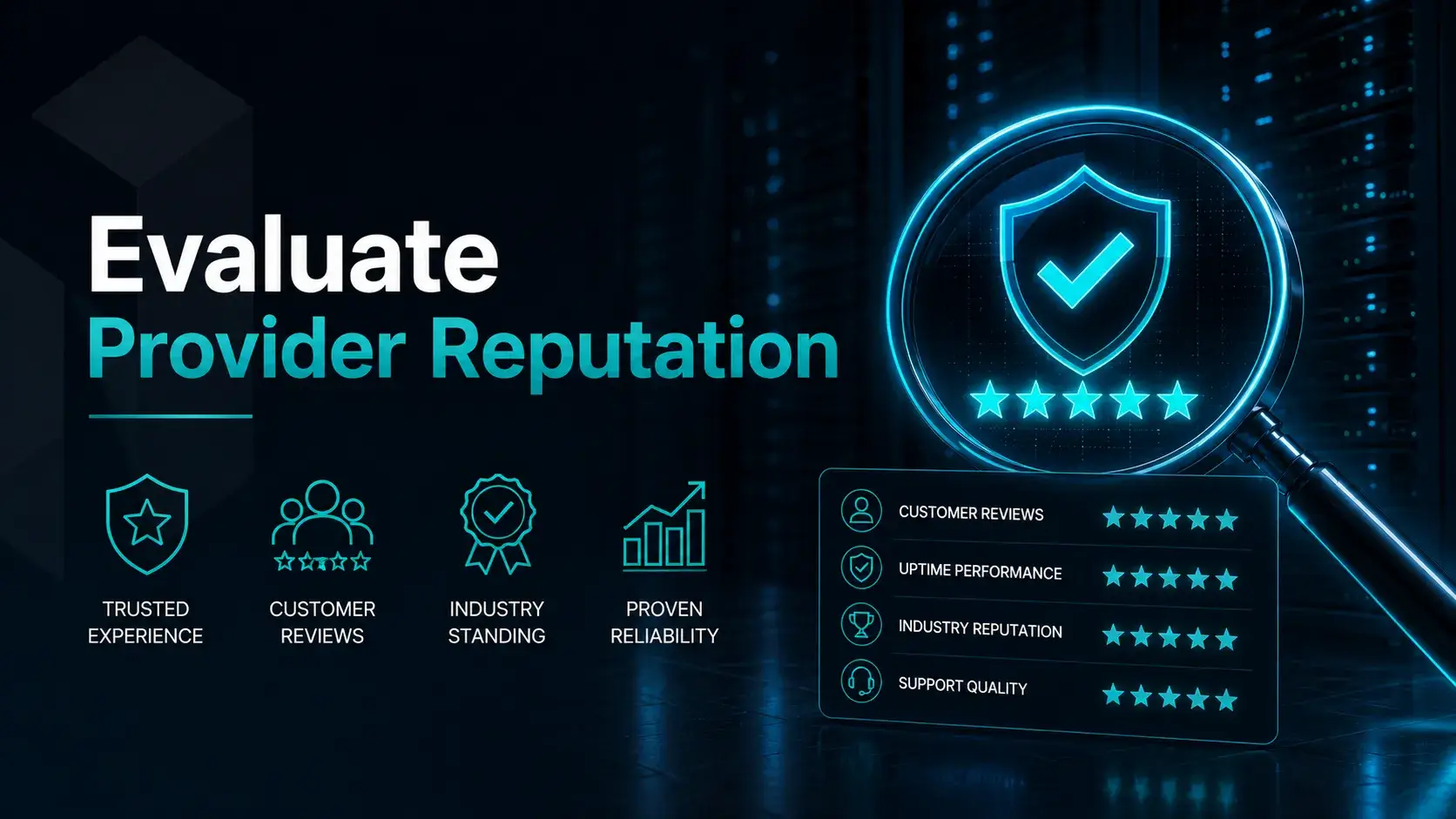
Evaluate Provider Reputation
Before selecting a provider, assess their industry reputation to ensure reliability and service quality.
Key factors include:
- Years of operation - Long established providers usually have more stable systems, experienced teams, and proven reliability.
- Data center certifications - Certifications indicate compliance with strict standards for security, redundancy, and operational excellence.
- Infrastructure investments -Continuous upgrades to hardware and networking improve performance and scalability.
- Industry partnerships - Collaborations with leading tech vendors often reflect stronger credibility and access to better technology.
Providers that meet these criteria generally offer more stable and high quality hosting environments.
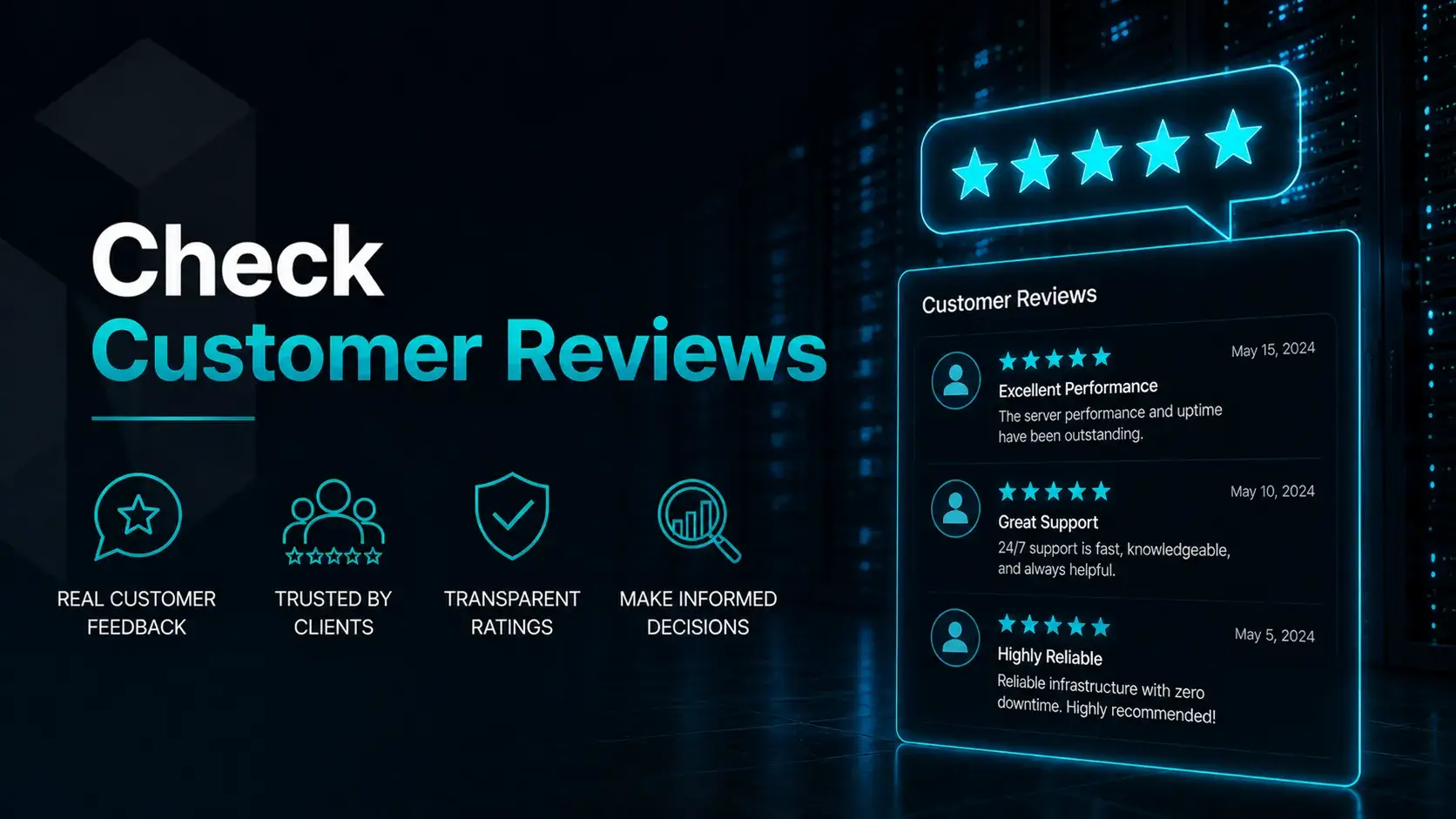
Check Customer Reviews
Customer reviews provide real world insight into a hosting provider’s performance beyond marketing claims. They help reveal how the service performs during daily use and under technical issues.
Key aspects to focus on include:
- Server uptime - Indicates whether the provider delivers stable, reliable availability or experiences frequent downtime and slowdowns.
- Support responsiveness - Shows how quickly and effectively the support team resolves technical problems.
- Network reliability - Reflects connection stability, latency levels, and overall data transfer performance.
- Billing transparency - Highlights whether pricing is clear, predictable, and free from hidden charges.
Consistently positive feedback across multiple platforms is usually a strong indicator of a reliable and trustworthy provider.
Assess Network and Infrastructure Quality
The performance of a dedicated server largely depends on the provider’s network and data center infrastructure. Even high end hardware will underperform without a stable and well designed environment.
Key factors to evaluate include:
- Data center redundancy Multiple backups for power, cooling, and network connections to prevent downtime during failures.
- Network backbone capacity High capacity connections that ensure fast data transfer and low latency under heavy traffic.
- Global connectivity Efficient international routing to improve performance for users in different regions.
- DDoS protection Security systems that detect and block malicious traffic before it impacts server availability.
- Power backup systems UPS and generators that keep servers running during power outages.
A strong infrastructure ensures stable performance, reliable uptime, and consistent service quality even during peak demand.

5. Pricing and Budget
Budget considerations are inevitable when selecting hosting infrastructure. Focusing solely on the lowest price often leads to long term problems.
Instead, businesses should evaluate value relative to performance and reliability.
Understand Total Cost of Ownership
The true cost of a dedicated server extends beyond the base monthly fee.
The Total Cost of Ownership (TCO) is important to evaluate beyond the monthly fee for a dedicated server. The choice of operating system can significantly affect the pricing of dedicated servers, with Linux based servers generally being cheaper than Windows based servers due to additional licensing fees.
Dedicated servers typically cost between $80 to $200 per month, with prices varying based on hardware specifications and service levels.
Many dedicated server providers offer discounts for long term contracts, such as reducing monthly fees for customers who commit to a 24 month agreement.
Additional costs may include:
- Managed service fees
- Backup solutions
- Security add ons
- Additional bandwidth usage
- Hardware upgrades
When comparing hosting providers, businesses should also consider potential setup fees, long term contract terms, and whether the provider offers competitive pricing relative to hardware performance.
Understanding the full pricing structure prevents unexpected expenses later.
Compare Pricing vs Performance
Rather than choosing the cheapest option, organizations should compare price relative to hardware performance and service quality.
A slightly higher investment often results in:
- Better hardware
- Faster support
- Stronger infrastructure
- Improved uptime guarantees
Some well known providers offer a range of dedicated server hosting options designed for businesses that require powerful infrastructure and reliable support.
These benefits can significantly improve operational stability.
Avoid Overpaying for Unused Resources
At the same time, businesses should avoid over provisioning resources they do not need.
Accurate workload planning ensures companies pay only for resources that provide real value.
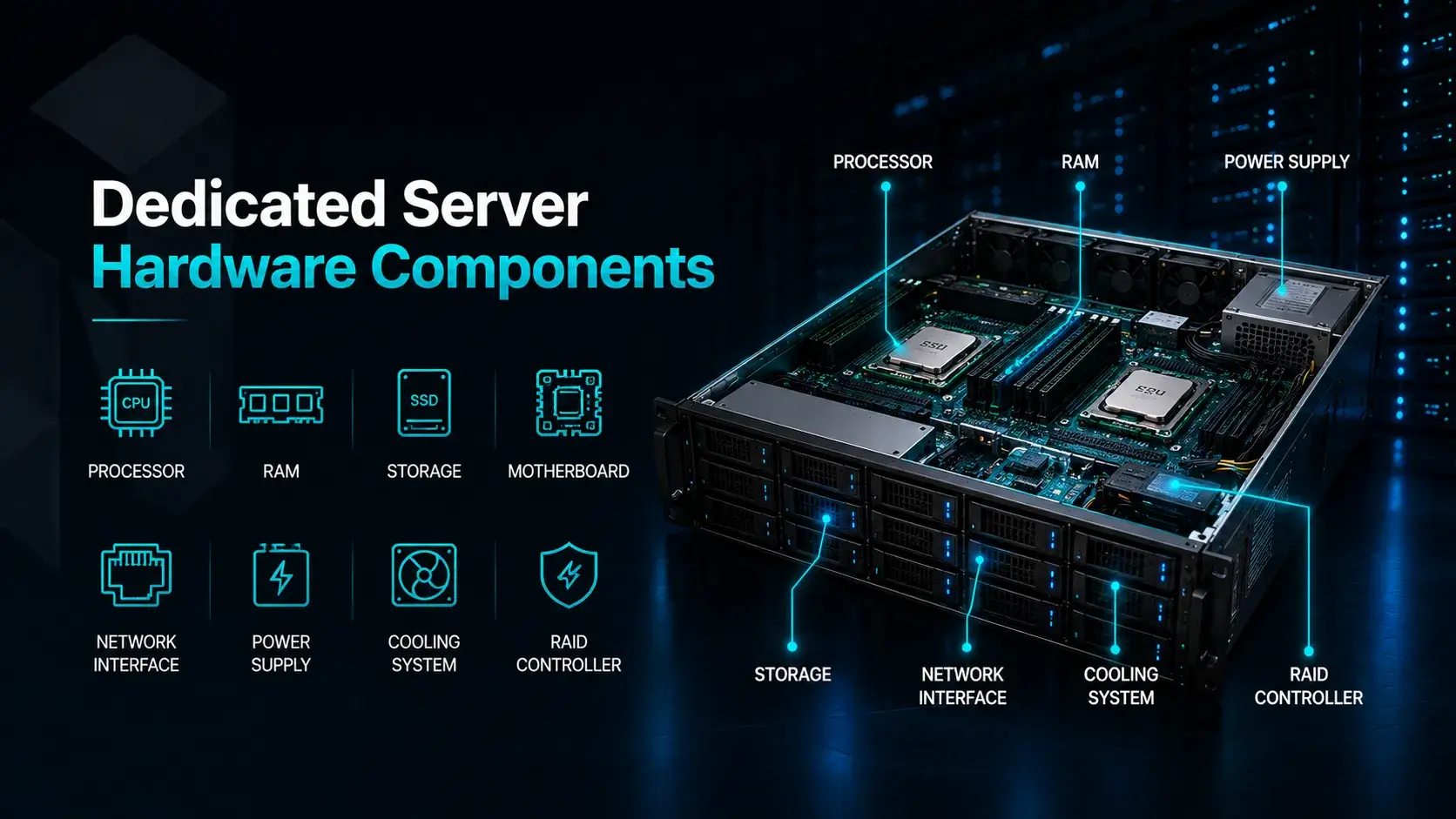
Dedicated Server Hardware Components
To fully understand how to choose a dedicated server, businesses must familiarize themselves with the core hardware components that influence performance.
Pick the Right Processor
The processor is the central component of any server.
Modern servers often utilize enterprise grade processors designed for high performance and reliability. Modern servers running either the Linux operating system or the windows operating system can take advantage of advanced processor architectures optimized for enterprise workloads. Key factors to consider include:
- Number of cores
- Clock speed
- Cache size
- Multi threading capabilities
Applications involving data processing, virtualization, or complex computations benefit from processors with more cores and higher clock speeds.
Choosing the right CPU ensures the server can handle simultaneous requests efficiently.
Decide on RAM and Storage
Memory and storage determine how efficiently the server can manage workloads and data.
Many dedicated servers run specialized Linux distributions or enterprise editions of windows server, depending on the software ecosystem and application requirements.
RAM Considerations
- Large databases require substantial memory
- Virtualization environments demand high RAM capacity
- Web applications benefit from memory caching
Storage Considerations
Businesses can choose between several storage types:
- HDD (Hard Disk Drive) - Cost effective for large storage volumes
- SSD (Solid State Drive) - Faster performance for most workloads
- NVMe Drives - Ultra fast storage for high performance applications
Many enterprises now prefer SSD or NVMe storage due to their significantly lower latency and faster data access speeds.

Understand Your Bandwidth and Connectivity Requirements
Network performance is critical for any server environment.
Bandwidth determines how much data can be transferred between the server and users within a given timeframe. Unmetered bandwidth is particularly beneficial for high traffic websites, as it helps avoid unexpected overage fees and ensures consistent performance during peak usage periods.
High performance hosting environments often allocate dedicated IP addresses and high capacity network ports to ensure reliable connectivity and improved network handling. In many modern infrastructures, bandwidth consumption has also evolved from a per megabit pricing model to a per gigabyte transfer model, with many dedicated server providers now offering billing based on total data transferred rather than fixed line speed.
Organizations should consider:
- Data transfer limits
- Network port speeds
- Geographic distribution of users
- Content delivery requirements
High traffic platforms often benefit from servers with dedicated high speed network ports and optimized connectivity. Additionally, service reliability is reinforced through service level agreements (SLAs), with many providers guaranteeing between 99% and 100% uptime by leveraging redundant hardware and multiple network vendors to maintain stable connectivity.
NVMe SSDs provide the fastest data access for active databases, whereas standard HDDs are more cost effective for large scale storage where speed is less critical.
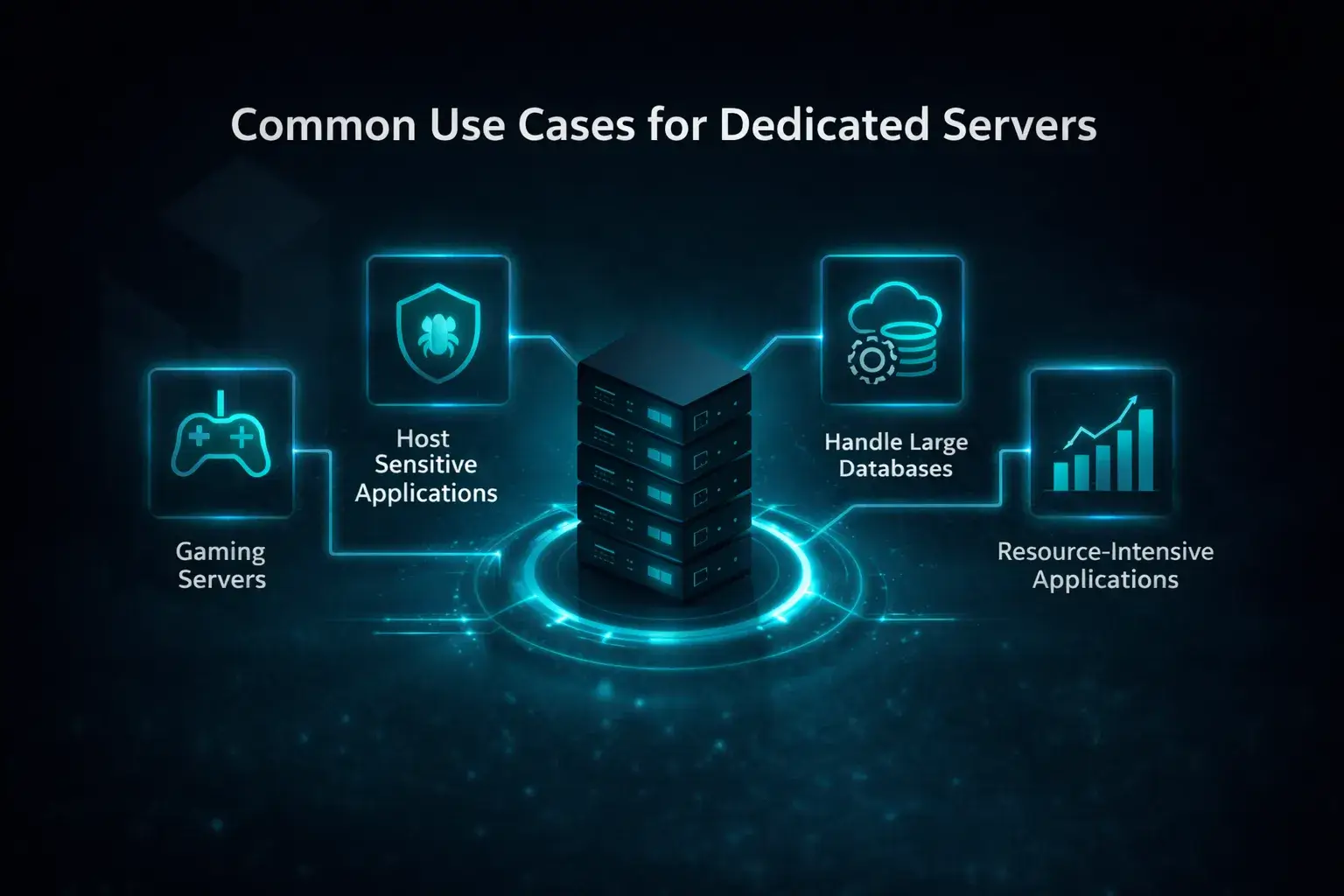
Common Use Cases for Dedicated Servers
Dedicated servers support a wide range of applications across different industries.
High Performance Computing
High performance computing (HPC) workloads require powerful processing capabilities and high memory capacity.
Industries such as:
- scientific research
- financial modeling
- artificial intelligence
- big data analytics
Often rely on dedicated servers to process large datasets and complex algorithms.
Dedicated infrastructure is also widely used for scientific computing, big data analysis, and artificial intelligence workloads such as machine learning models that require substantial computing resources.
Gaming
Online gaming platforms demand low latency, stable connectivity, and consistent performance.
Multiplayer platforms and competitive game servers rely heavily on low latency infrastructure, which makes dedicated hosting a preferred solution for game developers and hosting providers.
Dedicated servers allow game developers to control the environment, reduce lag, and support large numbers of simultaneous players.
Many multiplayer games rely on dedicated infrastructure to maintain smooth gameplay and fair competition.
Web Hosting Provision
Hosting companies frequently use dedicated servers to run multiple websites or client environments.
This setup allows providers to:
- allocate resources efficiently
- maintain strict security boundaries
- optimize hosting performance
Dedicated infrastructure ensures consistent reliability for client websites and applications.
Data Backups
Data protection is a critical priority for modern businesses.
Dedicated servers can serve as secure backup repositories, storing important files, databases, and system images.
Organizations often use dedicated servers for:
- disaster recovery systems
- long term archival storage
- offsite backup environments
This ensures valuable data remains protected even during unexpected system failures.
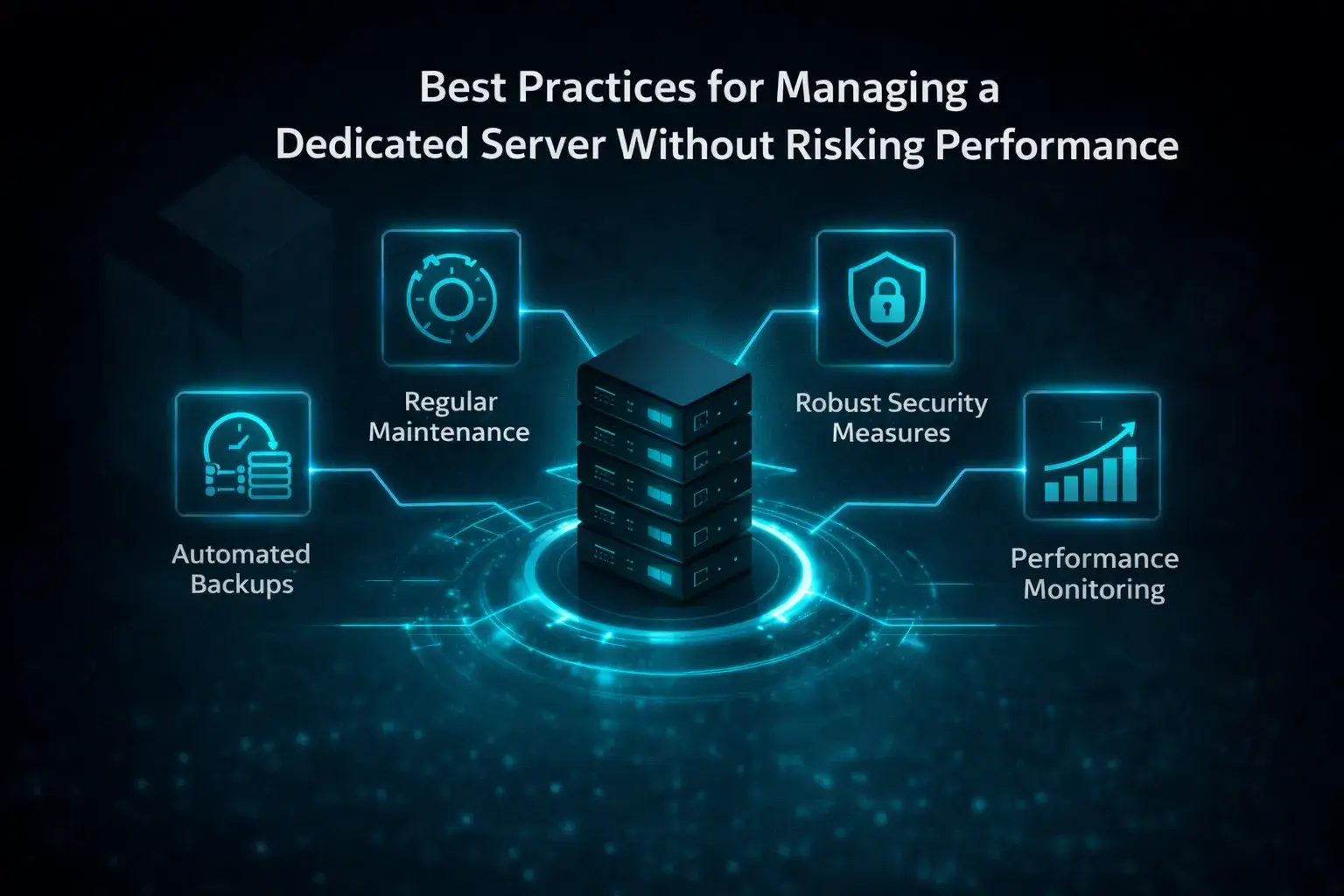
Best Practices for Managing a Dedicated Server Without Risking Performance
After selecting the right server, proper management becomes essential for maintaining long term performance and security.
Strengthen Your Server Security
Security should be a top priority when managing dedicated infrastructure.
Strong network security measures such as firewalls, intrusion detection systems, and advanced malware protection are essential for protecting sensitive business data and maintaining infrastructure integrity.
Best practices include:
- configuring firewalls
- restricting SSH access
- implementing intrusion detection systems
- enabling DDoS protection
Strong security measures help prevent unauthorized access and protect sensitive business data.
Keep Your System Updated and Secure
Software updates often contain important security patches and performance improvements.
Administrators should regularly update:
- operating systems
- server software
- databases
- application frameworks
Automated update policies can help maintain system integrity.
Protect Your Data with Reliable Backups
Data loss can have severe consequences for businesses.
Regular backups ensure that critical information can be restored quickly in case of hardware failure, cyberattacks, or accidental deletions.
A robust backup strategy typically includes:
- automated daily backups
- offsite storage
- periodic backup verification
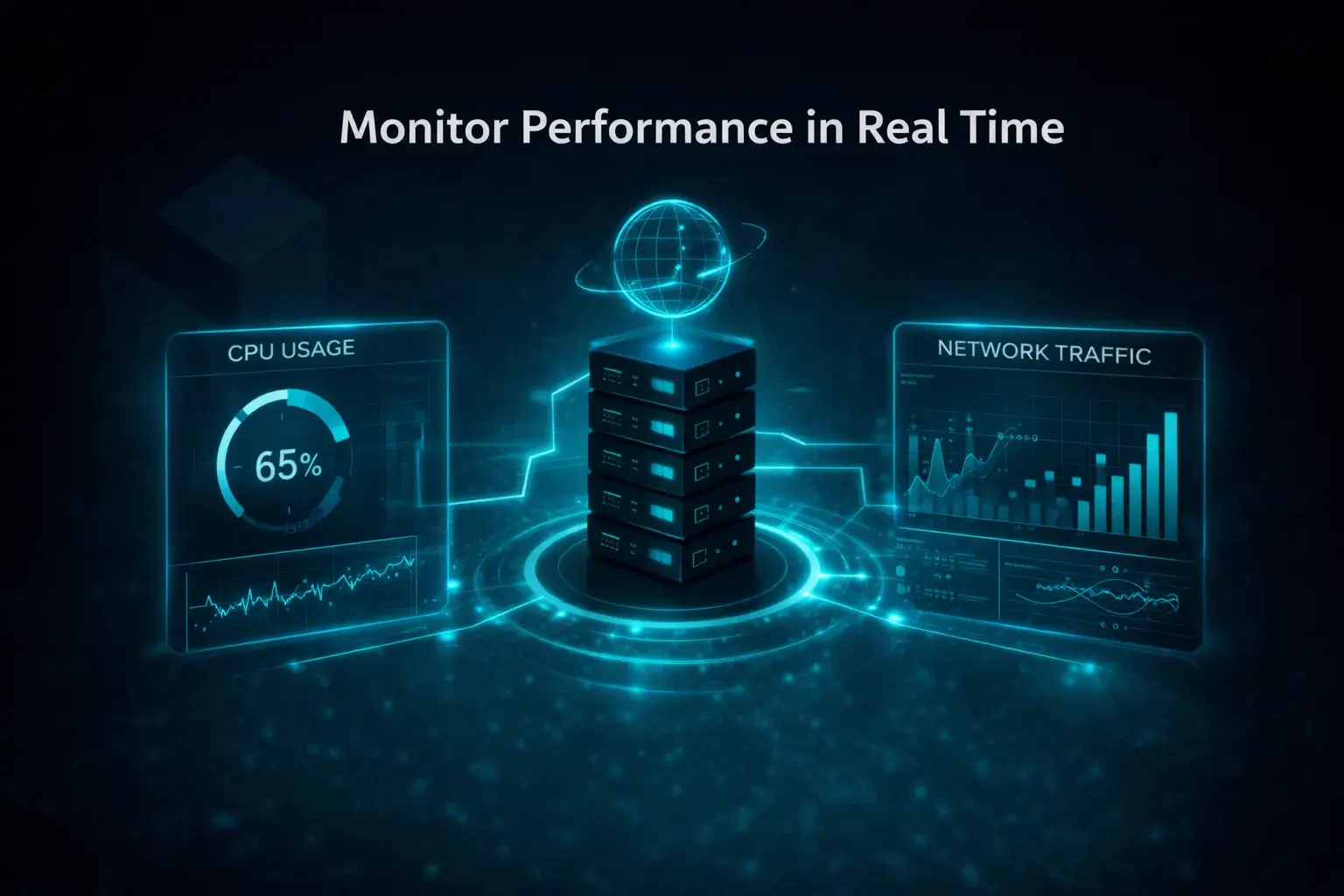
Monitor Performance in Real Time
Continuous server monitoring tools allow administrators to track system health, resource utilization, and traffic patterns in real time.
Monitoring tools can track metrics such as:
- CPU usage
- memory consumption
- disk performance
- network activity
Real time insights help teams respond quickly to unusual activity.
Plan for Unexpected Downtime
Even the most reliable infrastructure can experience disruptions.
Organizations should develop contingency plans that include:
- failover systems
- redundancy configurations
- rapid recovery procedures
Preparedness minimizes downtime and protects business operations.
Maintain Clear System Documentation
Proper documentation simplifies server management and troubleshooting.
Important documentation should include:
- server configurations
- network architecture
- installed software
- maintenance procedures
Clear records help IT teams quickly diagnose and resolve issues.
Optimize for Performance and Stability
Performance optimization ensures the server runs efficiently even under heavy workloads.
Optimization techniques include:
- database tuning
- caching mechanisms
- load balancing
- resource allocation adjustments
These practices enhance system stability and user experience.
Customize Your Server for Your Needs
One of the biggest advantages of a dedicated server is complete customization like the ability to deploy highly specialized environments using custom configurations, tailored operating systems, and specific control panel software.
Businesses can configure the environment according to their specific needs, including:
- operating system selection
- software stack
- security policies
- automation tools
Custom configurations allow organizations to maximize infrastructure efficiency.

How to Choose the Perfect Dedicated Server for Long Term Performance and Growth
Selecting the right infrastructure requires balancing performance, scalability, reliability, and cost. Businesses that carefully evaluate workloads, future growth, and hosting providers are more likely to achieve optimal results.
Operating system choice is also a key part of this decision. Linux distributions such as CentOS, Debian, and Ubuntu are commonly offered on dedicated servers, often at no additional cost, making them a flexible and cost effective option for many businesses. Commercial systems like Microsoft Windows Server are typically available through licensing agreements such as the Microsoft Services Provider License Agreement (SPLA), which can influence overall operational costs and deployment strategy. The operating system selected can significantly impact performance, security, and application compatibility, with Linux often preferred for its stability, flexibility, and efficiency in server environments.
Organizations looking for the best dedicated server should assess their requirements and compare provider capabilities before making a long term decision.
A well chosen dedicated server delivers key benefits:
- Predictable performance
- Enhanced security
- Greater customization
- Long term scalability
By choosing a server that matches operational needs, businesses can build a strong foundation for growth and innovation. The right infrastructure supports demanding applications, improves user experience, and strengthens competitive advantage in a technology driven market.
FAQs
- What is the difference between a cloud server and traditional hosting solutions? Virtualized infrastructure distributes computing resources across multiple systems, while traditional hosting solutions like shared servers divide fixed resources among users, which can often limit overall performance.
- Are dedicated servers good for online stores? Yes. Online stores benefit from powerful servers with dedicated storage space, better stability, and no resource competition with other users, ensuring smooth performance during high traffic.
- What does fully managed server administration include? A fully managed service handles complete server administration, including updates, security, and maintenance. It is ideal for businesses without in house system administrators, as the provider will also provide support.
- How does infrastructure virtualization work? Infrastructure virtualization uses a virtualization layer to divide hardware into virtual environments, allowing better use of all the resources while isolating workloads between users.
- What is outbound traffic in hosting? Outbound traffic is data sent from your server to users. On dedicated systems, it is managed more efficiently than on shared servers, helping improve overall performance.
Hosting plan Determining the best requirements for your hosting needs can be challenging. Whether you are looking at dedicated server hosting or perhaps going cloud, considering these factors before you choose your hosting provider could save you a lot of time and money in the long run.
Netrouting is here to help you make the right decision for your business needs. Ready to upgrade or need help with a hosting plan for your business? Get in touch with us today and we will be happy to help! Please contact us at sales@netrouting.com or +31 (0)88 270 02 00