Not only can it cost you more than upgrading to a dedicated virtual machine or vps hosting tier, it can also cost you in terms of your application's performance, your ability to manage your application, and in terms of engineering time. A virtual private server is the middle ground between hosting shared cloud instances and hosting on your own bare metal servers .
On a cloud-based dedicated server, you get a dedicated allocation of resources, fixed throughput, and full admin access to the box. But unlike a dedicated server, which you own outright and pay for fully up front, a virtualized dedicated server does not cost you fully up front to deploy.
Therefore, a isolated virtual server is the default hosting choice for production applications that have outgrown shared hosting, but which have not yet grown to the point where they require a fully dedicated server.
Blog contents
A dedicated virtual Server (VDS) is not equal to every other VDS. The quality of the network, the age of the server hardware, the support model, all of these can vary a great deal from host to host. And as soon as you start to load up multiple VMs with applications and users, these variations become very apparent, very quickly. In this article we'll take a look at the VDS virtual environment and explore the underlying infrastructure of this type of server.
We'll also explore where VDS's dedicated computing power makes them particularly powerful compared to other server types, and where they fall short. Use this as a guide to decide whether vps hosting or another tier is right for your workload, matching your needs to the right vps or server solution.
What Is a Virtual Private Server or Virtual Dedicated Server?
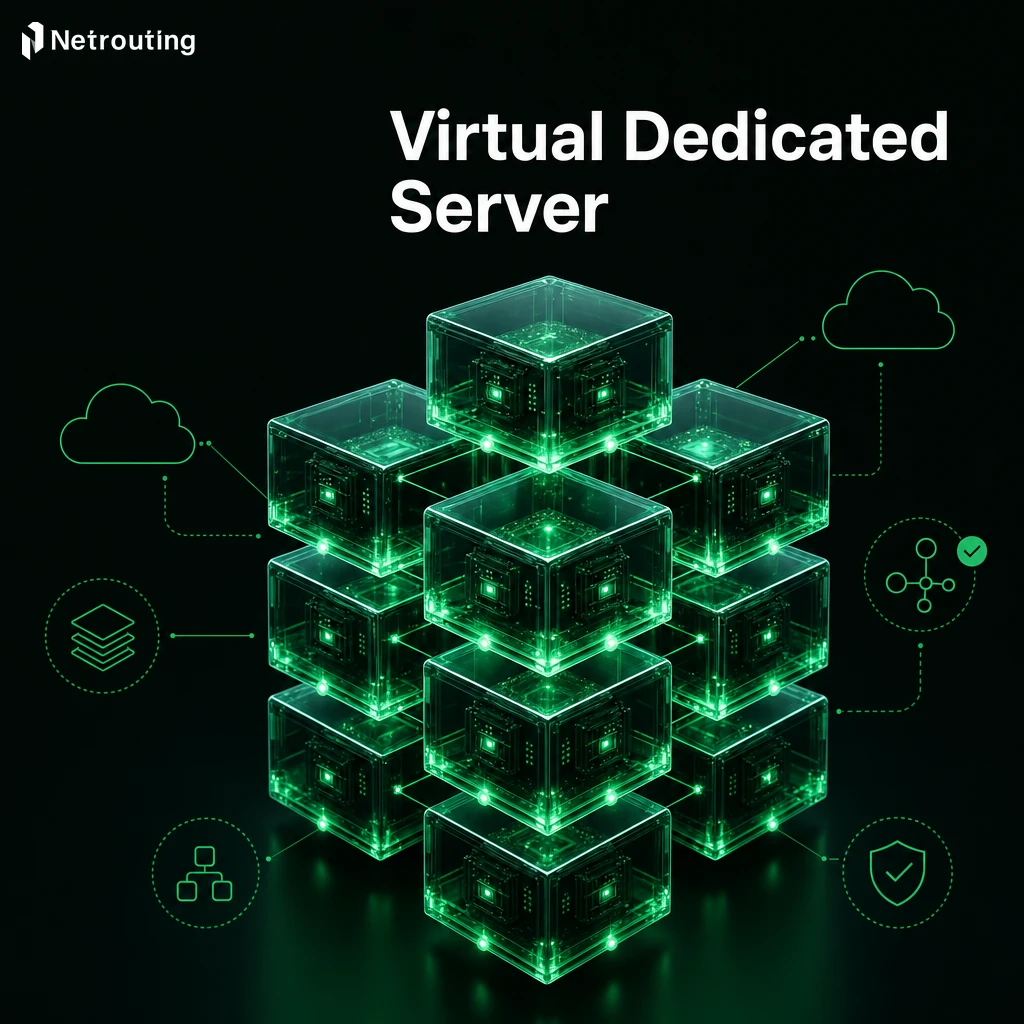
A Virtual Dedicated Server (VDS) is a virtual server created from a physical server (or “server node”, running specialized software called a hypervisor). Unlike a typical “shared server” that is split between many users, each VDS is guaranteed a fixed amount of Server Resources (ie. processing power, RAM, storage space) completely isolated from all other users on that server node. This dedicated allocation ensures that your workload receives all the resources it was provisioned with, regardless of activity on neighboring virtual environments.
Dedicated Resources, Reserved for You
A hypervisor, such as vSphere, allows a hosting provider to partition a physical machine into separate environments or virtual machines (VMs) on the same physical hardware. Each VPS instance partition of the physical machine has a set number of virtual CPUs (vCPUs), amount of RAM. Additionally, Size of virtual disk storage that is not shared with other VMs, ensuring consistent levels of performance between applications running on separate virtual machines on the same physical server.
Each dedicated vcpu is mapped to a physical processor thread, providing predictable compute performance for your applications. The hypervisor abstracts the underlying hardware, allowing each virtual machine vm to operate independently with its own kernel and system libraries. Popular hypervisor platforms include KVM, Xen, Hyper-V, and vmware esxi, each offering different feature sets and performance characteristics for enterprise virtualization deployments.
How It Differs from Shared Web Hosting Services
Most shared hosting environments are configured in such a way that all accounts reside on the very same server, thus competing for the exact same finite resources. A VDS on the other hand allocates a reserved portion of server resources to you, essentially behaving like a dedicated server, yet virtually provisioned.
Understanding the virtualization layer that sits between your VDS and the server's physical hardware clearly illustrates the cause of consistent performance differences between VDS and multi-tenant hosting environments.
Virtual Private Server vs VDS vs Physical Dedicated Server
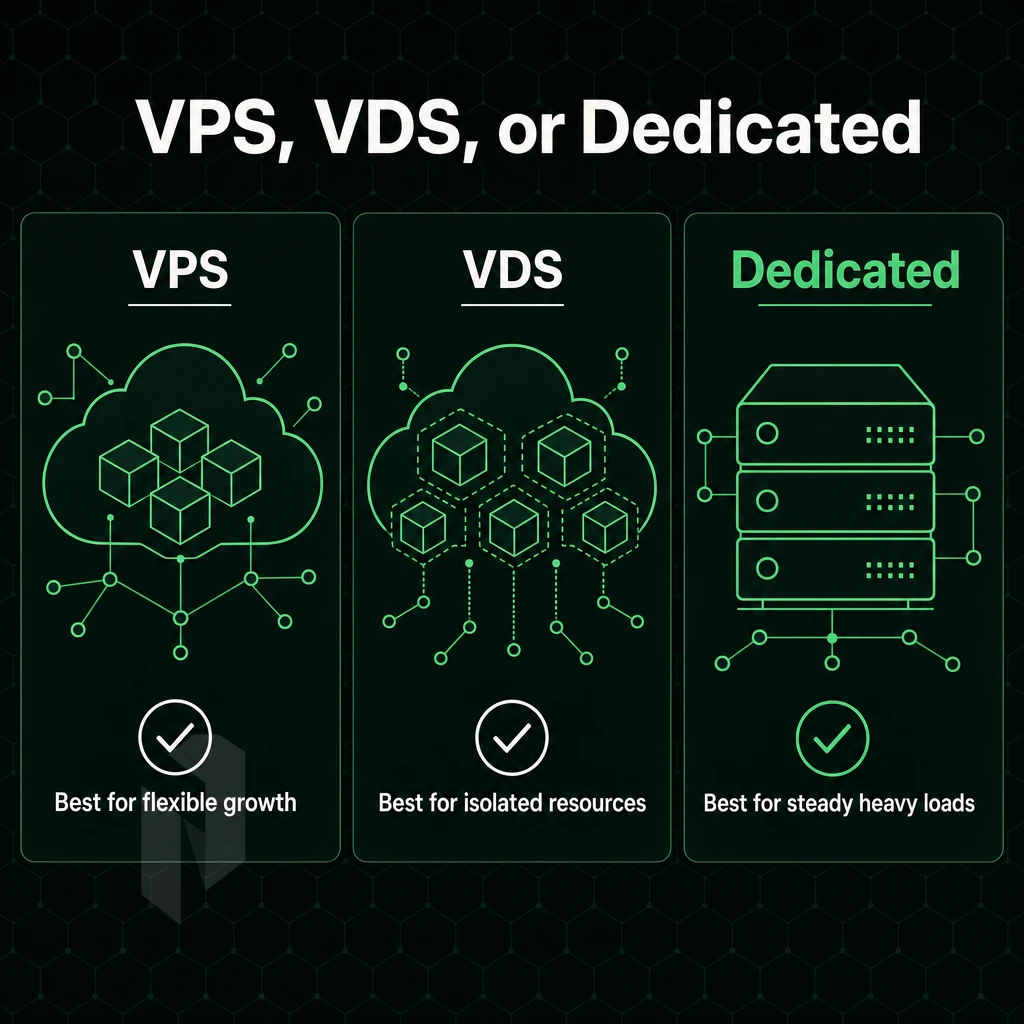
Between shared hosting and a physical server there are three tiers of hosting that each have their own unique features and there is a broad range of options for different workloads and budgets within this range. Avoiding the situation of overpaying for a more server for a given workload. Organizations evaluating dedicated hosting should assess whether they need the full isolation of bare metal or can achieve their goals with virtualized tiers that offer reserved resource guarantees.
Understanding the key differences between these tiers helps organizations match their performance requirements and budget constraints to the most appropriate hosting solution. Selecting the right tier of web hosting requires evaluating not only current traffic patterns but also anticipated growth trajectories over the next 12 to 24 months. Evaluating cost efficiency across these tiers enables teams to balance resource guarantees against monthly expenditure, ensuring optimal value for their specific workload profile. Scalability considerations also play a crucial role, as some tiers allow seamless vertical resource expansion while others require migration to accommodate growth.
Key Differences in Resource Isolation
A VPS runs on a single server (physical) and is provisioned with burstable / shared resources, so noisy-neighbour risk exists. A virtual isolated Server is provisioned with reserved resources on the same server as other tenants, other tenants cannot ‘hijack’ your CPU or RAM. A Physical bare-metal server is provisioned with an entire physical server, zero sharing, 100% isolation.
Greater Control Over Cost Effectiveness
Starting to host, the cheapest form of dedicated hosting is VPS. VDS is in the middle, because you get to have full dedicated resources to yourself, without paying for sole tenancy. dedicated host hosting is the most expensive of the three, but it has the advantage of removing all of the trade-offs of hosting on shared resources.
VDS strikes a balance by delivering dedicated resources at a price point that remains cost effective for growing businesses. Organizations prioritizing cost efficiency often find VDS hosting delivers the optimal balance between performance guarantees and monthly expenditure.
VDS vs VPS vs Dedicated Physical Server Comparison
| Factor | VPS | VDS | Dedicated Server |
|---|---|---|---|
| Resource allocation | Shared, burstable | Reserved, isolated | Entire server, exclusive |
| Performance consistency | Variable | Consistent | Maximum |
| Disk space | Shared pool | Dedicated allocation | Full drive capacity |
| Root access | Yes | Yes | Yes |
| Scalability | Easy, instant | Moderate | Requires migration |
| Management level | Self or managed | Self or managed | Self or managed |
Note: A VDS still runs on one physical server alongside other VDS instances. If that lone host machine fails, all instances sharing its hardware resources are affected, so factor this into your redundancy planning. High availability architectures typically distribute workloads across multiple nodes rather than relying on a single machine to eliminate this point of failure.
Netrouting offers bare metal dedicated servers in 10 locations worldwide and will provision within 60 minutes. All servers have always-on DDoS protection included. In contrast to VDS servers, we ask the question what level of control and security a user needs over his allocated resources and workload.
Frequently Asked Questions
How Does VPS Hosting Differ From a Dedicated Server With Its Own Operating System?
A partitioned virtual server allocates a fixed, guaranteed slice of physical resources, CPU cores, RAM, and storage, exclusively to your workload. A standard VPS runs on shared hardware where resources are pooled, meaning neighbours can affect your performance. The key distinction is resource isolation: the virtualization technology powering vps servers enforces hard limits so you always get what you pay for.
Does a Virtual Dedicated Server share the same operating system and physical server as a VPS?
The difference is in how resources are allocated. A VPS typically oversells capacity across tenants. A private cloud server gives you complete control over dedicated resource allocation, closer in behaviour to bare metal, delivered via virtualisation. This architecture provides greater control over how compute and memory are provisioned, making it ideal for workloads requiring predictable performance guarantees.
Do I Get Root Access on a Virtual Machine Dedicated Server?
Yes, full administrative superuser access is standard. You control the dedicated memory, OS, software stack, kernel parameters, and firewall rules without restriction. This makes virtual private server hosting suitable for custom application environments, security-hardened configurations, and workloads that require low-level system control. This level of control extends to installing custom software packages, compilers, and runtime environments that may be restricted or unavailable in managed hosting tiers. Administrators can schedule maintenance windows and apply security patches through software updates without requiring provider approval or coordination. This autonomy simplifies managing complex deployments where specific library versions or kernel modules are required for compliance or application compatibility.
Can I Run Windows Server on a Virtual Machine Dedicated Server?
Yes, most virtualisation platforms support Microsoft Windows Server as a guest OS alongside Linux distributions. Confirm Windows licensing terms with your provider before deployment on a single physical server, as licensing models vary between bring-your-own-licence and provider-supplied options.
When Should I Choose a Physical Dedicated Server Over a Virtual One?
In today's hosting landscape, choose bare metal when your workload demands direct hardware access, maximum single-thread CPU performance, or consistent I/O without any hypervisor overhead. High-frequency trading, real-time data processing, and GPU compute workloads are strong candidates. Netrouting provisions bare metal servers on the same physical machine infrastructure in under 60 minutes, with unmetered 10 Gbps connectivity, making the switch straightforward when your requirements outgrow virtualisation. Workloads requiring maximum performance benefit from eliminating virtualization overhead entirely, as bare metal delivers direct CPU instruction execution without translation layers.
How Does Dedicated Hosting on a Virtual Dedicated Server Compare to Shared Hosting Security?
Security is fundamentally stronger. Your environment is fully isolated, other tenants cannot access your filesystem, processes, or network interfaces. You control firewall rules, user permissions, and OS hardening. traditional multi-tenant hosting, by contrast, runs multiple customers on the same OS instance, creating a much larger attack surface than dedicated hosting and limiting your ability to enforce custom security policies. Managing firewall configurations, patch schedules, and intrusion detection systems becomes straightforward when you have complete administrative control over the environment.
Can I Scale Resources on Virtual Servers Without Downtime?
Many modern virtualisation stacks used by multiple users support hot-adding CPU and RAM without a reboot, though storage expansion often requires a brief restart or partition resize. For workloads where zero-downtime scaling is critical, confirm that your server environment's exclusive resources support hot-resize with your provider before committing to a configuration. This flexibility in resource adjustment makes VDS hosting an attractive option for businesses that prioritize scalability without the complexity of migrating to new infrastructure. Managing resource allocation becomes simpler when your hosting tier supports dynamic adjustment, allowing teams to respond to demand spikes without lengthy provisioning cycles.
A virtual segmented Server is positioned in the middle ground of servers. With a cloud-hosted bare-metal machine you get to have guaranteed resources, as well as root-level access, without having to spend an arm and a leg, or wait for additional hardware to arrive. Unlike a typical VPS where you’re fighting with your neighbor for CPU and RAM, a dedicated isolated Server is ‘dedicated’.
I.e. whatever resources have been allocated to you are all yours to use as you wish. A virtualized isolated Server running its own operating system is ideal for production, for compliance based applications, as well as any other application that needs to rely on the server to perform consistently. Managing resource allocation, monitoring system health, and configuring application stacks become straightforward tasks when you have guaranteed compute and memory exclusively assigned to your environment.
This class of use cases (web applications, game servers, development environments, VPNs. Full list of use cases for which virtual servers like a VDS are suitable) all have in common one fundamental characteristic: the risk introduced by shared resources on a server. Versus the total cost of a full bare-metal server that you don’t need right now.
Netrouting deploys bare metal and virtual infrastructure across ten locations in Europe, North America, and Asia, with unmetered 10 Gbps connectivity and always-on DDoS protection included. Talk to the team to find the right configuration for your workload.