

A wrong choice of a dedicated server hosting service can cost more than just money, it can also cost performance, reliability and lots of time and efforts of your engineers.
A good hosting service offers a hosting package that matches your server’s hardware, your server’s network capabilities as well as the level of service you need for your specific load.
This guide will attempt to cut through the corporate blurb and tell you what really matters when it comes to buying enterprise IT packages.
Blog contents
We’ll also take a look at the key hardware specifications that matter to typical working practices, how network architecture can affect real-world performance and highlight some of the managed services that are worth paying for.
The framework outlined here will apply whether you’re looking to migrate from shared hosting, upgrading from older on-site hardware, or simply comparing bare metal to cloud compute. The end goal is to make a decision that you can justify to colleagues and to budget. So let’s start with the basics of what you get from a dedicated server hosting package and what it includes.
What Are Dedicated Server Hosting Plans and Packages?
A dedicated server hosting package is a combination of a physical server, a connection to the network, an operating system and support, offered to you on a monthly basis. You have complete and sole use of 100% of all resources on the server, there are no other users on the server (neighbors) to cause any contention for using resources. This exclusive allocation means all the resources work solely for your applications, eliminating performance degradation from neighboring accounts.
What Dedicated Hosting Actually Includes
Our server packages offer a combination of 3 characteristics: hardware, bandwidth and management level. Unmetered bandwidth on dedicated servers is generally provided at 10 Gbps, with higher bandwidth possible on specific servers to serve extremely high bandwidth workloads.
The other variable to consider when choosing a dedicated server is the management level. Unmanaged dedicated servers are sold with full root access and you are completely responsible for the server. Managed dedicated servers add OS patches, security tweaks and monitoring to your unmanaged dedicated server. We manage the infrastructure portion while you manage your applications.
With unmanaged plans, you gain the flexibility to configure server settings according to your specific application requirements and security protocols. Unmanaged servers typically provide ssh access through standard port 22, allowing administrators to execute commands and configure services directly from the command line.
Dedicated Server Hosting vs. Shared and VPS Environments
Shared hosting puts many tenants on one server, with all sites competing for CPU cycles and RAM. A sudden spike in traffic on one account affects all other accounts sharing that same server.
A VPS server uses virtual slices on shared servers and thus improves performance compared to a shared server.
High-traffic online stores, latency-sensitive APIs and other workloads that require special treatment for compliance reasons all grow beyond shared hosting very quickly. A dedicated server can also be much faster because there are no noisy neighbors.
Choosing Between Dedicated Server Hosting Options
Packages vary across three dimensions:
- Hardware tier, processor generation, core count, RAM and I/O disk configuration.
- Network allocation (e.g. number and speed of ports, total bandwidth and level of DDoS protection).
- Management level (unmanaged, managed, fully managed with control-panel licensing).
Most dedicated web hosting plans scale with your usage, and include similar sets of hardware and software that you can review before choosing a plan. At Netrouting, for example, we offer unmanaged bare metal dedicated servers at 10 locations in Europe, North America, and Asia, and we typically deploy within 1 hour. Our standard provisioning time is typically one hour, though complex custom configurations may require two to four hours depending on specific requirements.
Core Components Inside Every Dedicated Hosting Plan

Each dedicated hosting plan comes with a fixed set of dedicated resources in the form of hardware and/or software components, and it is very important to know what you get with each plan so you can select the most suitable package for your needs before committing to it. Many plans also bundle security features such as DDoS protection and a free ssl certificate to help secure communications between your server and end users.
Processor, RAM, Storage, and Operating Systems
The CPU is the brain of the server. Our Enterprise grade Dedicated Servers run on Intel Xeon or AMD EPYC processors, delivering exceptional processing power through multiple cores and high clock speeds to handle demanding workloads and concurrent user requests efficiently.
Storage affects both performance and capacity requirements. Choosing NVMe SSDs over traditional spinning disks delivers maximum performance for database-intensive and high-throughput workloads. When evaluating specifications, ensure your plan allocates sufficient cpu ram and storage to handle peak workloads without bottlenecks that degrade application responsiveness.
Dedicated IP Addresses, Bandwidth, and Network
Dedicated IP addresses (static) are included with every plan, along with metered or unmetered bandwidth. Our dedicated servers come with unlimited 10 Gbps bandwidth, up to 40 Gbps for extremely high traffic, so you avoid unexpected overage charges and keep latency constant even during traffic peaks.
Windows Game Servers, Dedicated Servers, and Control Panel Options
The choice of Operating System typically influences the choice of how you provision your workloads. The majority of our workloads run on Linux distributions such as Ubuntu, Debian, CentOS and Rocky Linux. Windows Servers are typically used to host.NET stacks, Active Directory and legacy enterprise applications. Linux distributions are particularly favored for their flexibility in deploying custom environments tailored to specific application requirements.
Many organizations leverage these distributions to build custom setups that optimize performance for containerized workloads or specialized database configurations. Organizations running Microsoft-based infrastructure often choose windows servers to maintain compatibility with existing enterprise software ecosystems and centralized authentication systems.
Most hosting providers layer a control panel such as DirectAdmin or cPanel on top of your chosen OS for hosting services, giving non-technical staff an interface to administer server(s) on their behalf.
Finally, there’s the management level.
Managed vs Unmanaged Dedicated Hosting Plans Compared
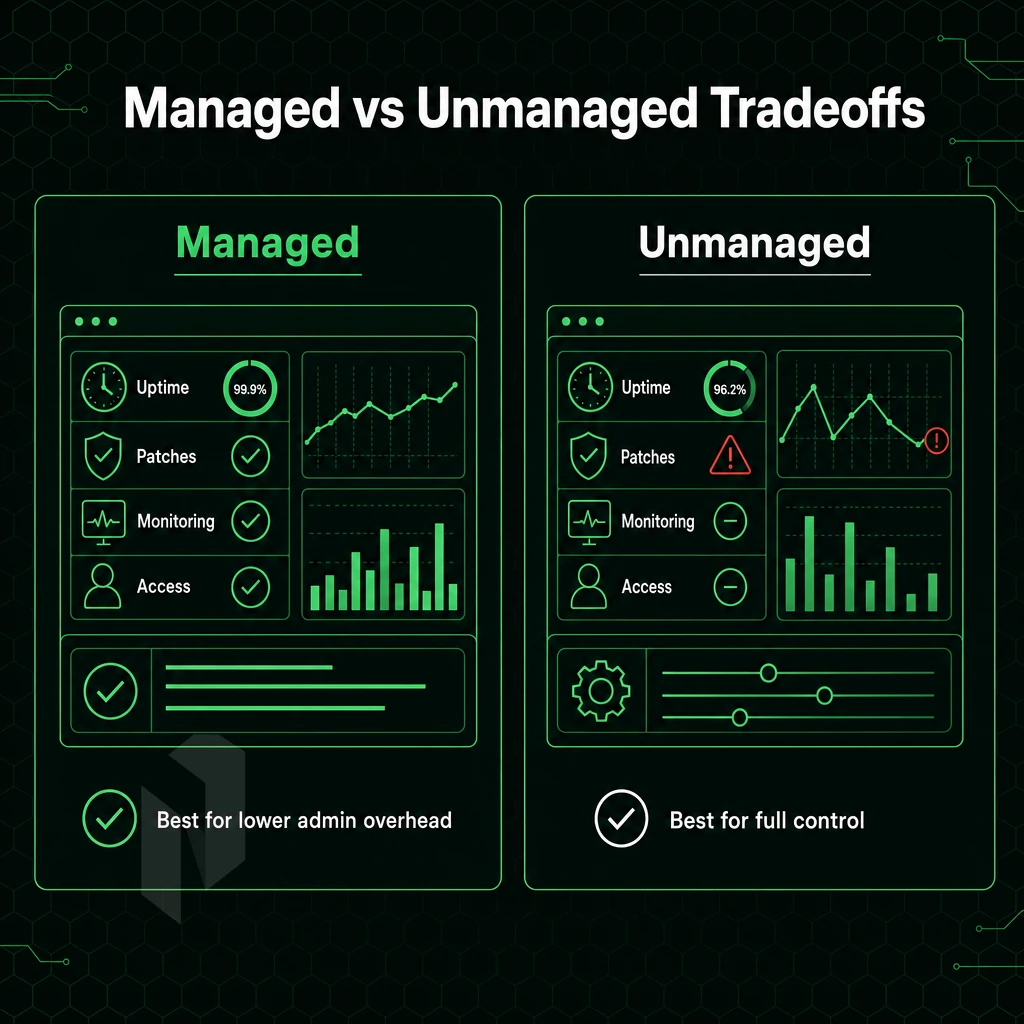
Managed vs unmanaged dedicated servers, one of the key decisions to take when looking at hosting plans for dedicated servers. The choice really depends on the level of technical expertise within your team, and how much of the server’s operational depth you wish to manage.
Top Unmanaged Dedicated Hosting Services and Providers
- Assess your in-house capability. Unmanaged servers give you full root access and full control over the OS, software stack and security configuration. This environment will need to be unmanaged on a daily basis by a qualified system administrator.
- Customizable dedicated servers allow you to choose the hardware configuration best suited for your needs. In addition to custom servers, our typical configurations of dedicated servers (such as the VERT and VOS cases shown below) provide sufficient resources for most environments not to require custom hosting of this nature. However, Do offer greater flexibility than typical web hosting services for environments that need to be configured in unusual ways to function correctly for their owners/teams.
- Plan your patching and monitoring cadence. Without managed support, the responsibility for OS updates, vulnerability patching and monitoring for up-time will fall on your head. Budget time and tools to achieve this before you deploy.
Note: Skipping a documented patching schedule on an unmanaged server is the most common cause of preventable security incidents. Build the process before you need it.
Managed Dedicated Hosting Plans for Your Business
- Pick a managed tier that fits your stack. A managed hosting service will take care of OS upgrades, security hardening and monitoring for you. You will still have full control over your servers and your applications. We just manage the operational layer for you.
- For customers who run client accounts, you can add a control panel to the server. Managed control-panel servers for hosting operators are available with cPanel/WHM or DirectAdmin. All licensing, updates and security are included.
- Managed Proxmox VE for multi-tenant workloads. If you run multiple VMs or containers on dedicated hardware, we take care of setting up the cluster as well as patching and configuring the backup for you. You run your virtual machines, we run the hypervisor.
Matching the Plan to Your Team
Dedicated hosting services are offered on a spectrum. At one end are unmanaged dedicated hosting services designed for customers with strong sysadmin capabilities who require complete control over the server.
The underlying hardware and network infrastructure remains the same for both types of dedicated hosting services. In the following section we compare the hardware used with dedicated hosting to the hardware used with shared and virtual hosting services that you may be migrating from.
How Dedicated Hosting Plans Compare to VPS and Shared Hosting
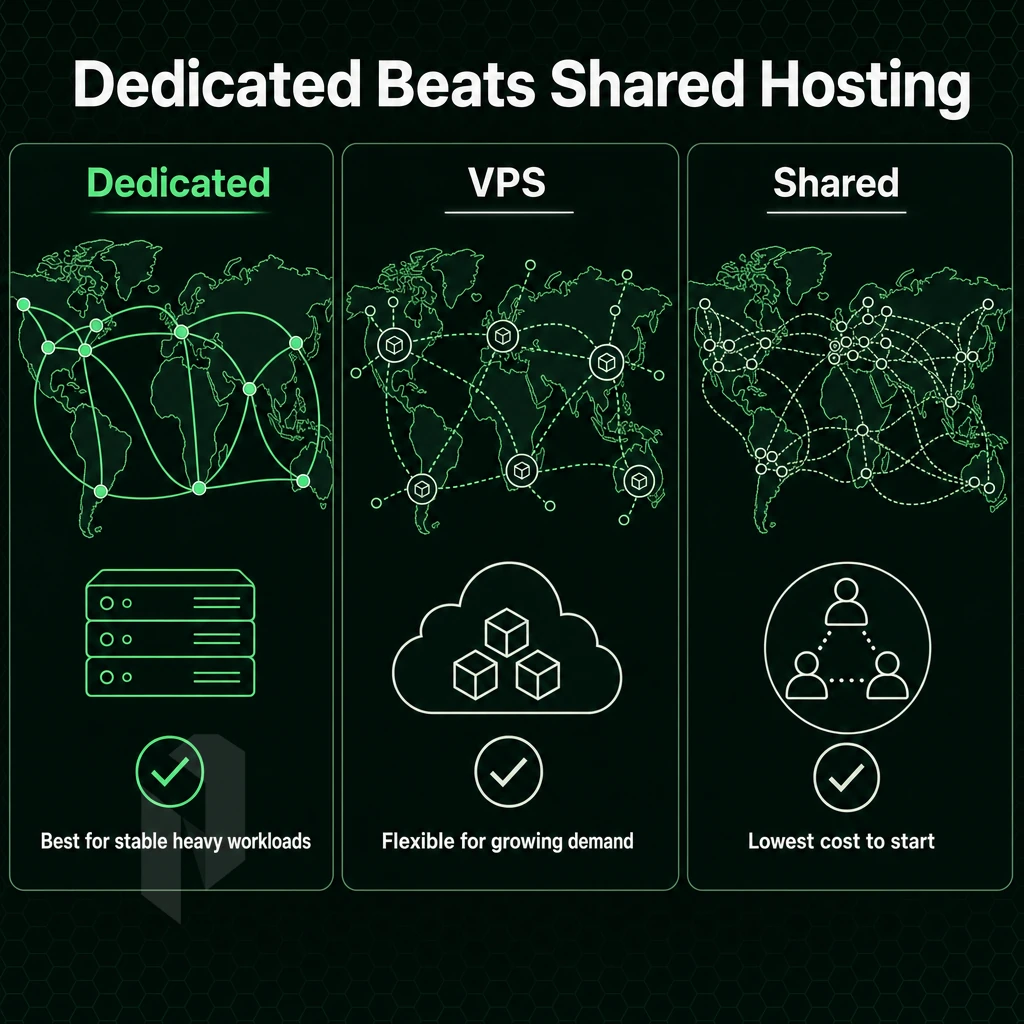
When choosing between shared, virtual and dedicated hosting the upstream decision has a huge impact on subsequent decisions regarding performance, flexibility, cost and scalability. It’s important to first clarify how each type of hosting platform uses the hardware in a data center.
How Resource Sharing Works
When accounts are on shared servers running on physical boxes there can be dozens or even hundreds of accounts on the one server. Each hosting account is competing for CPU, RAM and disk I/O on the same shared pool. When one account peaks at 100% CPU it affects all other accounts on the same server, a well known noisy-neighbor problem.
VPS hosting also uses a hypervisor to carve up a physical server into virtual servers.
Dedicated Hardware: Full Isolation
A dedicated server gives you a full physical server, without a hypervisor. No sharing with other tenants, and the CPU Cycles, RAM MB, and I/O requests all are dedicated to your workloads. There’s no noisy-neighbor risk here, only at the software level.
complete root access on a server means you have full control of the Operating System, kernel parameters, network stack and security. You can run Windows or any other Linux distribution. You can tune the TCP buffers, add custom kernel modules and set up hardware RAID setups. This is all not possible with a standard cloud server or a shared web hosting account.
When Dedicated Infrastructure Is the Right Call
From high traffic websites, game servers, video streaming services to AI/ML inference workloads, all these use cases are heavily impacted by resource contention. To deliver consistent performance at peak time, they require guaranteed and consistent hardware access as opposed to sharing resources in best effort virtualized environments.
Several websites may run fine on shared hosting at low traffic volumes. The moment one high traffic site needs to scale, shared hosting breaks. Dedicated hosting scales up vertically without having to throw you out or negotiate new hosting prices with the provider.
| Dimension | Shared Hosting | VPS | Dedicated Server |
|---|---|---|---|
| Resource isolation | None | Partial (hypervisor) | Complete |
| Performance consistency | Low | Medium | High |
| Root access | No | Yes | Yes |
| Noisy-neighbor risk | High | Low-medium | None |
| Typical use case | Low-traffic sites | Dev, staging, SMB apps | Gaming, streaming, AI/ML |
| Cost tier | Lowest | Mid | Higher, predictable TCO |
Their bare metal solutions deploy within 60 minutes across 10 locations in Europe, North America, and Asia. Once you've decided dedicated hosting is right for you, it helps to understand how the market's different tiers are structured.
Choose the right kind of server.
Not every workload needs the same machine. Pick the starting point that fits yours.
Compare configurations, not just rack space.
Start with a dedicated server when provider-owned hardware is the better fit. Compare CPU, memory, storage and network needs.
Start the conversation with
- Compute
- CPU and memory
- Storage
- Capacity and workload
- Network
- Port and traffic needs
Start with a VM. Scale it when needed.
Use cloud compute for workloads that do not need a full machine. Compare vCPU, memory and storage per plan.
Start the conversation with
- Compute
- vCPU and memory
- Storage
- Disk size
- Location
- Preferred region
Bring the servers. Choose the location.
Compare colocation for the equipment you already own. Start with footprint, power and the markets you need to reach.
Start the conversation with
- Equipment
- Rack footprint
- Power
- Expected draw
- Network
- Port and traffic needs
Dedicated Server Plans: InMotion Hosting vs How Competitors Structure Packages
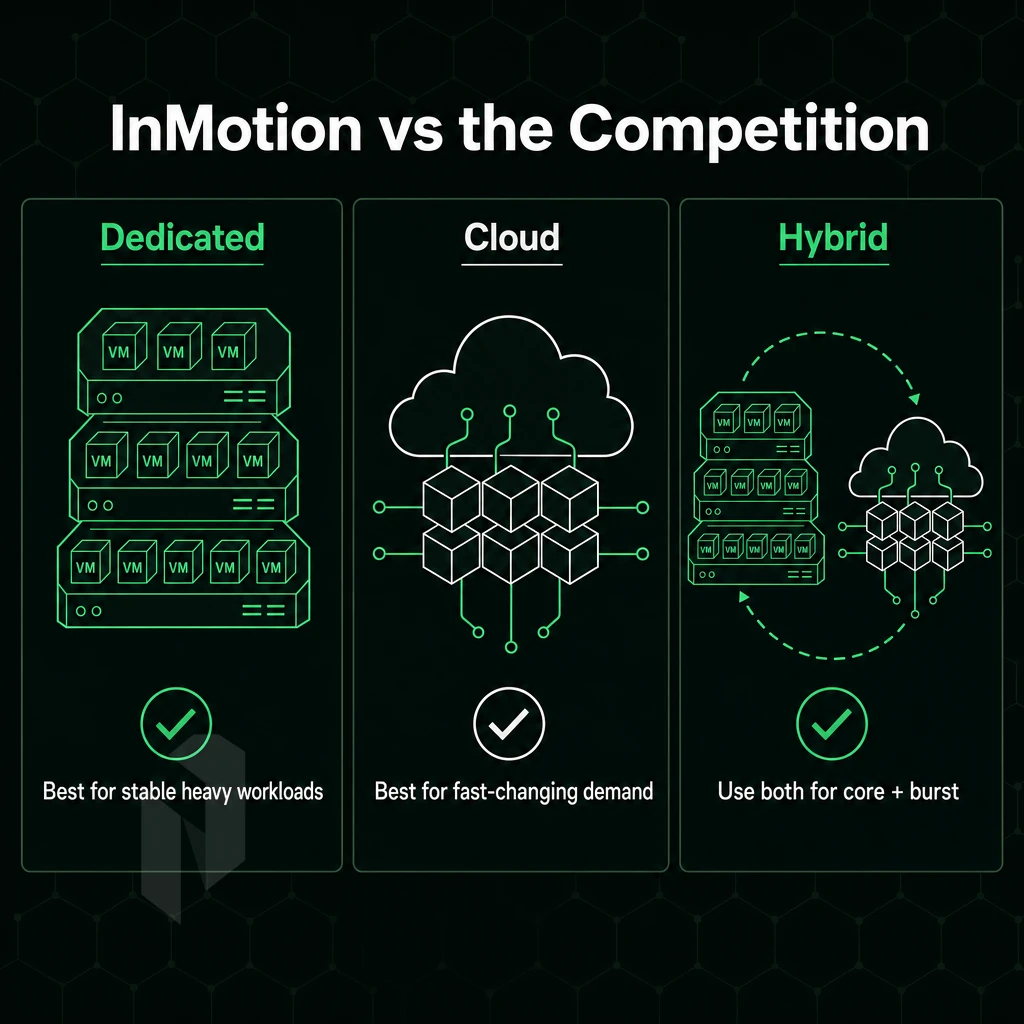
The different hosting packages offered by dedicated server hosting providers can vary widely. Reviewing how a host packages their tiers of service can help you determine your needs better to avoid paying for unnecessarily excess resources.
InMotion Hosting and the Entry-Level Tier
InMotion Hosting is one of the more common examples found in dedicated server Search Engine Results Pages (SERPs) for the entry-level single-socket plans. These types of plans typically offer up a single processor and modest amounts of RAM and storage. Making them suitable for smaller businesses that have outgrown shared hosting and are looking for something with a little more oomph than a single-processor server can provide.
Entry-level dedicated infrastructure usually includes:
- Single-socket Intel Xeon or comparable CPU.
- 32-64 GB RAM.
- One or two drives with basic RAID.
- Metered or capped bandwidth.
Mid-Range to High-Density: Dedicated IP and Storage Tiers
Up the server stack a tier, mid-range server hosting plans are typically offered with dual-socket servers with increased amounts of RAM, and additional hard drive spaces. With these types of plans a dedicated IP allocation is often included, sometimes even a dedicated IP block, which allows for more flexibility with server configurations.
High-density configurations include NVMe arrays, more than 10 drive bays, and unmetered bandwidth. High-throughput applications such as video streaming or large-scale data transfer benefit from unmetered bandwidth because it carries no per-GB charges.
At the top of the stack are GPU servers.
Optional Managed Services and Server Management Settings
Most tiers include managed add-ons such as OS patching, monitoring and control panel licensing. This allows customers to run their servers as they wish but have administration of add-ons taken care of by the cloud provider.
Netrouting offers hosting solutions ranging from entry-level bare metal servers to powerful GPU servers.
Choosing the Right Dedicated Server Package for Your Workload
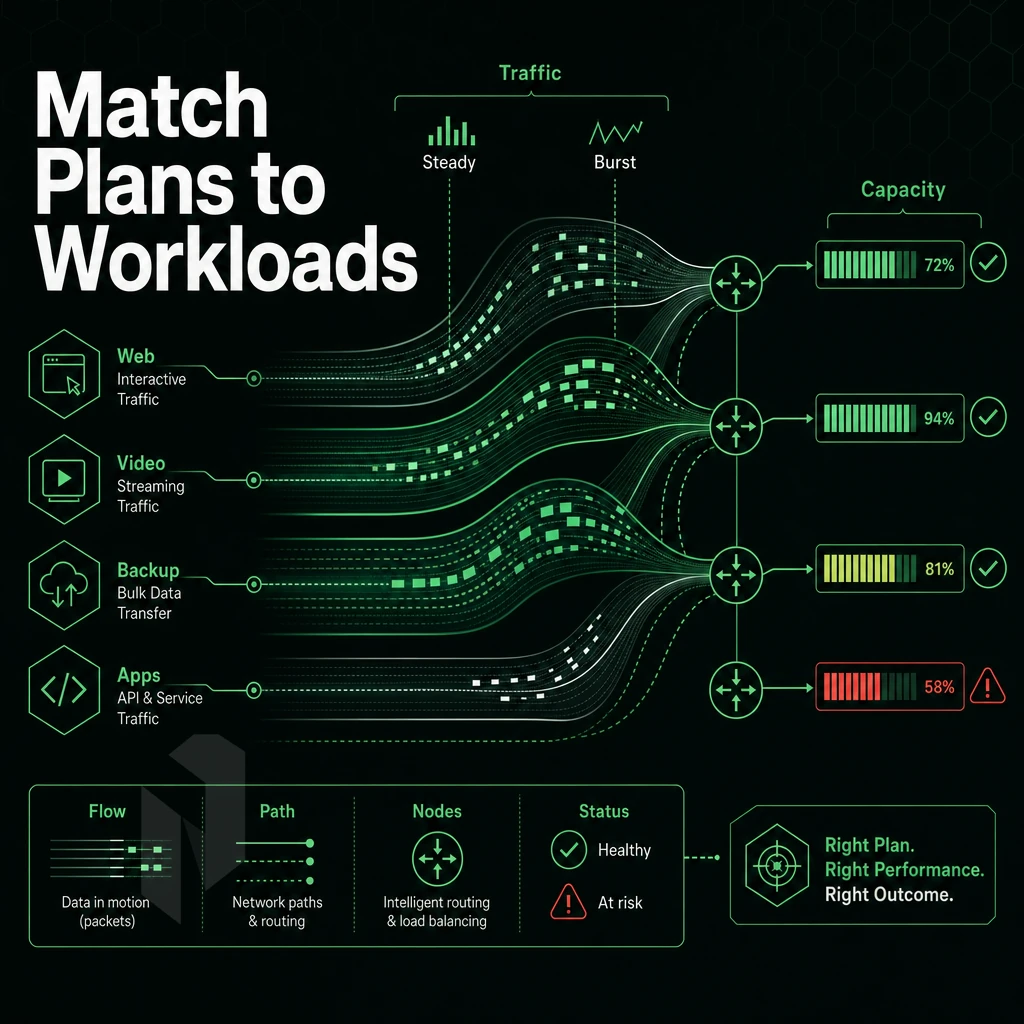
Workloads vary widely from one another, and there is no one-size-fits-all server. When selecting a dedicated server hosting package, ensure that the configuration of CPU, memory, storage, and bandwidth meets your actual needs. This article outlines a framework for selecting the optimal server.
CPU RAM and Storage: Matching Computing Power to the Workload
For latency sensitive workloads such as web hosting and game servers, clock speed is far more important than core count. For AI inference and database workloads, many cores are more important than high clock speed.
RAM thresholds for workloads are primarily a function of workload type. Running virtual servers on bare metal (i.e. no sharing of resources with other tenants) requires headroom, so we recommend 16 GB + of RAM per VM instance.
Storage choice is binary here.
Bandwidth: Unmetered vs. Metered
Bandwidth from video streaming and high performance servers for CDN offload is consumed 24/7. With Netrouting’s dedicated servers you get unmetered 10 Gbps bandwidth as standard and this can even be scaled up to 40 Gbps. If you have batch workloads with low and predictable traffic in the low volume of traffic then you can use a metered pool.
Location and Server Management Level
Where you host in relation to your end users is critical to low latency. We have a large global network, spread across 10 locations including Amsterdam, Frankfurt, The Hague, Rotterdam, Stockholm and Bucharest for Europe, and Miami and New York for the Americas.
The variable Management level is last to be covered. Self-managed is suitable for teams with Linux expertise. Managed server management (patching, monitoring, hardening) is suitable for leaner organizations that need stable operations without a dedicated ops team.
| Workload | CPU Priority | Min. RAM | Storage | Bandwidth |
|---|---|---|---|---|
| Web hosting | High clock speed | 32 GB | NVMe SSD | Metered or unmetered |
| Database | High core count | 128 GB+ | NVMe SSD | Metered |
| Video streaming | Balanced | 64 GB | Large HDD array | Unmetered 10 Gbps+ |
| AI inference | High core count + GPU | 256 GB+ | NVMe SSD | Unmetered |
While hardware and location are key to your business, the network connecting your hardware to your users is equally important and the aspect that most buyers evaluate last.
Network Quality Inside Dedicated Server Hosting Packages
When you compare dedicated server plans, hardware specs are usually listed first, but the network behind the hardware matters more, since it determines whether your server delivers great service or crashes under real load. Here's what to check.
Evaluate Public Network Capacity and Upstreams
- Check total network capacity. Our global network runs at 2.4 Tbps+ with the majority of connections operating at 100 Gbps or above. The corresponding headroom is important during peak traffic.
- Verifying Tier 1 upstream diversity. One upstream is a single point of failure. Verify whether your provider peers at major exchanges. Dense IX peering at AMS-IX, DE-CIX, FL-IX and NetNod significantly reduces latency and prevents transit bottlenecks.
- Monitor port utilization and maintain it below 40% (with a buffer). This ensures that the dedicated hardware is running sufficiently predictably even at peak hours, not just in a lab environment.
Note: A web host promises unmetered bandwidth but buries a fair-use clause. Read the terms. Unmetered 10 Gbps with no hidden cap is meaningfully different from a shared pipe labeled "unlimited."
Dedicated Web Hosting Network Controls
- Find out what port sizes are offered. Basic web hosting often limits ports to 1 Gbps. High-load sites like streaming, gaming and software as a service are typically offered with 10 Gbps unmetered as a standard, 40 Gbps on request.
- Use the free private interconnect. We provide a free private network up to 40 Gbps for interconnects between your dedicated servers. This keeps the inter-server traffic off the public network for lower latency and costs.
- BGP and BYOIP enabled for advanced operators. Run your full BGP table over our AS6206 backbone, and bring your own IPv4 blocks to have the routing control that shared environments can’t deliver.
Verify DDoS Protection and Support
- Can you please confirm that L3/L4 protection is always active for all of your services? L3/L4 DDoS protection is enabled by default for all of our customers and no additional configuration is required. Our scrubbing capacity exceeds 1 Tbps.
- L7 mitigation for high risk workloads, Application layer attacks bypass network layer filters. L7 advanced mitigation includes granular custom policies on top of basic functionality and is used for very mission critical deployments.
- Check the quality of the customer service. 24/7 NOC with 1 hour guarantee for processing tickets means that network failures are solved in time, not put off until business hours.
After evaluating hardware, workload, and network quality, the key question is whether one or several providers can deliver all of these consistently at scale.
Why Choose Netrouting for Dedicated Server Hosting Packages
Not every dedicated server hosting provider is built the same. Netrouting delivers dedicated server hosting backed by real infrastructure, not resold capacity, not shared resources, not virtual machines dressed up as bare metal.
- Provisioned in under 60 minutes. Our dedicated servers go live fast. No two-to-four-hour waits, no manual queues. Dedicated hardware is ready when you need it.
- Unmetered 10 Gbps standard, up to 40 Gbps available. Unmetered bandwidth on every dedicated server hosting plan. High traffic websites and game servers get the throughput they demand, consistently.
- AMD EPYC and Intel Xeon platforms. Dell and Supermicro hardware with up to 2 TB RAM and 24 drives. Customizable dedicated servers built for demanding workloads, including AI/ML with GPU options and Managed Proxmox VE for virtualization.
- Always-on DDoS protection included. L3/L4 mitigation ships with every dedicated hosting plan. No add-on fees, no configuration required.
- 10 global locations. Amsterdam, Frankfurt, The Hague, Stockholm, Rotterdam, Bucharest, Miami, New York, Hong Kong, and Singapore, all on our own AS6206 backbone with 2.4 Tbps+ capacity.
- ISO 9001, ISO 27001, SOC 2 certified. 24/7 NOC with a one-hour ticket guarantee. Managed hosting services available if you prefer a personal consultant over full server management yourself.
Predictable monthly costs and lower TCO than hyperscaler compute make Netrouting a practical fit for teams that have outgrown shared hosting and need dedicated web hosting resources they can rely on. Explore our dedicated server hosting packages or contact sales to discuss dedicated hosting services matched to your workload.
Key Takeaways: Dedicated Server Plans at a Glance
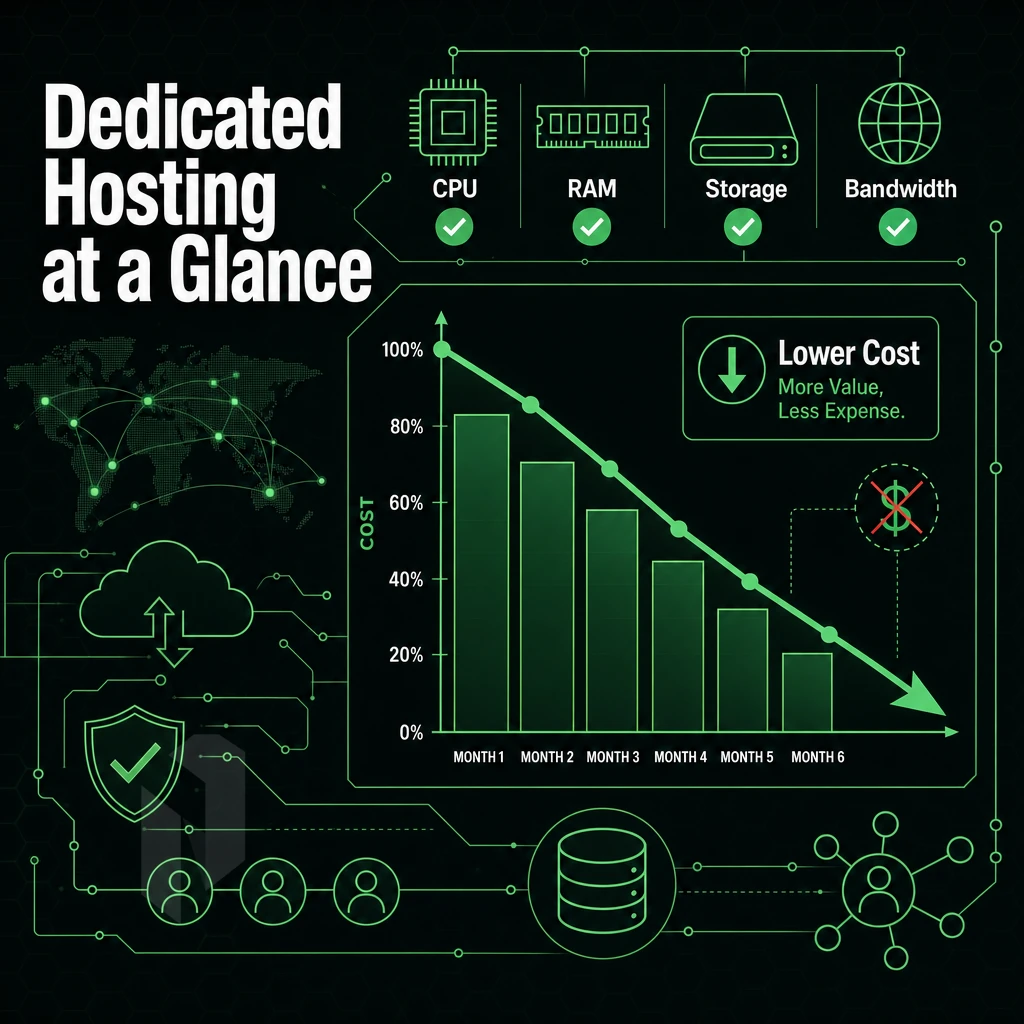
bare-metal hosting packages give you exclusive access to CPU, RAM, and storage on a single-tenant dedicated machine, no shared resources, no noisy neighbors. The right dedicated hosting plan matches your workload to hardware tier: entry-level configurations suit high-traffic websites and game servers, while AMD EPYC processors and custom configurations handle demanding compute tasks.
Managed hosting services handle server management and operating systems for teams without a system administrator on staff; unmanaged dedicated servers hand full root privileges to those with the technical background to use it.
Network quality is a package component, not an afterthought, unmetered bandwidth and a global network directly affect consistent performance. Evaluate every provider's SLA before signing. Netrouting provisions dedicated hosting services in under 60 minutes and backs every deployment with a 99.9% uptime SLA, making it a dependable choice across dedicated server hosting plans at any scale. The section below distills the core advantages into a final summary.
The Core Advantages of Dedicated Web Hosting Resources
Dedicated server resources deliver what shared and virtual hosting can't: 100% use of the provided hardware, fixed CPU and RAM, and root access to tailor the server to your exact needs.
In short, there is no resource sharing, no disturbance from other users, and therefore no limits imposed upon you by other users. Only high traffic sites, game servers and other extremely compute intensive web applications need the consistency of performance and the cost of downtime that dedicated web hosting can provide.
Dedicated web hosting is the clear choice when reliability and control are non-negotiable. Netrouting's customizable dedicated servers run on AMD EPYC processors across a 2.4 Tbps+ global network, with unmetered bandwidth and 24/7 support backed by a one-hour ticket guarantee. If you have outgrown shared infrastructure or need complete control over your dedicated infrastructure, explore Netrouting's dedicated server hosting plans and configure a solution built around your requirements.
Frequently Asked Questions
What disk space and features support multiple websites in a dedicated server hosting package?
A dedicated server package gives you exclusive use of physical hardware, CPU, RAM, storage, and network ports, with no resource sharing. Packages typically include bandwidth allocation, IP addresses, and always-on DDoS protection at the network layer. Hardware is enterprise-grade: Dell and Supermicro chassis running Intel Xeon or AMD EPYC processors. Optional add-ons such as managed services, control panels, and hardware RAID are available depending on your configuration.
How do managed and unmanaged dedicated servers differ in handling disk space?
Unmanaged hosting gives you root access and full control, OS installation, patching, and security are your responsibility. Managed hosting hands those tasks to the provider: OS updates, security hardening, and proactive monitoring are handled for you while you retain unrestricted superuser access. Managed options extend to control panels such as cPanel/WHM or DirectAdmin, and to hypervisor layers like Proxmox VE. Choose managed if your team lacks Linux administration capacity or if uptime accountability matters more than hands-on control.
How does dedicated server hosting differ from VPS hosting?
A dedicated server is a single physical machine reserved entirely for one customer. A VPS (virtual private server) is a software partition of a shared physical host, you get isolated resources, but the underlying hardware is shared with other tenants. Dedicated servers deliver predictable, consistent performance with no noisy-neighbor risk. They also offer hardware-level customization, specific CPU models, RAM configurations, and storage layouts, that a VPS cannot match.
How long does it take to provision a dedicated server?
Netrouting provisions bare metal servers in under 60 minutes through its Rapid Deployment process.
What Operating Systems, Including Windows Servers, Are Available?
Most Linux distributions are supported, including the major enterprise and community releases commonly used in production environments.
Do dedicated server packages include DDoS protection?
Yes. Netrouting's mitigation infrastructure exceeds 1 Tbps of scrubbing capacity across its global network.
Can I bring my own IP addresses (BYOIP) to a dedicated server package?
Yes.
Dedicated server hosting is typically offered as a number of different hosting packages that offer guaranteed resources, full control of the hardware and predictably high performance under load. Typically offered as managed or unmanaged servers. The main question is whether you have the necessary in-house expertise to manage the OS and security of a dedicated server or if you'd rather your hosting provider manages this for you. Allowing you to get on with developing your application.
Package structure is just as important as the specs.
Netrouting's dedicated servers deliver reliable performance on enterprise Dell and Supermicro hardware across ten locations in Europe, North America, and Asia, supporting any Linux operating system with unmetered 10 Gbps connectivity, always-on DDoS protection, and bare metal provisioned in under 60 minutes. Explore the dedicated server range to find the configuration that fits your workload.
Find the right dedicated server.
Share the workload, the location and the network needs. We help you match a configuration.