Your infrastructure costs are rising, but a full cabinet of hardware is not yet in your budget.
Most IT staff do not realize the full case for colocating a physical server rather than setting up their own data center space. You get to own the servers. Additionally, You get to use the enterprise grade redundancy (N+1 power, air conditioning, many gigabit network connections) for a fraction of what you would pay to rent a private cage or suite. Organizations requiring enhanced security or dedicated space can scale from individual rack units to private cages as their infrastructure footprint expands beyond initial deployments.
In this article we’ll explain single server colocation in detail, explain what you need to look out for when selecting a provider. This Applications profit most from it and last but not least where you can find our professional data center carrier-neutral locations in Europe, North America and Asia. We’ll outline all the things you need to consider when deciding whether colocation is right for you and your servers.
Blog contents
What Is Single Server Hardware Colocation Pricing?
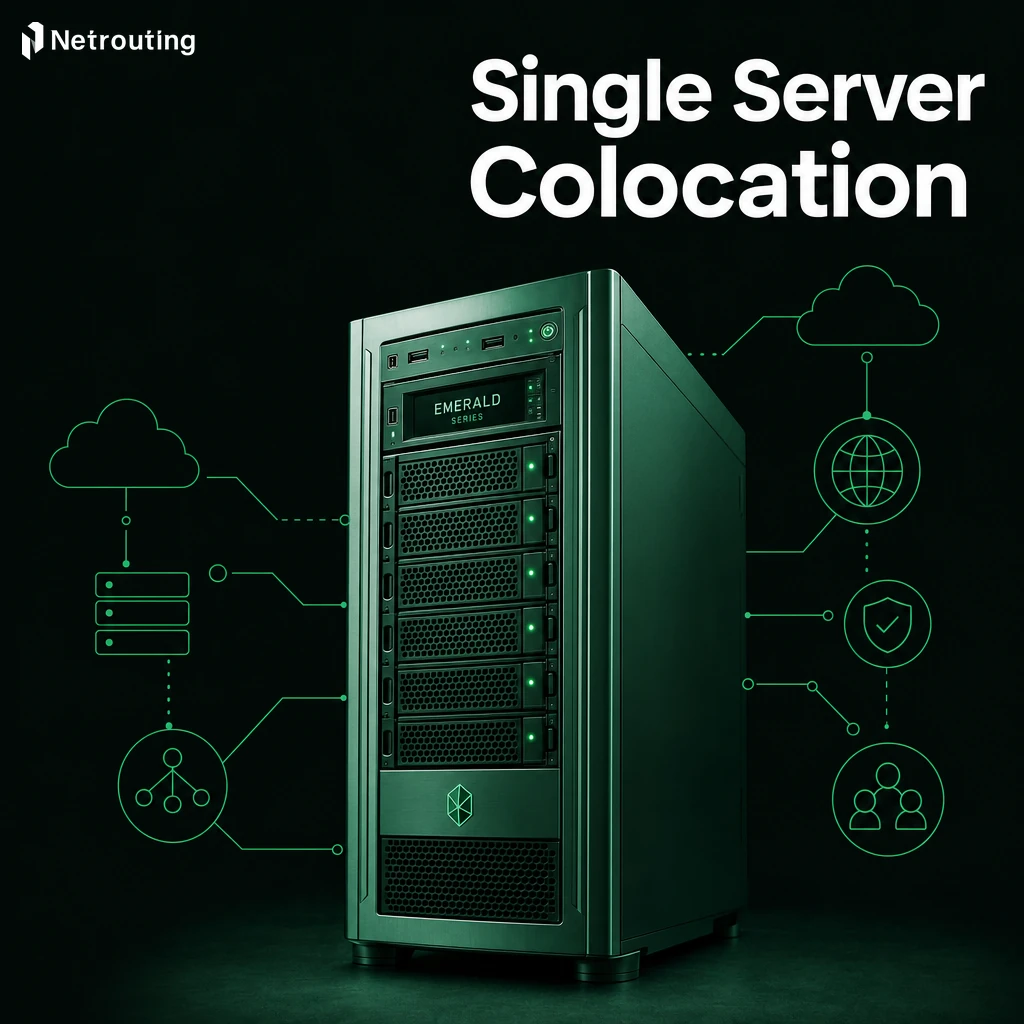
standalone server colocation refers to the scenario in which you own the hardware and the rest is supplied by a third party data center facility. Typically the colocation provider will supply the rack space, power, cooling and connectivity to the networks. You remain in full control of the Operating System and the dedicated hardware platform(s). Understanding what colocation means is essential before committing to this hosting model for your business-critical applications.
What the Colocation Provider Supplies to Your Business
A professional data center facility for your servers, we're talking redundant power, precise cooling and physical security. All the top-class infrastructure you need, without you having to build a data center yourself.

- Redundant power feeds and UPS.
- N+1 cooling.
- 24/7 physical security and access control.
- High-capacity data center network uplinks.
How It Differs From Dedicated Server Colocation Rental
When you rent a dedicated server, the provider owns the server; when you colocate, you own it.
Colocation vs. In-House Server Hardware and Server Rooms
As opposed to managing power, cooling and networking connections in your home server closet, a data center designed for web hosting has all of that taken care of for you. Our 1U servers fit neatly into our carrier-neutral facilities in Europe, North America and Asia.
An unmetered 10 Gbps uplink is included straight off the bat. We go into detail on what it's like to run a data center facility, including power costs, so you can get a better grasp on what you're paying for.
Who Should Use Single Server Colocation Services?

The sole server colocation profile suits a particular type of buyer. Is your needs better served by dedicated servers or hosted cloud solutions, or even colocation, saving you time and dollars?
Evaluating colocation pricing against monthly dedicated hosting fees often reveals significant savings over a three-year period for organizations with stable workload requirements. Organizations with predictable capacity needs can amortize infrastructure costs more effectively through colocation ownership models compared to recurring rental fees. Colocation delivers predictable costs through fixed monthly fees that remain stable regardless of market fluctuations in hosting prices or bandwidth rates.
Who Benefits Most from Server Colocation Services
Our ideal customer is someone with enterprise-grade hardware in a server room which is filling up fast.
IT teams requiring colocation space and facility access for latency sensitive workloads (gaming, video streaming, VPN, financial applications) also benefit from using Byom. They need predictable, low latency network connections with high availability which is hard to achieve in an office like environment. Organizations migrating from dedicated servers to colocation often discover that owning their hardware in a carrier-neutral facility provides superior control over network routing and peering arrangements. Specialized workloads such as machine learning inference or rendering farms running on gpu servers particularly benefit from the low-latency network fabric and direct hardware access that colocation provides.
Colocation proves especially valuable for high performance environments where millisecond-level latency and direct hardware tuning capabilities determine application success or failure. The it team gains direct console access and hardware-level troubleshooting capabilities that are impossible with virtualized or managed hosting alternatives. Carrier-neutral facilities enable direct peering arrangements that ensure low latency connectivity for applications where every millisecond of network delay impacts user experience or transaction processing.
In addition, organizations requiring a BYOIP (Bring Your Own IP) or specific BGP routing are also excellent fits. Colocation data centers provide cross-connects as well as carrier neutral peering required to implement specific routing policies. Understanding cross connect fees upfront helps organizations budget accurately for the complete cost of implementing custom network architectures in carrier-neutral facilities. Organizations should also scrutinize hidden costs such as installation fees, minimum commit periods, and charges for additional IP addresses that may not be transparent in initial quotes.
When Dedicated Servers Make More Sense
Dedicated servers are the clean way to go when you don’t have any hardware lying around. We take care of procurement, shipping and the remote-hands work that comes with it. Our bare metal servers are provisioned within 60 minutes, optimized for your specific needs from the ground up.
Matching Growth Plans to Colocation Data Centers Requirements
Workloads that are fluctuating or unknown on an on-going basis should reside in virtualized infrastructure rather than a locked-in physical box with fixed colocation pricing .
What a Colocation Provider Supplies for Enterprise Grade Infrastructure
Colocation facilities are not created equal.
Power, Cooling, and Physical Security
We require enterprise grade power with a minimum of N+1 for all power paths (e.g.
Network Connectivity Quality and DDoS Protection
Connectivity varies greatly between colocation facilities.
Support, Remote Hands, and Certifications
The scope of support provided by remote hands can vary greatly from provider to provider. Check what is included with basic service types for dedicated servers (reboots, cabling checks, etc) and whether physical access for items such as drive swaps are included in the service or charged as an additional service. Some providers also offer managed services that handle routine maintenance tasks, OS patching, and monitoring for customers who prefer operational assistance beyond basic remote hands support.
Support services should include direct access to a documented Service Level Agreement (SLA) with a response time under 1 hour.
We support all of the above features in our colocation environments. This includes N+1 power and cooling, carrier neutral connectivity up to 2.4 Tbps+, DDoS protection 24/7, remote hands service and an environment that is compliant to ISO 27001 and SOC 2. Below is an overview of what we can offer for one-unit server deployments.
Why Choose Netrouting for Single Server Colocation
Our carrier-neutral colocation gives your server enterprise-grade infrastructure without the overhead of running your own data center.
- 10 cities, one provider. Colocation facilities in Amsterdam, Frankfurt, The Hague, Rotterdam, Stockholm, Bucharest, Miami, New York, Hong Kong, and Singapore.
- N+1 power and cooling from a 1U entry point. dual power feeds, enterprise-grade cooling, and physical security, no hidden costs, no setup fee surprises.
- 2.4 Tbps+ network with dense IX peering. AMS-IX, DE-CIX, FL-IX, NetNod, and more. BYOIP and BGP supported. Low-latency connectivity as standard.
- Always-on DDoS protection included. L3/L4 mitigation on every colocation service at no extra cost.
- 24/7 NOC, courtesy remote hands. One-hour ticket guarantee. Basic remote hands at no additional charge, no surprise fees when you need on-site support.
- Free private network up to 40 Gbps between your own resources across our colocation data centers.
ISO 9001, ISO 27001, and SOC 2 certified.
Frequently Asked Questions About Network Connectivity
How do colocation costs and setup differ from simply renting dedicated servers?
With standalone machine colocation, you own the physical hardware and pay a provider to house, power, and connect it inside their facility. With a dedicated server, the provider owns the hardware and leases it to you on a monthly basis. Colocation gives you full control over the machine, its components, firmware, and configuration, because it's your asset. A dedicated server is faster to deploy but limits your hardware choices to the provider's catalog.
How Much Full Rack Space Do Dedicated Servers Need for Colocation?
Most 1U and 2U rack-mount servers fit within one to two rack units.
What is included in a standard colocation service contract?
A standard contract covers rack space, power allocation (measured in watts or amps), redundant cooling, physical security, and a defined bandwidth commitment or allocation. Network connectivity, typically dual 1 Gbps uplinks, is included, with higher port speeds available on request. Remote hands, cross-connects, and additional IP allocations are usually line-item add-ons rather than bundled by default.
Can I use my own IP addresses (BYOIP) with colocation?
Yes. Colocation is one of the cleanest use cases for BYOIP because you control the physical hardware and can run your own BGP session directly. Netrouting supports BYOIP and BGP across all its colocation locations, helping manage power costs while letting you announce your own IPv4 prefixes over AS6206.
What does remote hands support cover in a colocation data center?
Remote hands is a service where data center technicians perform physical tasks on your equipment without you being on-site.
Netrouting provides courtesy basic remote hands at no extra cost; more involved project work, rack-and-stack, structured cabling, or hardware installation, is available on a project basis. Remote hands at a colocation facility does not include software-level troubleshooting; that remains your responsibility or falls under a managed hosting add-on.
Is Server Colocation Cheaper Than Running Your Own Server Room?
For most businesses, yes, significantly so once you account for the true cost of an on-premises server room. Building and maintaining backup power systems, cooling, physical security, and a reliable multi-gigabit internet connection in-house carries substantial capital and operational expense that often rivals or exceeds colocation costs. Colocation converts those costs into a predictable monthly fee and eliminates one-time infrastructure investments. The break-even point typically favors colocation as soon as you need carrier-grade connectivity or N+1 power redundancy that your own facility cannot economically provide.
How do I choose between colocation and cloud infrastructure for my workload?
Choose colocation when you have consistent, predictable compute demand, own hardware you want to maximize, or require full control over the software stack and network configuration. Cloud infrastructure suits variable or bursty workloads where on-demand scaling outweighs the cost premium of per-hour billing.
Colocation delivers lower total cost of ownership for steady-state workloads and eliminates the unpredictable egress fees common on major cloud platforms. Netrouting also offers cloud compute alongside colocation, so hybrid deployments , colocated primary hardware with cloud burst capacity, are straightforward to architect within the same network.
individual machine colocation provides you with the same enterprise class infrastructure that you would build and run yourself in a facility of your own, such as redundant power, dense peering and physical security.
The economics of colocation are very simple, you purchase, build and run your own hardware, and the data center facility runs on the resulting overhead for that space. As for a good colocation provider vs. a great one, network quality, guarantees of uptime, and response time in case of a problem are the key differentiators.
Netrouting operates carrier-neutral colocation across ten cities in Europe, North America, and Asia. Every deployment, regardless of colocation pricing tier, runs on a 2.4 Tbps+ backbone with always-on DDoS protection, fire suppression systems, a 99.9% uptime SLA, and 24/7 support backed by a one-hour ticket guarantee. If you're ready to move your server into a facility engineered for it, explore Netrouting's colocation options or contact the sales team to discuss your specific requirements.