
Docker + Compose gives you a container host and nothing else, which is often exactly what you want. It installs Docker Engine from Docker's own package repository, so you get current releases rather than whatever the distribution happened to freeze, and it starts the Docker service on every boot.
New or rebuilt machines only. Docker + Compose can't be added to a machine you're already running. It installs during the next rebuild (cloud) or reinstall (bare metal), and both erase the disk first, so the machine comes back as a fresh Debian or Ubuntu system with Docker + Compose on top. Use it on a new machine or one you're ready to wipe, and back up anything you want to keep first. To add Docker + Compose to a server that already holds your data, install it by hand instead.
What gets installed
- Docker Engine (
docker-ce), thedockerCLI andcontainerd. - The Compose v2 plugin, so it's
docker compose(with a space), plus Buildx. - The Docker service, enabled and running.
No ports are opened and no password is generated. It's a runtime; what you run on it decides the rest.
Install it
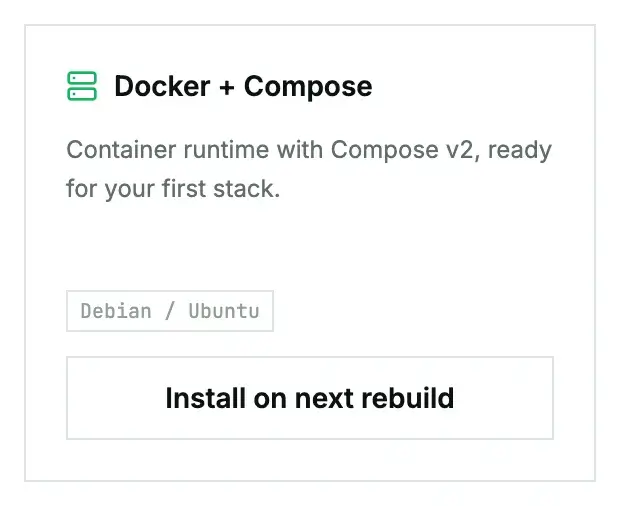
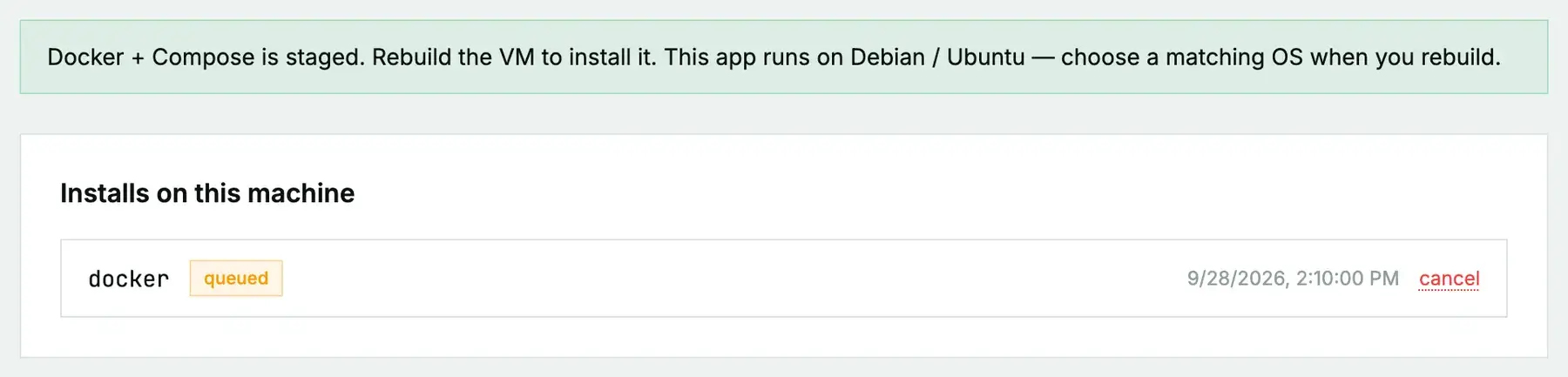
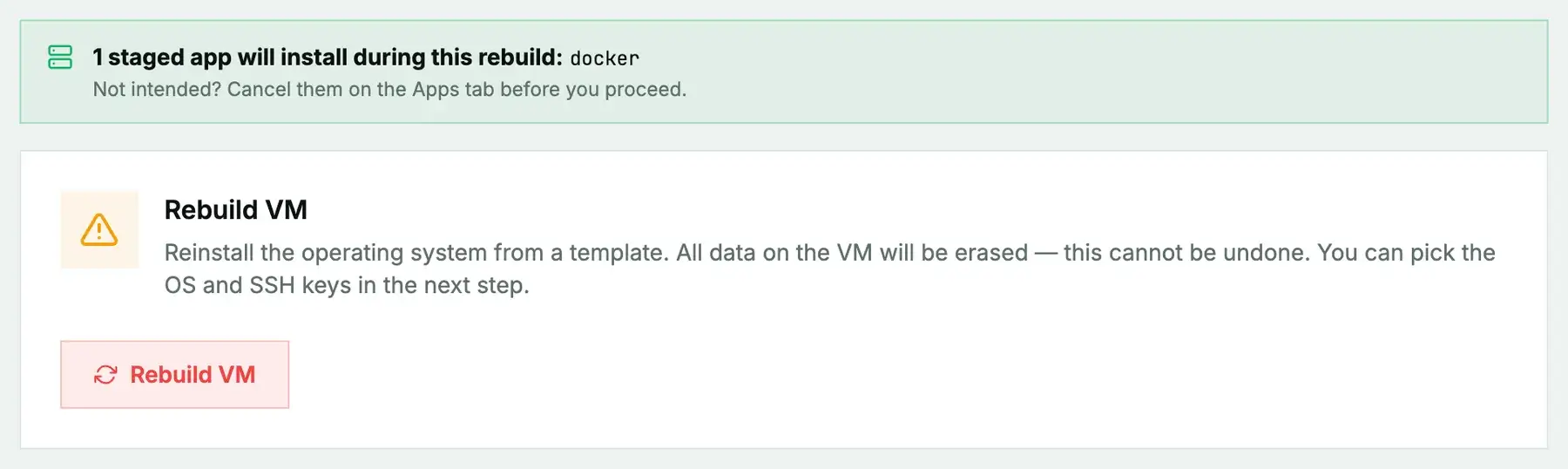
On a cloud instance, open its Apps tab, click Install on next rebuild on the Docker + Compose card, then rebuild with a Debian or Ubuntu image. On a bare-metal server it's Install on next reinstall, then a reinstall with the App: Docker + Compose post-install script ticked. The App Library guide covers the details, the status you'll see, and what to do if it fails.
First steps once it's ready
Check it works, then run your first stack:
docker run --rm hello-world
docker compose version
# compose.yaml
services:
web:
image: nginx:stable
ports:
- "80:80"
restart: unless-stoppeddocker compose up -d
docker compose psOne firewall gotcha
Docker writes its own packet-filter rules when you publish a port, and those skip past ufw running inside the machine. A container on -p 5432:5432 is reachable from the internet even if ufw says it's blocked. The instance firewall in the portal sits outside the machine, so it still applies; use it, or publish ports only on 127.0.0.1 for things that shouldn't be public.
Questions we get
- Can I run Docker as a normal user? Add the user to the
dockergroup (usermod -aG docker youruser) and log in again. Be aware that membership in that group is effectively root. - Is the old
docker-composecommand there? No, just the v2 plugin:docker compose.
Still stuck?
Open a support ticket with the machine and paste the install log from the Apps tab if it failed. We can see the install from our side.