
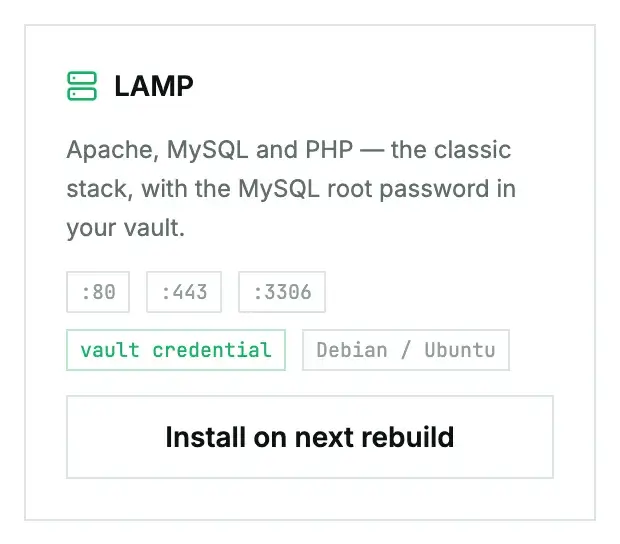
LAMP is the classic stack: Apache, MySQL and PHP on one machine. It's the quickest way to host a traditional PHP site with its database right beside it. The MySQL root password is generated for you and kept in the machine's credential vault.
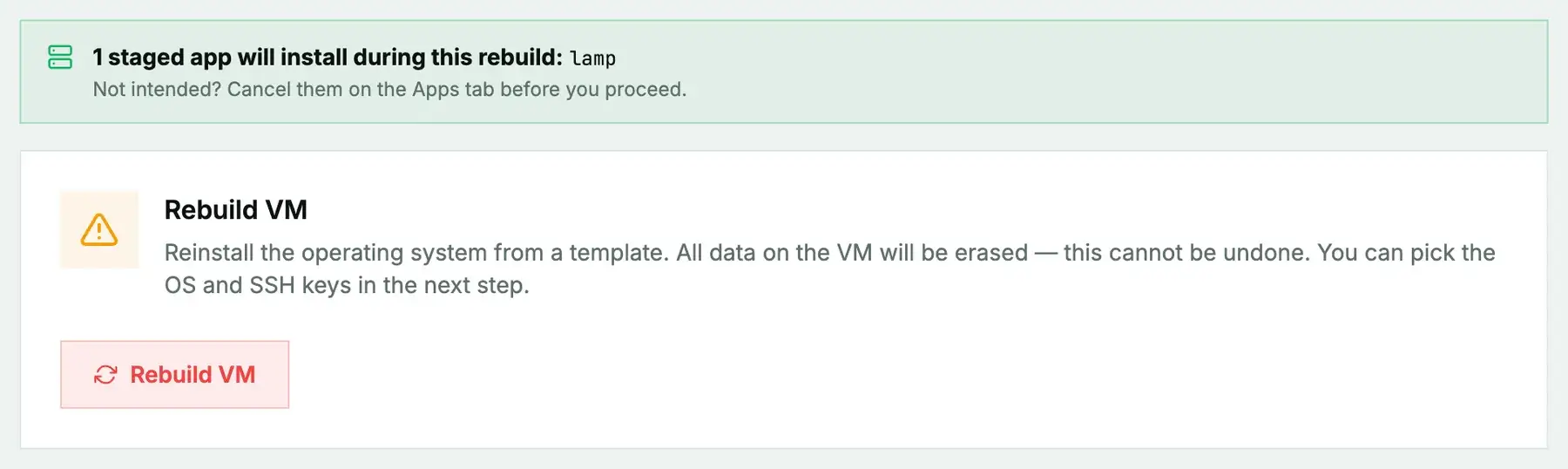
New or rebuilt machines only. LAMP can't be added to a machine you're already running. It installs during the next rebuild (cloud) or reinstall (bare metal), and both erase the disk first, so the machine comes back as a fresh Ubuntu system with LAMP on top. Use it on a new machine or one you're ready to wipe, and back up anything you want to keep first. To add LAMP to a server that already holds your data, install it by hand instead.
What gets installed
- Apache with
mod_php, enabled at boot. - MySQL server, enabled at boot, with a generated root password stored as
LAMP — MySQL root password. - PHP with the MySQL extension.
Rebuild or reinstall with Ubuntu. The installer uses the mysql-server package, which Ubuntu provides.
The card lists 80, 443 and 3306. Apache answers on 80 right away; 443 needs a certificate first (see below). MySQL listens on localhost by default, so 3306 isn't reachable from outside until you change that.
Install it
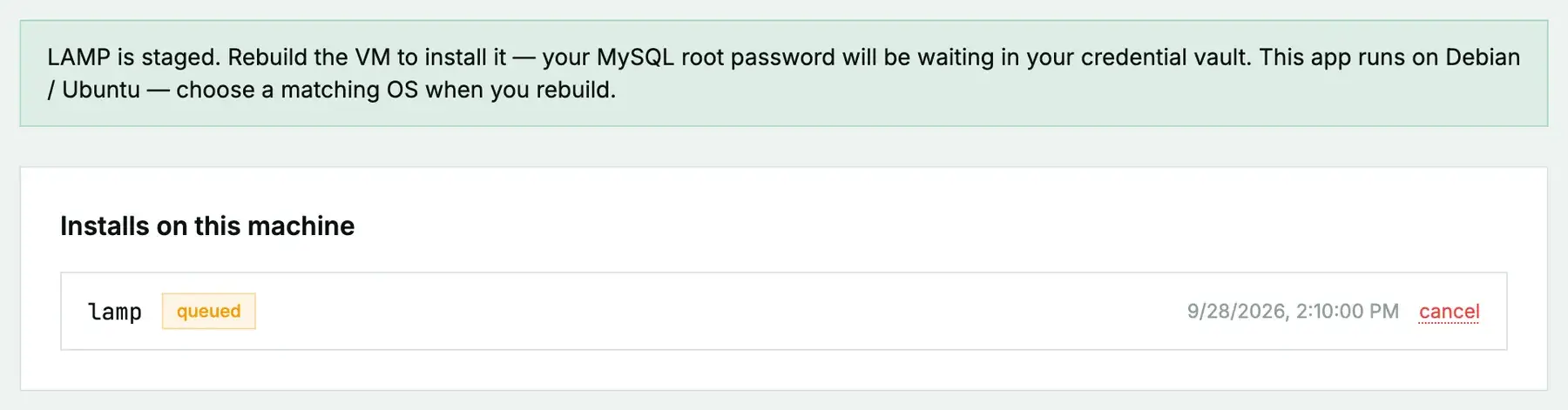
On a cloud instance, open its Apps tab, click Install on next rebuild on the LAMP card, then rebuild with an Ubuntu image. On a bare-metal server it's Install on next reinstall, then a reinstall with the App: LAMP post-install script ticked. The App Library guide covers the details, the status you'll see, and what to do if it fails.
First steps once it's ready
Your site goes in /var/www/html. For the database, sign in with the root password from the vault and create a user for your site:
mysql -u root -pCREATE DATABASE site;
CREATE USER 'site'@'localhost' IDENTIFIED BY 'choose-a-long-one';
GRANT ALL PRIVILEGES ON site.* TO 'site'@'localhost';For HTTPS, point your domain at the server, then:
apt install certbot python3-certbot-apache
certbot --apache -d example.com
Questions we get
- Where's the MySQL root password? In the Credentials vault on the machine's Apps tab.
- Should I open 3306? Usually not. Keep MySQL local and let the site talk to it on the same machine. If something remote truly needs it, allow just that address in the firewall.
- Want WordPress? Use the WordPress app instead; it sets this stack up with WordPress on top.
Still stuck?
Open a support ticket with the machine and paste the install log from the Apps tab if it failed. We can see the install from our side.