
Nginx + PHP 8.3 sets up Nginx with PHP-FPM and the extensions most PHP apps expect. It's the base for Laravel, Symfony or anything else you'd rather serve through Nginx than Apache.
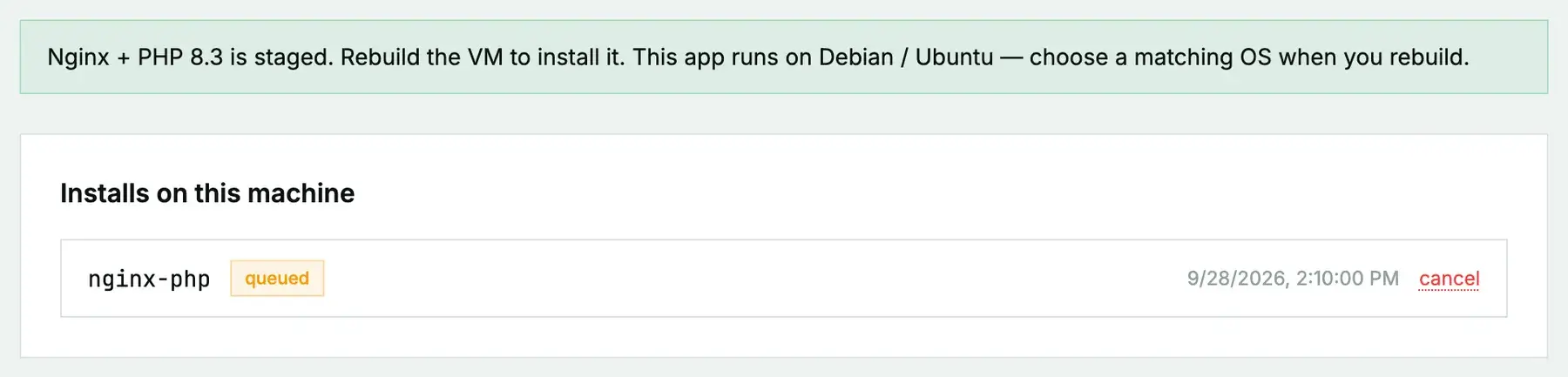
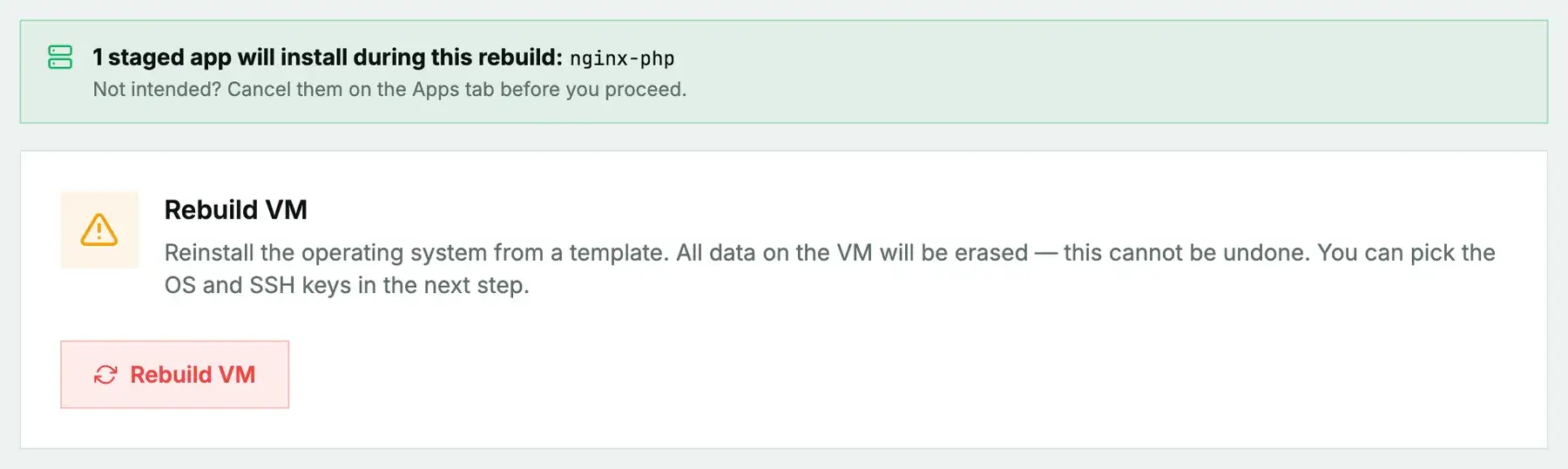
New or rebuilt machines only. Nginx + PHP 8.3 can't be added to a machine you're already running. It installs during the next rebuild (cloud) or reinstall (bare metal), and both erase the disk first, so the machine comes back as a fresh Ubuntu 24.04 system with Nginx + PHP 8.3 on top. Use it on a new machine or one you're ready to wipe, and back up anything you want to keep first. To add Nginx + PHP 8.3 to a server that already holds your data, install it by hand instead.
What gets installed
- Nginx, enabled at boot.
- PHP-FPM with the CLI and the
mysql,pgsql,curl,xml,mbstring,zip,gdandintlextensions.
The PHP version depends on the OS you pick. Ubuntu 24.04 ships PHP 8.3, so that's what you get there. On an OS without 8.3 in its packages, like Debian 12, the installer falls back to the distribution's own PHP (8.2 on Debian 12) with a smaller set of extensions. If you want 8.3, choose Ubuntu 24.04.
Ports 80 and 443 are Nginx's. No password is generated.
Install it
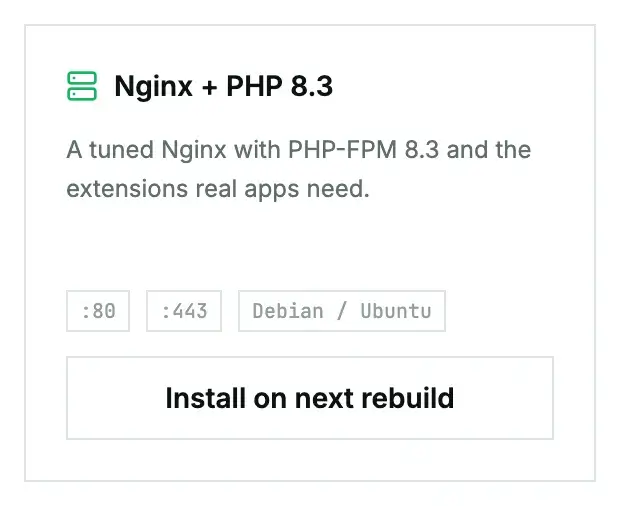
On a cloud instance, open its Apps tab, click Install on next rebuild on the Nginx + PHP 8.3 card, then rebuild with an Ubuntu 24.04 image. On a bare-metal server it's Install on next reinstall, then a reinstall with the App: Nginx + PHP 8.3 post-install script ticked. The App Library guide covers the details, the status you'll see, and what to do if it fails.
First steps once it's ready
Nginx comes up serving its welcome page, but PHP isn't wired into a site yet. Check which PHP-FPM socket you have:
ls /run/php/Then add a server block, using that socket name:
# /etc/nginx/sites-available/app
server {
    listen 80;
    server_name example.com;
    root /var/www/app/public;
    index index.php index.html;

    location / {
        try_files $uri $uri/ /index.php?$query_string;
    }

    location ~ \.php$ {
        include snippets/fastcgi-php.conf;
        fastcgi_pass unix:/run/php/php8.3-fpm.sock;
    }
}
ln -s /etc/nginx/sites-available/app /etc/nginx/sites-enabled/app
nginx -t && systemctl reload nginxFor HTTPS, point your domain at the server and run Certbot (apt install certbot python3-certbot-nginx, then certbot --nginx -d example.com).
Questions we get
- I got PHP 8.2, not 8.3. You picked an OS that doesn't ship 8.3. Rebuild with Ubuntu 24.04.
- Is a database included? No. Pair it with PostgreSQL 16, or use LAMP if you want MySQL on the same box.
Still stuck?
Open a support ticket with the machine and paste the install log from the Apps tab if it failed. We can see the install from our side.