Choosing the hosting provider is a big deal for any website. If you want to move your blog to a hosting provider or switch your existing website to a different company you should know how the hosting transfer process works. This way you can avoid problems. Keep your website running smoothly.
Most websites are small, at first. Use shared hosting. When your website gets more traffic and your needs change the hosting you have might not be good enough anymore.
So how do you know when it is time to switch to change hosting provider? What is the best way to do it without losing any of your website files or visitors or search engine rankings?
In this guide you will learn about the following things:
Blog contents
- When to upgrade your hosting
- Warning signs that you should pay attention to
- How to move your website to a provider safely
- What you need to know about transferring your domain
- Things to think about when it comes to search engine rankings and costs
Let us start looking at these things.
When to Upgrade Your Hosting Provider
Upgrading your hosting provider is not about making your website work better. It is also about keeping your website competitive, safe and able to grow.
7 Signs You Should Change Your Hosting Provider
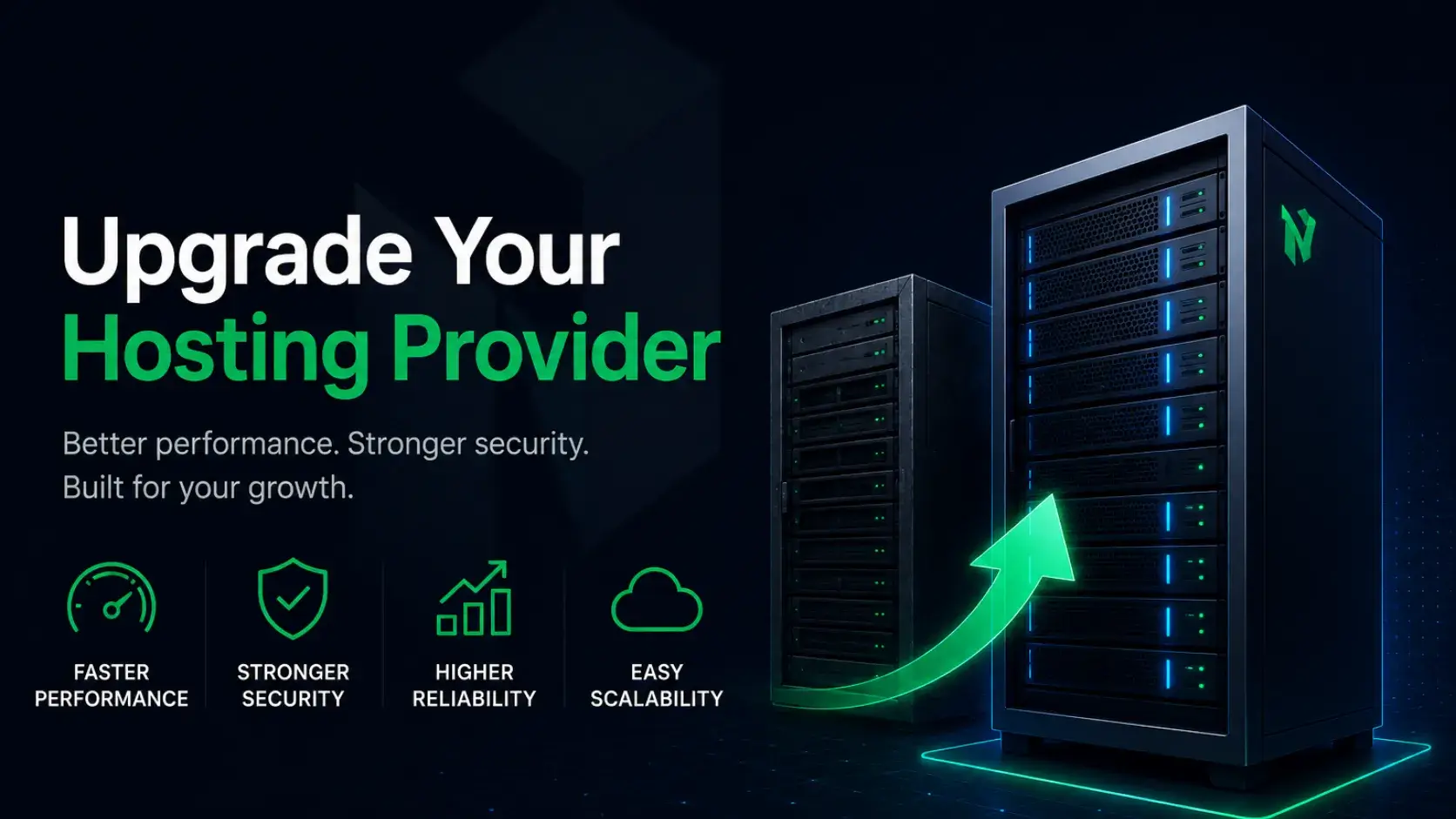
Before you change hosting provider look for these signs that your current hosting provider is not good enough for you.
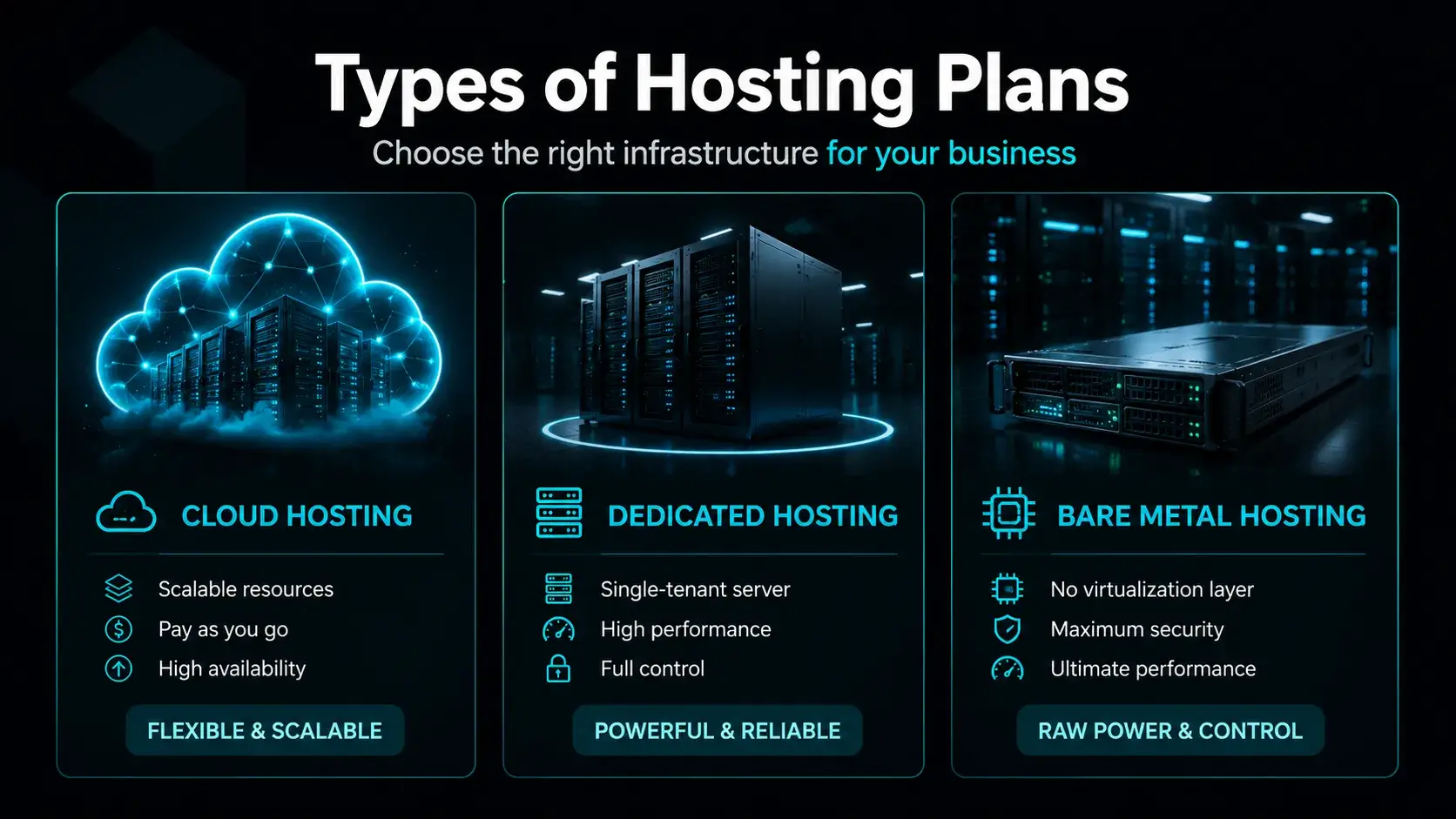
1. Type of Hosting Plan like Cloud or Dedicated or Bare Metal
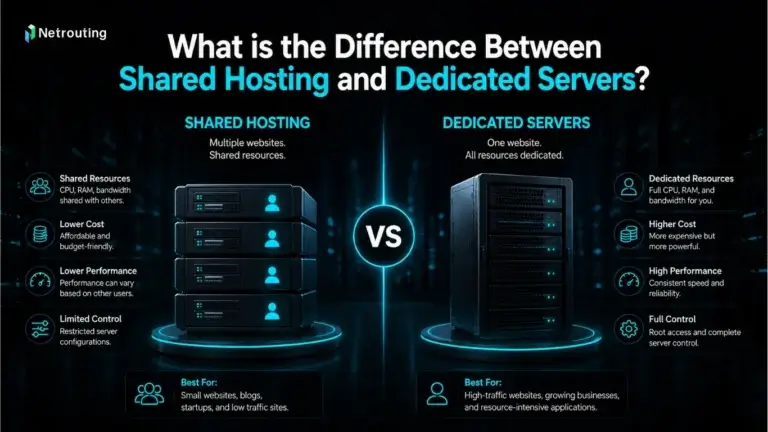
Not all hosting plans are the same. Many websites start with shared hosting because it’s cheap and easy to set up.
However, as your site grows and gets more visitors, shared hosting may cause problems like slow loading or downtime.
When your website expands, you may need stronger options like cloud hosting, dedicated hosting, or bare metal hosting for better performance and stability.
Choosing the right hosting company ensures your website has the resources it needs to grow smoothly.
| Hosting Type | What Is It Good For | Pros | Cons |
| Shared Hosting | This is the option for beginners and people who have small blogs. | It is cheap and really easy to use. | However shared hosting has limited resources. Can be slow. |
| Cloud Hosting | This is great for websites that are growing. | Cloud hosting is scalable and very reliable. | The only downside is that it costs a bit more. |
| VPS Hosting | This is perfect for sized businesses. | You get dedicated resources with VPS hosting. | You need to have some technical skill to use it. |
| Dedicated | This is the choice for websites with a lot of traffic. | You have control and get the best performance with dedicated hosting. | However it is expensive. |
| Bare Metal | This is ideal, for enterprise level applications. | You get power and customization with bare metal hosting. | Setting it up can be very complex. |
If your website feels slow or unstable then your hosting type could be the problem.
2. Frequent Downtime Issues
Lost time is lost money for your business and impacts your company's reputation negatively. While many web hosting providers tout around the clock services, the best website hosting provider is able to keep your site up and running even if there are a few minutes of downtime. A couple of minutes of down time can have severe effects on your customers' perception of you and can cause you to loose customers.
- Reduce customer trust
- search engine rankings
- Cause lost sales
If your Website is down a lot it is time to think about switching to a hosting provider.
3. Website Speed and Performance
How your Website loads is really important.
A slow Website can
- Increase bounce rates
- Decrease conversions
- Hurt SEO rankings
Search engines like Websites especially with Core Web Vitals.
If your pages take than 2-3 seconds to load your hosting provider might be the problem.
4. Unable to Support Your Business Needs
As your business gets bigger your hosting should get bigger too.
There are some signs that your host is not good enough.
This can happen when
- Your Website crashes during traffic spikes
- You do not have storage or bandwidth
- You do not have features, like Content Delivery Network or caching
For example if you have an online store and you are having a sale you need a hosting environment that can handle a lot of traffic at the same time.
5. Bad Customer Service and Help
When things go wrong you need help. You need it now.
If the people who host your website
- take a time to get back to you
- only give you a few ways to contact them
- do not fix problems quickly
then that is a big problem.
Good hosting companies are there to help you all the time, day and night by chat, email or phone.
6. Keeping You Safe
Bad people are always trying to hurt websites and this is getting worse every year.
A good web hosting company should also protect you and your website by offering tools such as SiteLock and CodeGuard.
- giving you a SSL certificate
- protecting you with a firewall
- checking for bad software
- backing up your website automatically
Is your website provider protecting your site from hackers? If not, your website may be vulnerable to attack.
7. Getting A Good Deal
Sometimes the problem is not how well the website works it is that it costs too much.
You have to watch out for
- prices that go up when it is time to renew
- upgrades that cost much money
- paying a lot for things you do not need
A good company that hosts your website should tell you exactly what you are getting and make it easy to change your plan if you need to.

What You Need Before Migrating Your Website
Before switching hosting providers, preparation is key. A poorly planned migration can lead to downtime or data loss.
Before you transfer your website, make sure your current hosting provider gives you access to the hosting dashboard, cPanel access, MySQL databases, and website’s backup files. These are essential for moving from your old hosting provider to a new web hosting company safely.
- Make sure you have all your website files, including HTML, images, themes, plugins and scripts.
- Backup your database, whether its MySQL or another type of database system.
- Save the backup in your FTP client or make it with the cPanel tool or save a copy locally on your computer.
- Check that all files and the database for your website have been saved complete and are accessible.
- Save your backup on your local computer or in the cloud.
Having a backup helps protect your website from data loss reduces downtime and makes the whole migration process much easier and less stressful.
Access to Domain and DNS Settings
To switch hosting providers smoothly, review your domain registration, domain name system, DNS records, and name servers before moving to a new host, especially if you are managing two hosting providers during migration.
- Access your domain registrar account
- Update A records to point to the new server IP
- Change nameservers if required by your new host
- Save changes and allow DNS propagation
Without access to these settings, you won’t be able to complete the migration successfully.
New Hosting Account Setup
Choose a new web hosting plan with a modern new control panel, enough resources, and room to grow so you don’t need to move from one web host to another again too soon.
Make sure it includes:
Compatible server requirements
- Enough storage and bandwidth
- Security features
- Backup options
Choosing the right host at this stage prevents future migrations.

Migration Methods Based on Your Website Type
Not all migrations are the same. The best method depends on your platform and technical experience.
WordPress Migration (Plugin-Based)
WordPress Migration (Plugin-Based) WordPress Migration is a simple plugin that assists in moving your existing WordPress website to a different location on the internet. Most web hosts have built in tools to assist with migrating a WordPress website. Many web hosts also offer free site tuning for a limited period of time after migrating your site.
Steps:
- Install a trusted WordPress migration plugin
- Export your full website (files and database)
- Set up WordPress on your new hosting provider
- Import your backup using the plugin
- Update settings and test your website carefully
- Make sure to update your site's DNS to point to your new web host.
Remember that this change may not go live right away. This method is very fast, reliable and SEO friendly if done correctly.
cPanel to cPanel Migration
If both hosts use cPanel moving between one host and another is often the easiest migration option. This method helps you transfer everything with risk of data loss.
Steps:
- Generate a backup from your old cPanel account
- Upload the file to your new cPanel hosting
- Restore the backup using the restore feature
- Verify all website files and databases are working properly
- Test your website to ensure everything loads correctly
- Update your DNS settings to point to the server
This approach preserves all your website data, including files, databases, email accounts and configurations making it one of the safest and most SEO-friendly migration methods.
Manual Migration for Advanced Users
This method gives you control but requires technical knowledge.
Manual migration is ideal for users who want full control over the website transfer process. It requires knowledge but gives you flexibility and accuracy when moving your WordPress site. Follow these steps:
- Download all of your files from the server provided by your current host via an FTP client or even via SSH.
- Export your database from the hosting
- Create a new database on your new hosting provider
- Import the database into the server
- Upload your website files to the new host
- Update configuration files such, as database credentials
- Fix URLs if there are any changes
- Test your website to ensure everything works properly
- Update DNS settings to point your domain to the host
This method ensures a complete and secure migration when done carefully.
Manual vs Automated Migration
| Method | Pros | Cons |
| Automated | Easy, fast | Less control |
| Manual | Full control | Time consuming, complex |
Domain Transfer Considerations
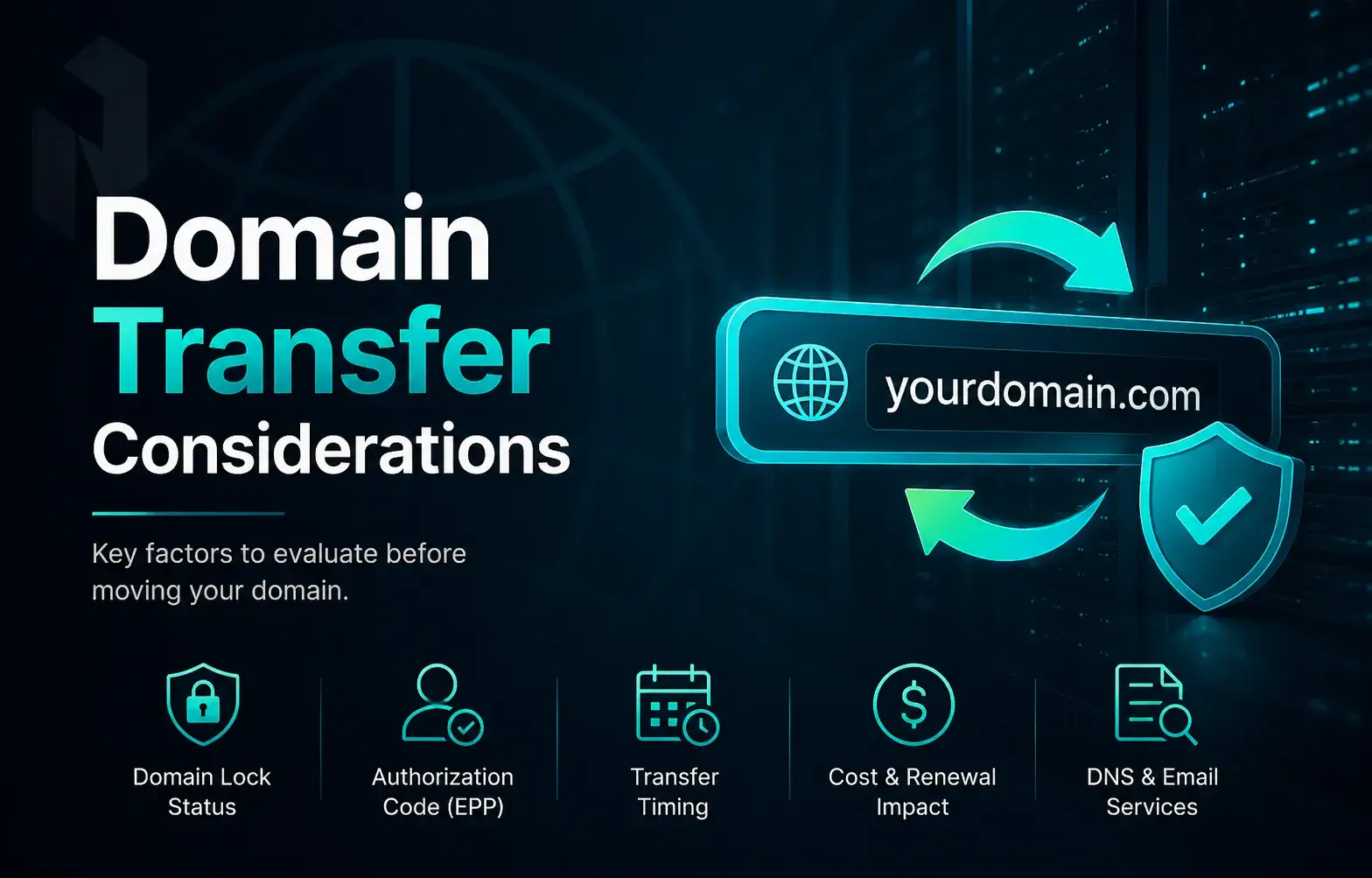
Choosing the right hosting company is important, but have you considered whether you will need to move your current domain to your new hosting company? If you do need to move a domain, you want to make the switch at the right time to avoid downtime, data loss or even email loss. However, with a little planning, the transfer should be seamless and your website will be indexed by search engines like Google within days.
When Should You Transfer Your Domain?
You may want to transfer your domain if you prefer managing everything in one place, if your current registrar has high renewal fees, or if you need better domain management tools. If your registrar works well and meets your needs, you can simply keep your domain where it is.
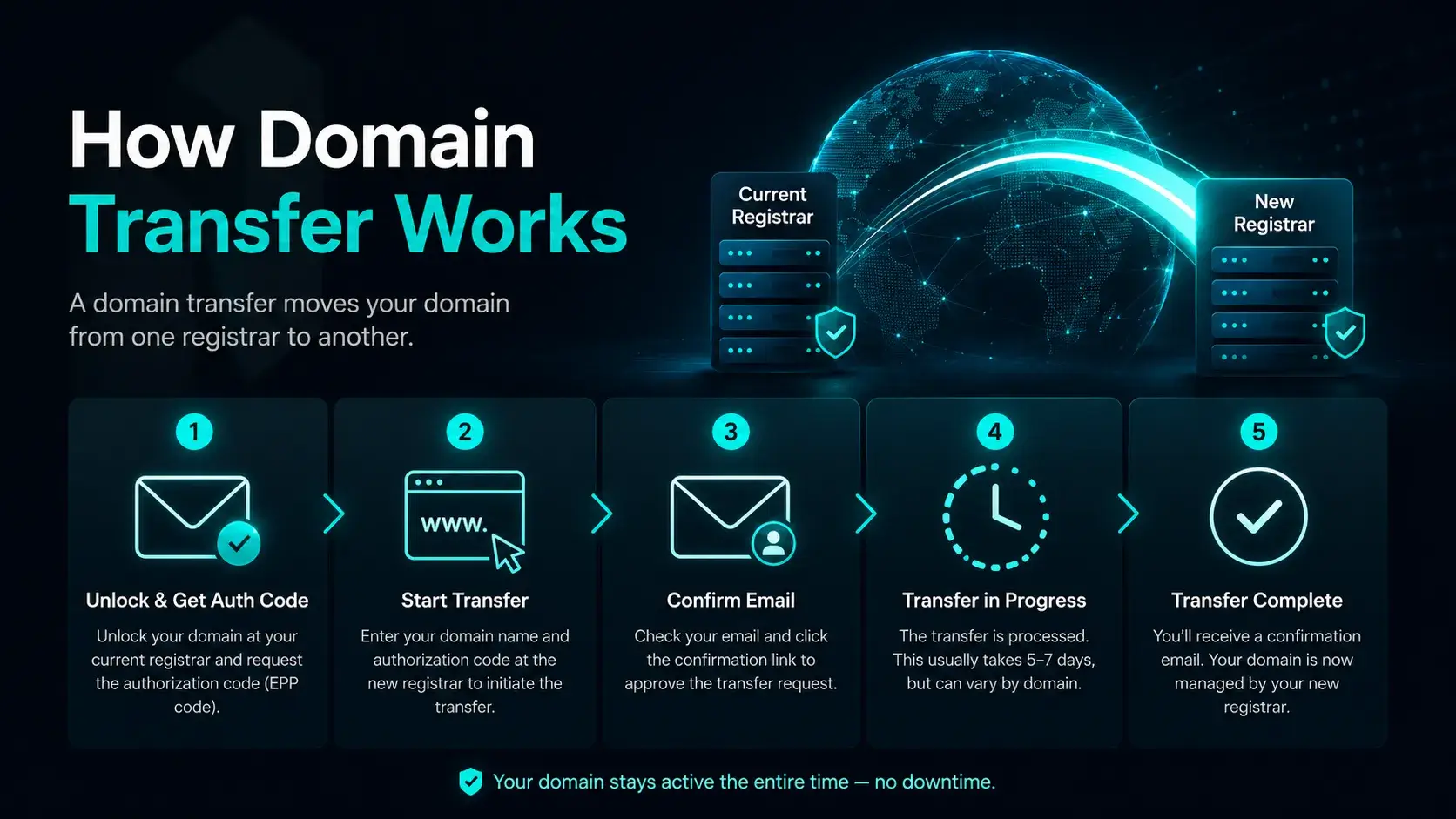
How Domain Transfer Works
Transferring your domain is easy if you follow these steps:
- The first step is to unlock the domain at your current registrar to transfer it to a new registrar.
- You need to ask your hosting provider to transfer your domain.
- Please enter the verification code to prove ownership of this domain.
- The domain transfer will be confirmed by a link in an email that we send to you.
- You need to wait for a few days for everything to be processed usually it takes around 5 to 7 days.
If you set up your domain settings correctly your website can stay online while you are transferring your domain. This means you will not have any downtime and your website will still show up on search engines.
What Happens to Email Accounts
If your email accounts are hosted on the same server as your website, switching hosting providers can disrupt them. This may cause temporary email issues or even lost messages. To avoid problems, follow these steps:
- Save your e-mails on your local hard disk before you move to a hosting provider.
- Using a service such as Google Workspace for your email is far more reliable.
- Set up your email accounts on your new hosting provider.
- You need to update your email settings i.e. your MX records and SMTP & IMAP settings.
- Test your email after the switch to your new hosting provider to check that it is working okay.
By planning ahead, you can switch hosting providers without losing important email data or communication.
The Auth Code (EPP Code) is a security code required to transfer your domain to a new provider. It confirms that you are the rightful owner and prevents unauthorized transfers.
Steps:
- Request the Auth Code (EPP Code) from your current domain registrar
- Make sure your domain is unlocked for transfer
- Approve the transfer through the confirmation email sent to you
Without this Auth Code, the domain transfer process cannot continue or be completed, so it’s an essential step when switching hosting or moving your domain.
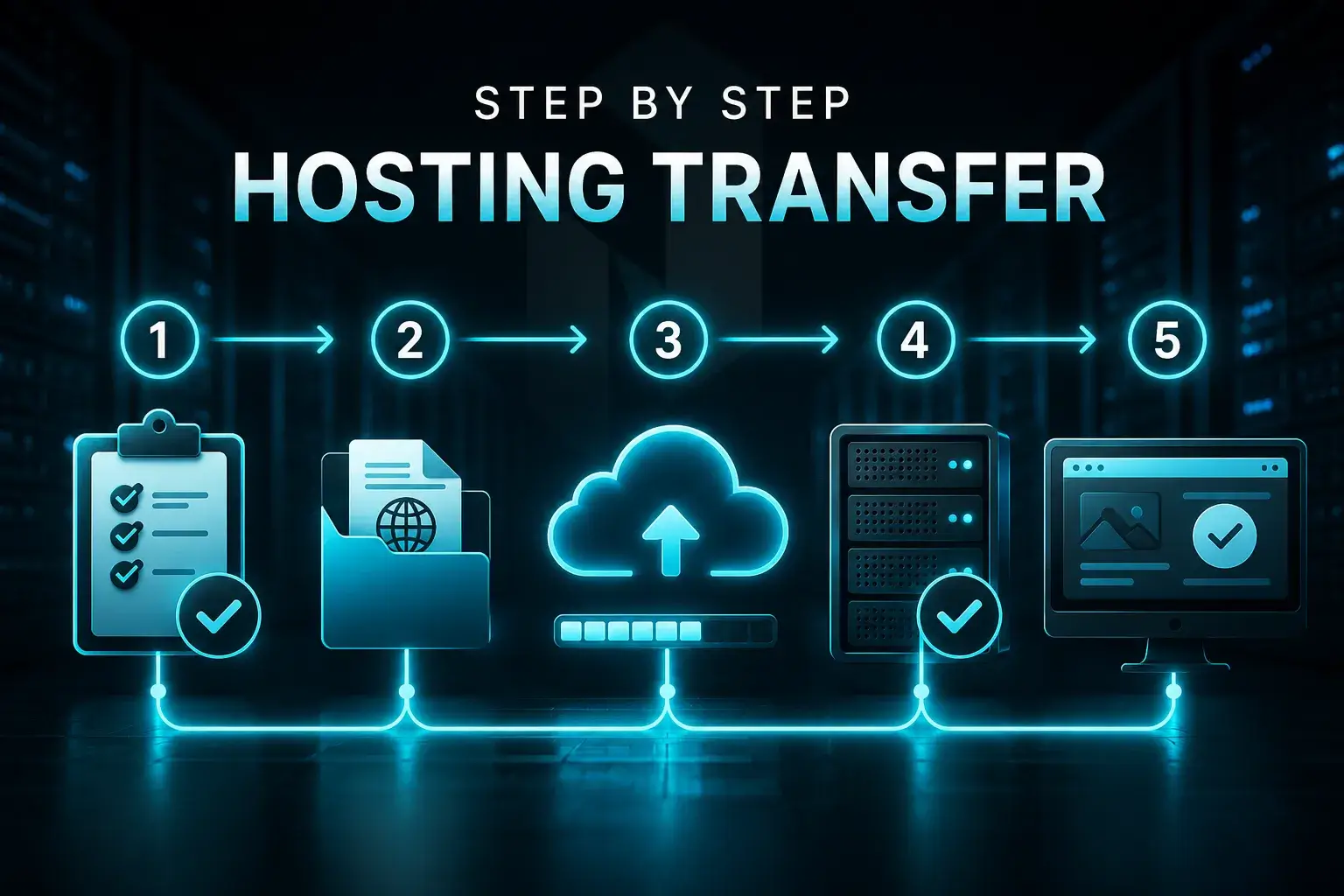
Step by Step Instructions for the Hosting Transfer Process
Switching to a hosting provider can be scary. You do not want to lose your data or spend too much money. If you plan everything carefully it is not that hard.
Before you make the move you should back up all your files and your database. You need to check how much it will cost to migrate. Also make sure your website is working properly.
If you get everything ready ahead of time and pick a hosting provider that you can trust you can switch to a provider without losing your data or wasting money.
Changing your hosting provider does not have to be scary if you do things the way. Here are some tips to help you move your website to a hosting provider safely and smoothly:
- Create a full backup of your website, include all the files that make up your WordPress website or other content management system.
- Use a staging environment to migrate and preview your site before making it live.
- Test everything thoroughly on the new hosting check pages, links, forms, and functionality.
- Keep your old hosting account active temporarily to avoid downtime and have a backup fallback.
By following these steps, you can change your hosting provider without losing data, minimizing risks and ensuring your website stays fully functional.
How to Change Web Hosting Without Changing Your Domain
You don’t need to transfer your domain when you want to change your hosting provider. Instead, you can simply update your DNS settings so your domain points to the new server. This allows your existing website to move to a new site environment without transferring ownership of your domain.
Here’s how to do it:
- Log in to your domain registrar account
- Find your DNS or nameserver settings
- Replace the old hosting IP address with the new one
- Save your changes and wait for the DNS propagation to occur in 24-48 hours.
Once completed, your domain will start directing visitors to the new hosting provider. This approach helps you avoid downtime and keeps your domain management separate from your hosting service.
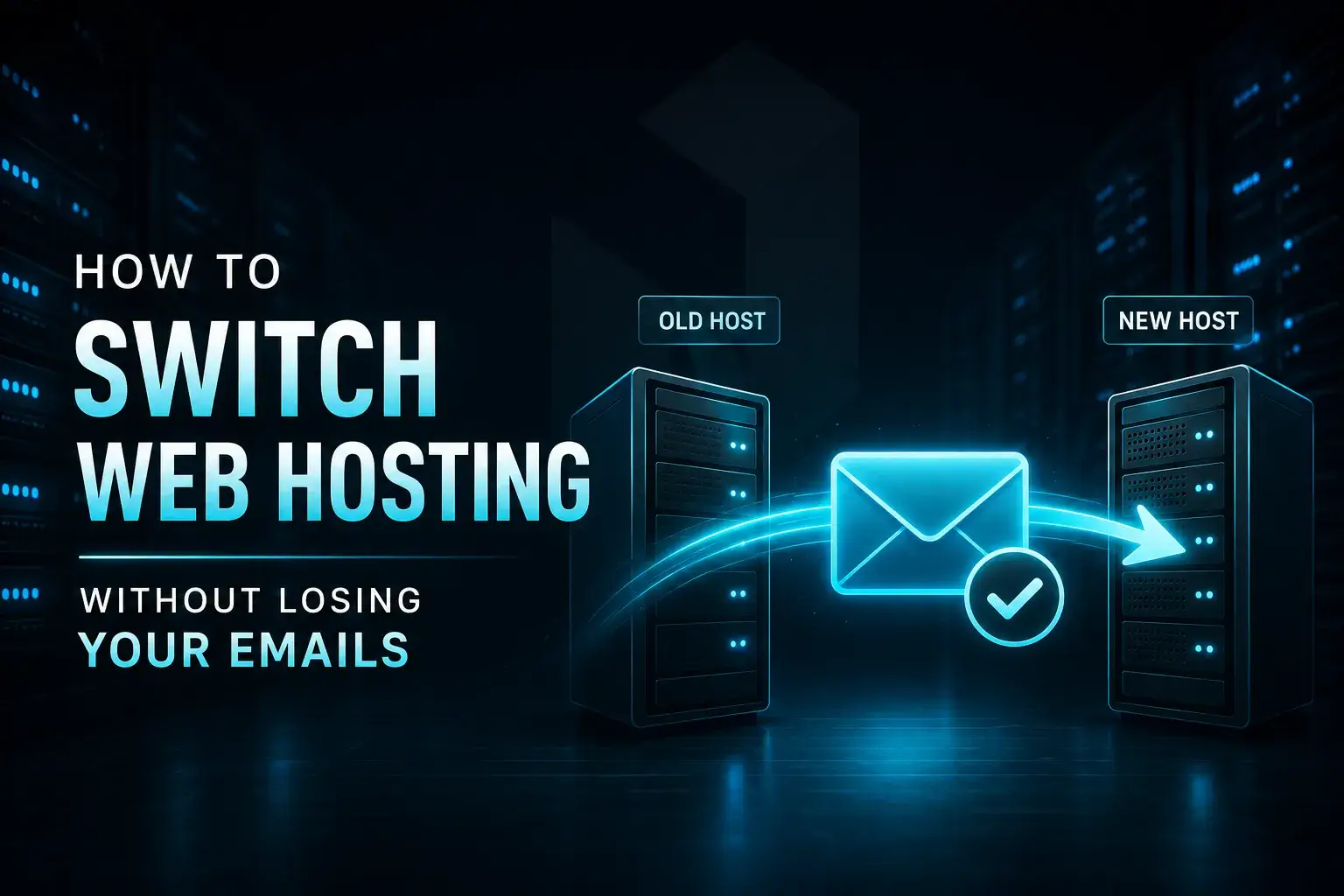
How to Switch Web Hosting Without Losing Your Emails
Switching web hosting can risk losing important emails if not handled properly. Follow these simple steps to keep your emails safe during migration:
- Backup all emails, Save copies of inboxes, sent items, and attachments before starting.
- Use third-party email services, Platforms like Google Workspace or Outlook keep emails independent from hosting.
- Sync your email accounts, Ensure all devices and servers are fully updated before switching.
- Update MX records correctly, Point your domain to the new email server after migration.
- Test email functionality, Send and receive emails to confirm everything works properly.
With careful preparation, you can switch hosting providers without losing any important emails.
Cost of Migrating Your Website to a Host
Migration costs vary depending on complexity.
| Migration Type | Cost Range | Notes |
| DIY Migration | Free | Time consuming |
| Plugin-Based | Free, $100 | Depends on plugin |
| Professional Service | $50, $500+ | Hassle-free |
How Long Does It Take to Move Your Website to a New Host?
Time depends on the method:
- Simple sites: 1-2 hours
- Medium sites: 1 day
- Complex sites: 2-3 days
DNS propagation can take up to 48 hours.
Does Changing Hosts Affect SEO?
If you change your hosting provider it can affect your SEO for a while if you do not do it correctly. Search engines might have some trouble getting to your site. This can affect your rankings for a short time. If you do it right the effects are usually very small and a better hosting provider can even make your SEO better over time because your site will be faster and more reliable.
Possible effects:
- ranking fluctuations
- Minor downtime when you are moving
- * Delays with DNS that affect how people can get to your site
Long-term benefits:
- Your website will be faster
- It will be up. Running more often
- A user friendly website will deliver a quality user experience and therefore can aid search engine rankings.
Common SEO Mistakes During Hosting Migration
When you are moving to a new host even small mistakes can hurt your SEO. To keep your rankings safe do not do these things:
- Broken links are bad: They stop pages or images from loading. This makes users unhappy and search engines less likely to trust the site.
- Missing redirects cause problems: When a page URL changes, without a redirect it leads to errors. This makes visitors go away and hurts search rankings.
- Ignoring downtime is also a mistake: If a site is often down search engines have trouble crawling it. This affects how well the site shows up in searches.
- No pre-launch testing is an issue: If a site isn't tested before launch hidden problems can hurt users and SEO. These problems can be hard to find.
If you find and fix these problems early you can move to a new host without hurting your SEO.
Why Having an SEO Friendly Web Hosting Provider Matters
It is very important to choose a hosting provider that's good for SEO if you want your website to be visible and work well in search engines. Here is why it matters:
- Page Speed: Websites that load rank higher in search engines and are better, for users. They do not leave quickly if the site loads fast.
- Uptime Reliability: A good hosting provider has uptime. This means your site is always available. You do not lose visitors and search engines do not penalize you.
- Server Location: If you host your website near the people you are trying to reach it will load faster. Help you with local SEO rankings
A good web hosting service should make your site work better whether you have one small site or many sites.
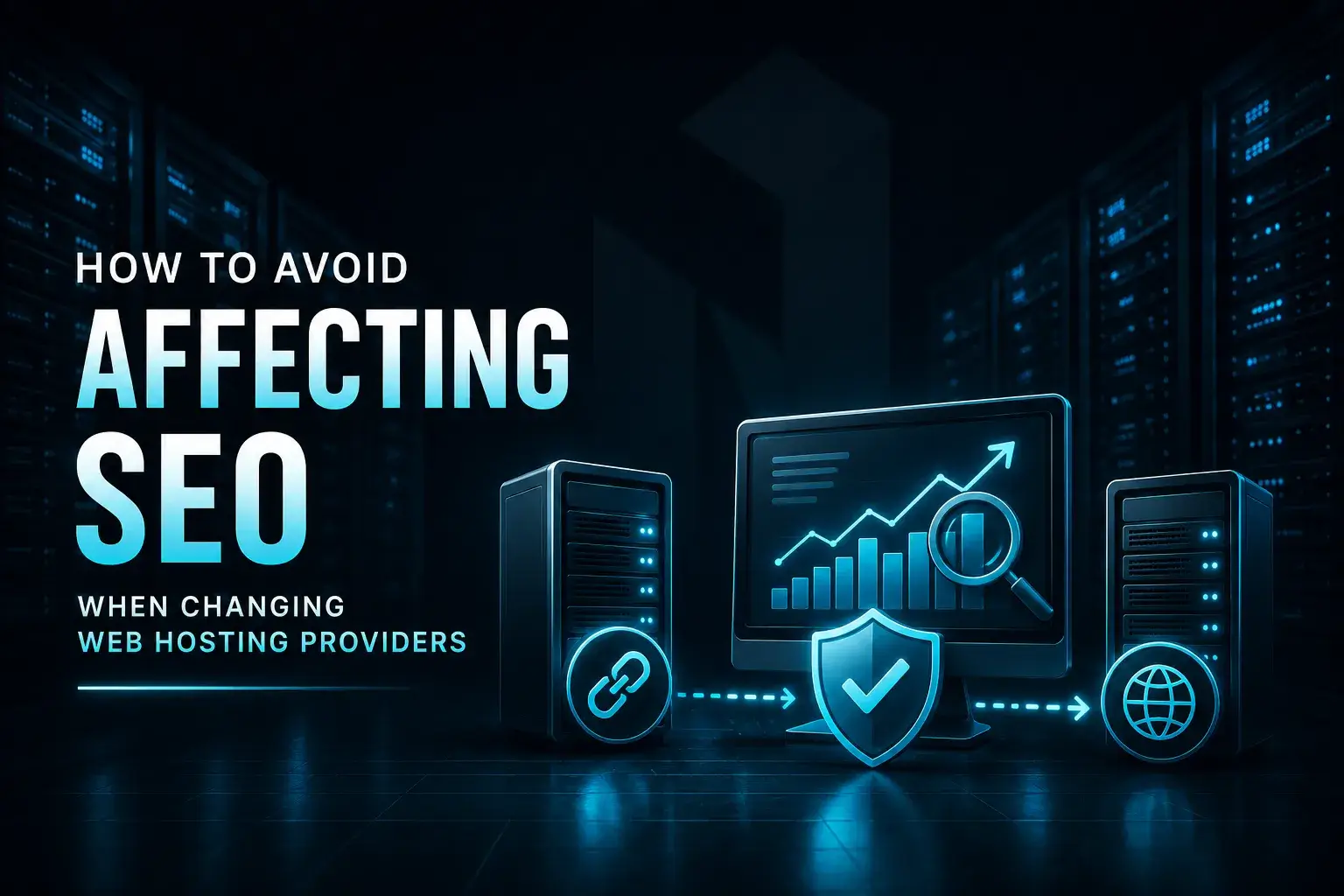
How to Avoid Affecting SEO When Changing Web Hosting Providers
Changing from a hosting provider to a new hosting company can be a big job but if you do it the right way you can move your website to the new hosting company without too much trouble.
Here is a list to help you keep your websites search engine optimization safe when you switch to the hosting company:
1. Check your website before you change the domain name system
Look at all the pages, pictures links and make sure everything works on the hosting companys server before you change the domain name system. This way you can find any problems before they cause trouble.
2. Do not cancel your hosting right away
Keep your old hosting active for a little while. This will help you avoid problems when you are switching to the hosting company.
3. Watch how your website is doing after you move it
Monitor the number of visitors to your website and check for errors after moving it to a hosting company. Tools like Google Search Console can help you identify problems and ensure everything is working properly.
4. Fix any broken links away
Check for any links that do not work pictures that are missing and redirects that are not working. This will help your visitors have an experience on your website and it will also help your search engine optimization.
5. Tell the search engines, about your website
Submit your websites map to the search engines like Google Search Console so they can find and list your new website faster.
If you follow these steps you can switch to a hosting company without hurting your websites search engine optimization. Sometimes a new hosting company can even help your website do better because it can load faster and be available often.
Conclusion
Changing your hosting provider is not about the technical part it is a big decision that can affect your websites performance, security and how well it does.
Your websites performance is very important.
Changing your hosting provider can really help if your website is slow goes down a lot you do not get support or you are having trouble making it bigger.
You need to plan make sure you have backups and pick the right way to move your website.
This way you can switch to a hosting provider without losing any of your information or hurting your search engine rankings.
A hosting environment can really make your website do a lot better.
Your website will be more successful, with a hosting provider.
Reliable Hosting Provider Ready to upgrade or need help with a plan for your business? Get in touch with us today and we will be happy to help! Please contact us at sales@netrouting.com or +31 (0)88 270 02 00