Welcome to the ultimate, definitive guide on dedicated servers. Whether you are rapidly outgrowing your current shared hosting plan, experiencing frustrating performance bottlenecks, or laying the robust digital foundation for a massive enterprise application, understanding the mechanics of dedicated infrastructure is absolutely essential. Running a successful online business means relying on infrastructure that doesn't buckle under pressure.
Every day, countless entrepreneurs, digital marketers, and IT administrators face a harsh reality. Their traffic spikes, their application lags, and they realize they simply need more processing capabilities. It is an incredibly frustrating feeling to launch a massive marketing campaign, secure top-tier backlinks, and finally get the traffic you deserve, only to watch your website crash because the underlying hardware couldn't handle the load.
This guide covers everything from basic definitions and core use cases to advanced management strategies. We will explore the hidden costs of cheap hosting, the technical realities of managing bare-metal hardware, and the best dedicated server hosting options to future-proof your digital real estate. By the end of this deep dive, you will know exactly how to ensure your digital growth is built on solid, uncompromising ground.
Blog contents
What is a dedicated server?
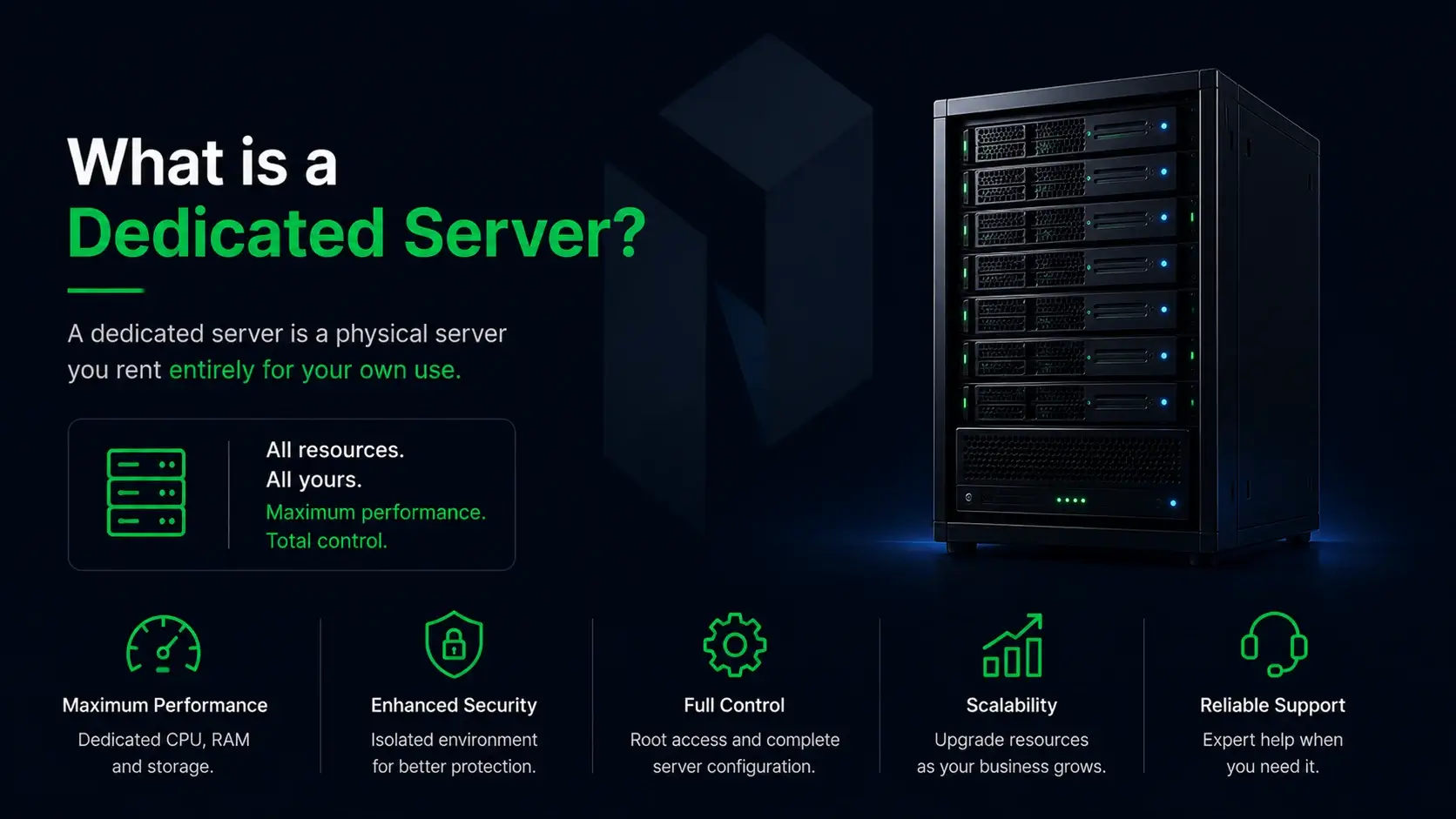
If you are asking "what is a dedicated server," the simplest answer lies in ownership and isolation. At its core, a dedicated server is an enterprise-grade physical server leased entirely to one single client. It is a single tenant environment. You are not sharing processing power, memory, or storage with anyone else.
It is the digital equivalent of owning a private, heavily guarded fortress instead of renting a tiny room in a crowded apartment building. When you rely on shared web hosting services, you are essentially at the mercy of other customers on that same machine. If their site goes viral, your site slows down. If they run a poorly coded script, your database connection drops. Dedicated physical hosts completely eliminates that "noisy neighbor" syndrome. You get all the resources, 100 percent of the time.
How Does Dedicated Hosting Work?
The mechanics of dedicated hosting are surprisingly straightforward but incredibly powerful. When you purchase dedicated server hosting, the provider sets up a physical machine inside their secure data center strictly for your use. Hosting companies provide the physical rack space, the electricity, the advanced cooling systems, and the high-speed network connection. But the machine itself? That is your territory.
You hold the keys. You choose the operating system, configure the software stack, and utilize all of the physical resources to power your specific applications. There is no middleman virtualization layer eating up CPU cycles. You are interacting directly with the raw hardware, the actual silicon processors, the ECC RAM, and the NVMe drives. This direct access is exactly why dedicated hosting services remain the gold standard for resource-heavy operations that cannot afford a single millisecond of delay.
The Role of a Dedicated IP Address
IP addresses act as your server's exclusive digital identifiers on the internet. In a shared environment, hundreds of websites might share a single IP address. This is incredibly risky. If one of those other users gets flagged for sending spam, the entire IP gets blacklisted. Suddenly, your legitimate business emails are landing in your clients' junk folders, completely ruining your outreach efforts and client communications.
A dedicated IP completely shields you from this shared reputation risk. It ensures your outbound traffic is recognized as uniquely yours. Furthermore, it is fundamentally required for advanced SSL configurations, accessing your server remotely via secure channels, and running highly secure, private applications without interference from outside entities.
Why would you need a dedicated server? (Core Use Cases)
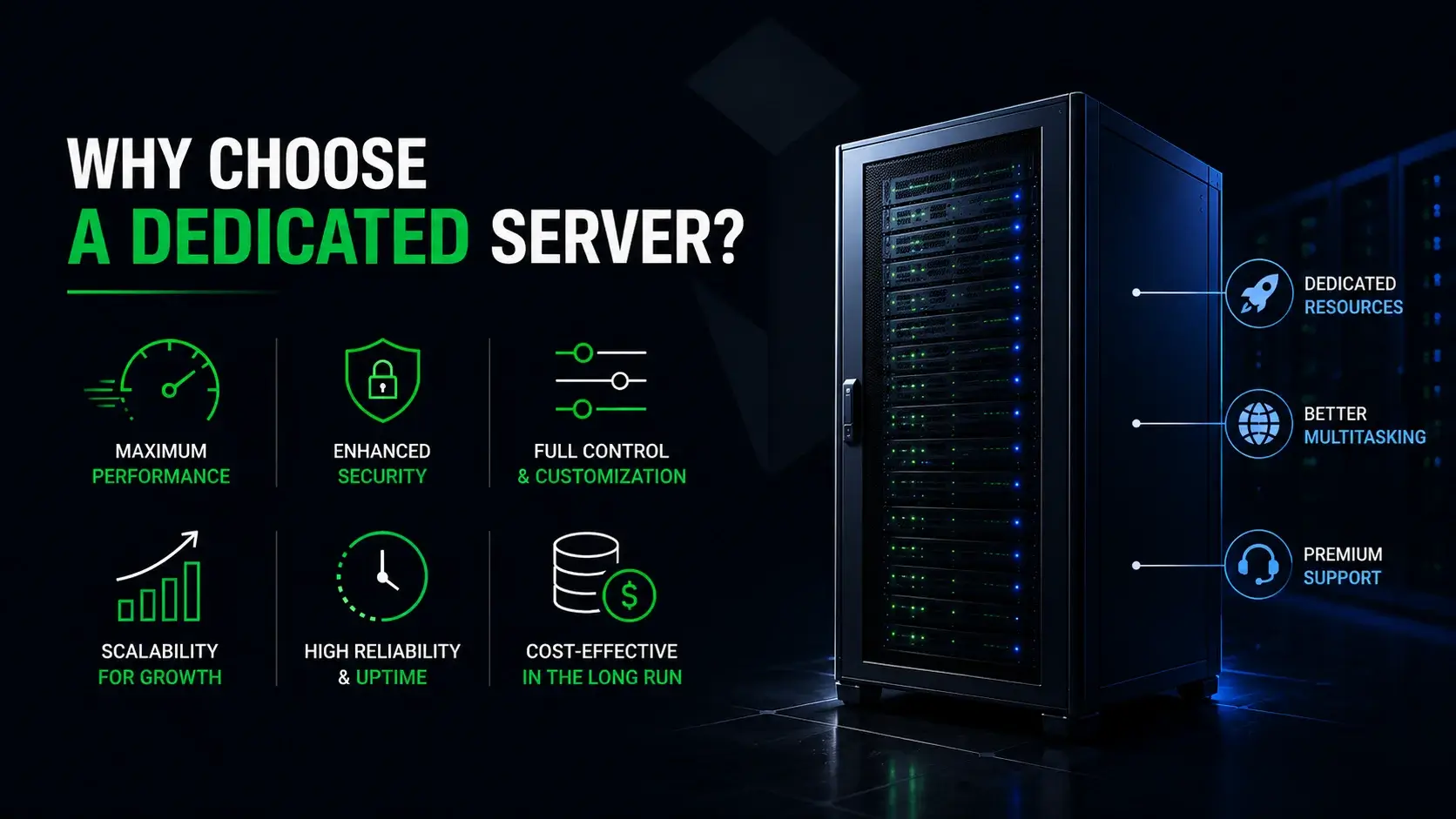
Upgrading to dedicated infrastructure is rarely a casual decision. It is a strategic business move driven by absolute necessity. Organizations migrate to this elite tier of hosting when performance bottlenecks, security vulnerabilities, or resource limitations begin to actively threaten their bottom line. It isn't just about having more space; it is about having guaranteed computing consistency. Here are the most common scenarios that demand exclusive, powerful servers. Dedicated servers can be categorized into various types based on their intended use, such as game servers, web hosting servers, and high-performance computing servers.
High-Performance Computing (HPC) & Big Data
Processing massive datasets requires raw, unadulterated processing capabilities. High-Performance Computing (HPC) environments absolutely rely on a dedicated server to crunch complex algorithms, process large-scale analytics, and handle intensive data modeling.
Think about the rise of artificial intelligence and machine learning. Training a machine learning model requires sustained, massive bursts of processing power and fast read/write speeds over days or even weeks. You get pure compute power without the lag, throttling, or limitations inherent in shared or multi tenant environments. For big data analysts, having enough resources to parse millions of rows of data in seconds isn't a luxury; it is a strict job requirement. Without bare-metal hardware, these computations would simply time out.
Enterprise Application Hosting
Large businesses and global corporations run critical internal software that simply cannot go offline. ERPs, CRMs, and complex proprietary databases require constant uptime. Dedicated servers provide the isolated, highly secure environments these business applications demand.
For example, if your company relies on a massive Microsoft SQL Server database to process inventory across hundreds of regional locations, you cannot afford latency. Dedicated environments process sensitive corporate data smoothly and reliably. It ensures your workforce and your internal users are never bottlenecked by slow infrastructure, keeping productivity high and operational friction low. When an internal tool goes down, hundreds of employees stop working. Dedicated physical hosts prevents that nightmare scenario.
High-Traffic E-commerce & Web Platforms
When an online store goes viral, gets featured on national television, or launches a massive Black Friday sale, shared hosting will inevitably crash. It is not a matter of if, but when. Dedicated servers, however, handle thousands of concurrent transactions seamlessly.
In e commerce, site speed is directly correlated to revenue. If a checkout page takes longer than three seconds to load, buyers abandon their carts and head straight to your competitors. Furthermore, Google heavily monitors Time to First Byte (TTFB). A slow site will actively tank your Search Engine Results Page (SERP) rankings. A premium hosting solution ensures your checkout process remains lightning-fast even during massive, unpredictable traffic surges. You have the bandwidth and the processing capability to serve thousands of customers simultaneously without breaking a sweat, ensuring your SEO efforts actually pay off.
Multiplayer Gaming Servers
Gamers are arguably the most demanding demographic on the internet. They demand incredibly low latency, zero packet loss, and absolute stability. Hosting popular multiplayer games requires high tick rates and massive bandwidth that only game servers running on dedicated physical hosts can provide.
A lag spike of just 100 milliseconds can ruin a competitive match, leading to furious community members and abandoned servers. By utilizing dedicated resources, game developers and community hosts ensure a lag-free, uninterrupted experience for thousands of players connected simultaneously. To protect against malicious players, these environments also allow for heavy anti-DDoS mitigation at the network level. When performance is the product, you need the best performance available.
Key benefits of dedicated servers
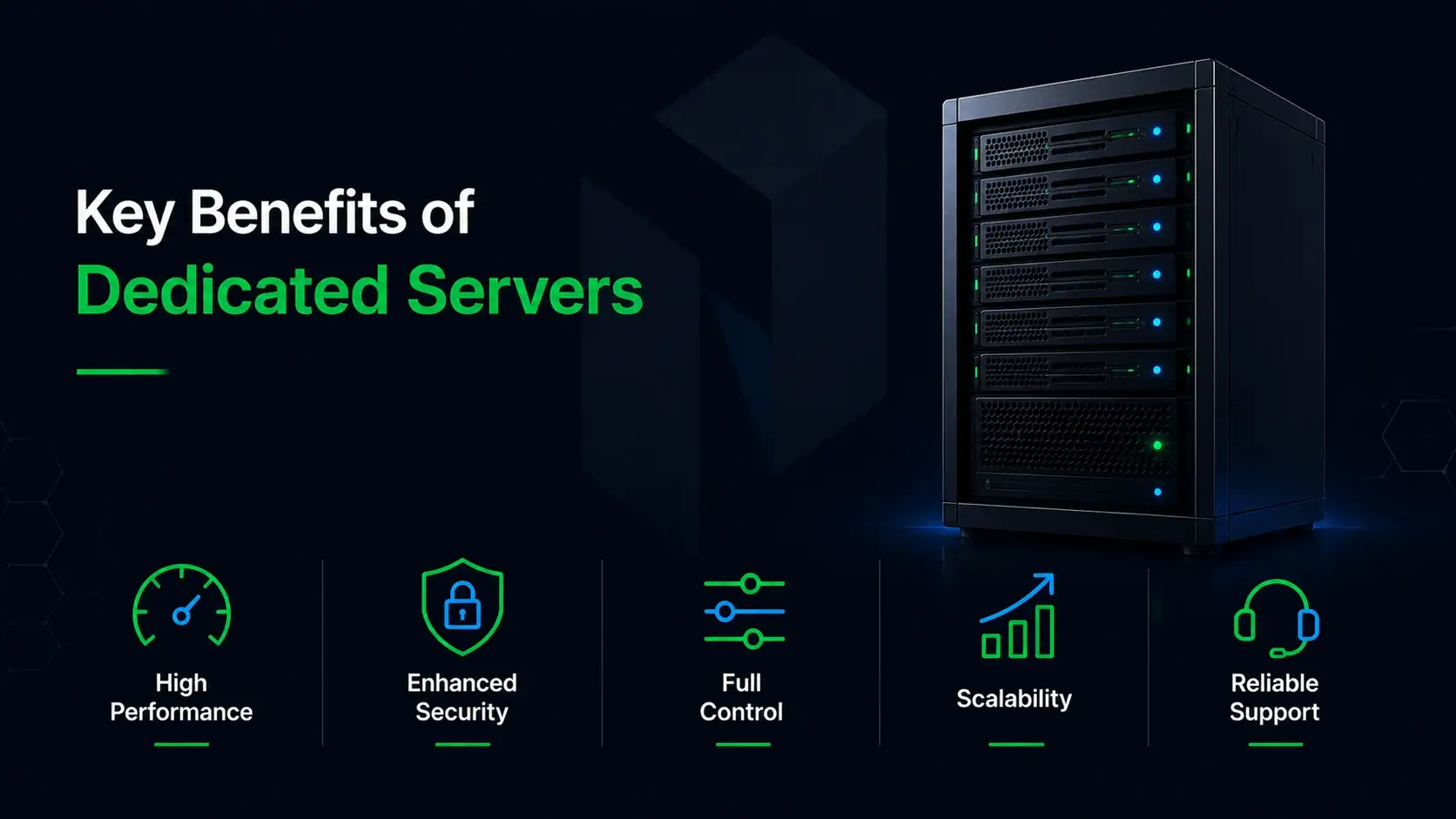
The advantages of moving to a dedicated environment extend far beyond just having more disk space or memory. It completely transforms how your digital operations function from the top down. You gain access to elite performance metrics, ironclad security protocols, and the absolute freedom to build exactly what your business needs.
High Performance and Unmatched Speed
Because you have exclusive access to every ounce of the server's CPU and RAM, your website's load times will drop dramatically. There is absolutely no resource contention. You never have to worry about other users eating up your processing power during peak hours.
This unthrottled performance leads to vastly better user experiences, higher conversion rates, and massively improved SEO rankings. Search engines absolutely reward fast websites. When you have high performance hardware backing your site, you pass the Core Web Vitals tests with flying colors. You can allocate dedicated RAM just for database caching (like Redis or Memcached) to ensure your pages render almost instantaneously.
Complete Configuration Control & Root Access
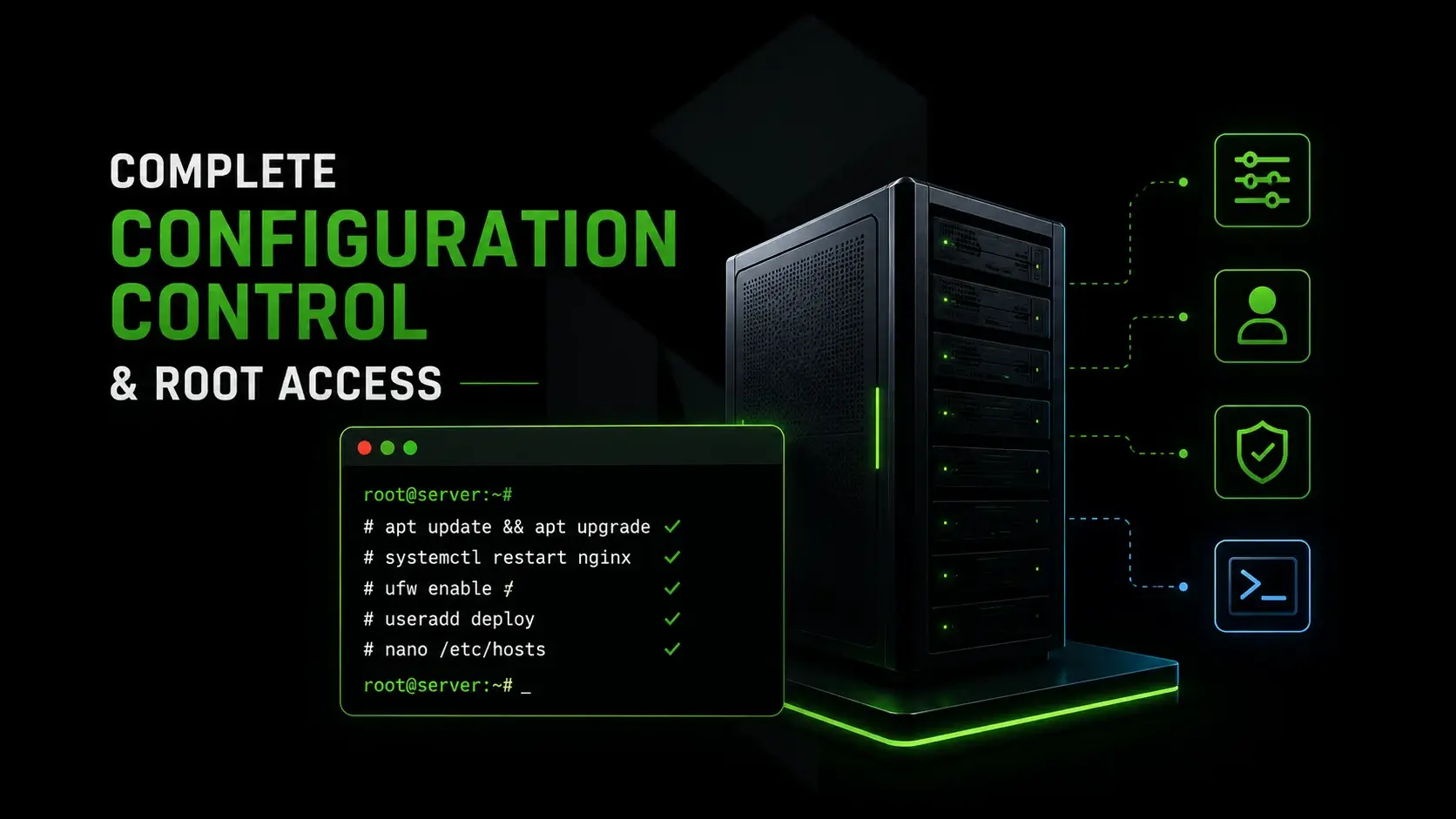
With root access, you hold absolute administrative power over the machine. You can install custom software modules, tweak the server's kernel, configure advanced caching mechanisms, and tailor the exact environment to your codebase.
This level of full control is impossible in shared environments where the host rigidly locks down backend settings to protect the broader network. Server administration in a dedicated setup means you dictate the rules. If you need a specific, obscure software library installed to run a custom script, you just install it. Need to deploy Elasticsearch for advanced on-site querying? You can do it immediately. No permission required from a support desk.
Enhanced Security and Strict Compliance
Isolation is your absolute best defense against modern cyber threats. Without other websites sitting on the machine, you are completely immune to cross-site contamination. Enhanced security is baked into the very nature of a single tenant setup. If you are pitching SEO and outreach services to high-ticket clients, telling them their portals are hosted on dedicated, isolated hardware builds instant trust.
Furthermore, dedicated servers allow you to implement the stringent, custom firewalls and advanced malware protection necessary to meet strict compliance standards like HIPAA or PCI-DSS. You maintain absolute control over who accesses your data, how it is encrypted at rest, and how outbound traffic is monitored. You can install rootkit scanners and configure tools like Fail2Ban to permanently block malicious IP addresses that try to brute-force your login pages.
Reliability for Unpredictable Traffic Surges
A sudden spike in visitors is a disaster on shared hosting. It usually results in a suspended account for using too many resources. But it is a total breeze on dedicated hardware. Your resources are always fully available and waiting to be deployed.
This high availability guarantees maximum uptime. It ensures your platform remains flawlessly stable when your marketing campaigns succeed. You spend thousands of dollars on outreach and ads to drive traffic; a dedicated environment ensures your site actually stays online to convert that traffic into tangible revenue. It is the ultimate insurance policy for your digital growth.
Dedicated Servers vs. Alternative Hosting Environments
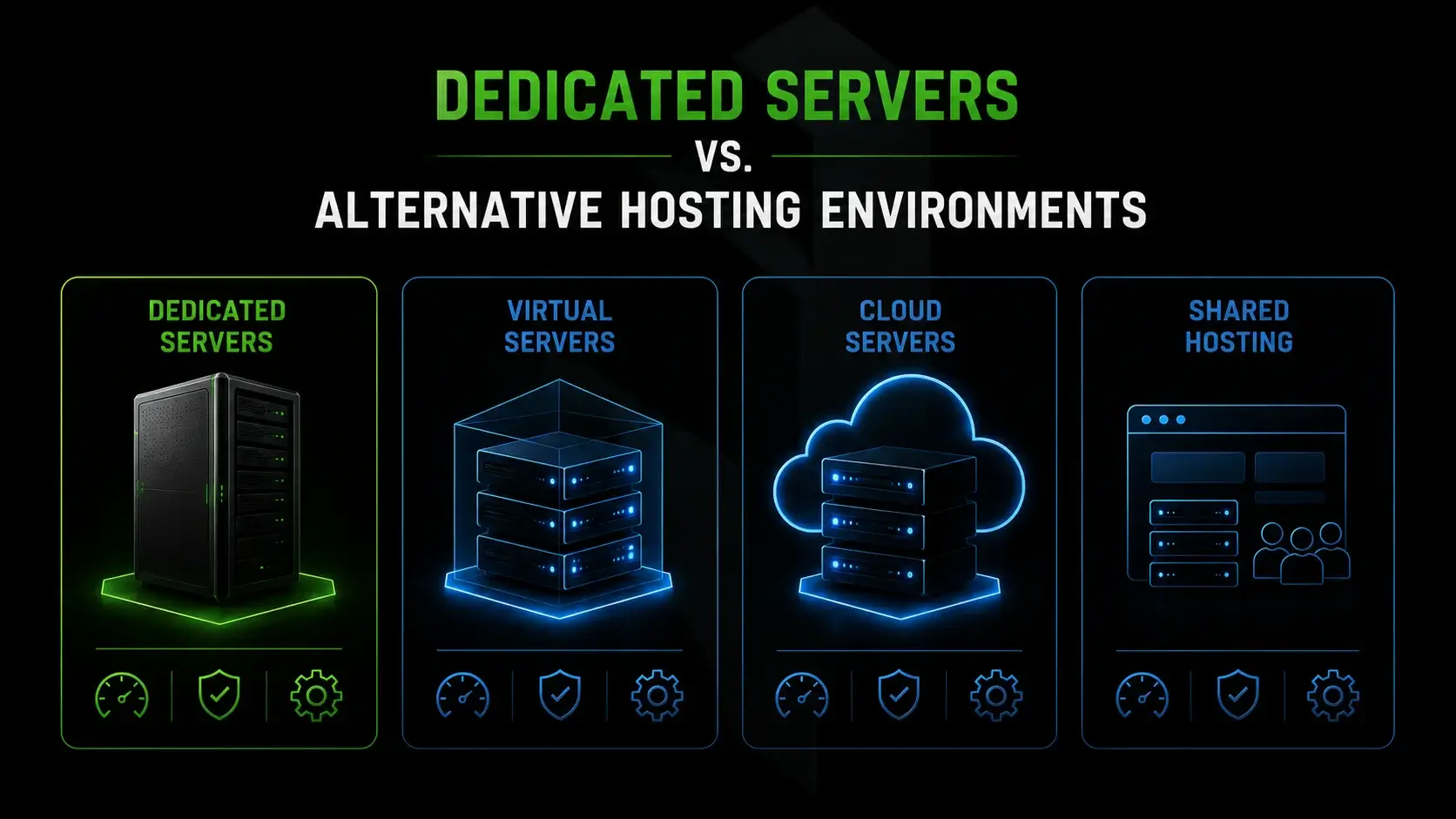
Understanding the broader web hosting ecosystem is crucial before making a massive financial commitment. Dedicated servers are just one piece of a very large puzzle. Comparing them against cloud solutions and managed alternatives helps clarify exactly what infrastructure aligns with your long-term operational goals.
What is the difference between a dedicated server and a cloud server?
A dedicated server is a single, tangible physical server entirely yours. It offers raw power and predictable monthly costs. A cloud server, on the other hand, relies heavily on infrastructure virtualization. It is essentially a network of virtual machines spread across multiple underlying physical hosts.
Cloud servers offer instant scalability and flexibility, you can spin up a new instance in seconds. However, because of the hypervisor layer required to run virtual machines, cloud setups often experience a slight performance tax known as the "noisy neighbor" effect on the hypervisor level. Additionally, cloud computing is notorious for "bill shock." Scaling bandwidth and CPU dynamically on the cloud can result in a massive, unexpected invoice at the end of the month. Dedicated servers provide unmatched, consistent brute-force processing capabilities with a flat, predictable monthly fee. Bare metal servers are a type of dedicated server that provides exclusive access to all hardware resources, ensuring maximum performance without virtualization overhead.
Managed vs. Unmanaged Dedicated Servers
This is one of the most important dedicated server hosting options to consider. Dedicated hosting services differ from managed hosting services in that managed hosting typically offers more support and services, making it suitable for clients with less technical knowledge, while dedicated hosting is often aimed at professionals who can manage their own servers.
An unmanaged dedicated server leaves all the backend maintenance entirely on your shoulders. It is cheaper, but it requires deep technical expertise and eats up hours of your valuable time. Server management can include administrative maintenance of the operating system, which often encompasses upgrades, security patches, and sometimes daemon updates, depending on the level of management provided by the hosting service.
In fully managed hosting services, the provider typically handles software updates, security patches, technical support, and server monitoring, while in unmanaged services, the client is responsible for all server-related tasks. Managed hosting services allow you to focus purely on growing your online business, creating content, and serving clients, rather than acting as a full-time, stressed-out sysadmin.
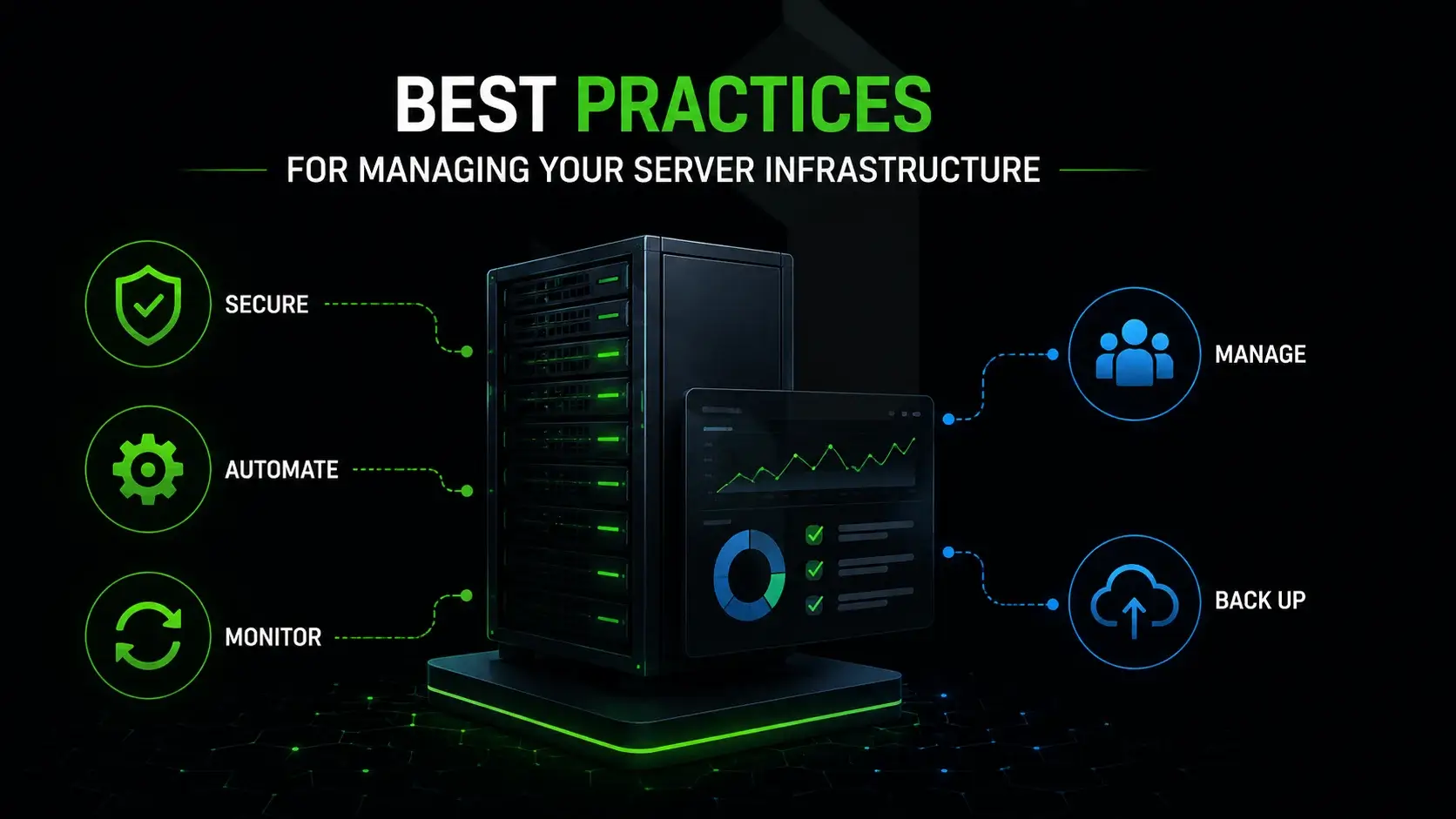
Best Practices for Managing Your Server Infrastructure
Owning a dedicated server means taking full responsibility for its health, performance, and security. Without proper oversight, even the most powerful hardware can become vulnerable, slow, and inefficient. Implementing strict management protocols is the only way to truly protect your digital assets.
Implementing Robust Server Security Measures
You must proactively lock down your infrastructure from day one. This means configuring advanced software applications for security, changing default SSH ports to stop automated scanning bots, utilizing key-based authentication instead of simple passwords, and installing intrusion detection systems.
Dedicated server providers often deploy various software programs for scanning systems and networks for obtrusive invaders, spammers, hackers, and other harmful problems such as Trojans and worms. Additionally, many dedicated server providers include built-in anti-DDoS protection to help keep infrastructures secure and online, even during attacks.
Security is not a one-time set-and-forget setup. It requires constant, active vigilance. You need to routinely audit your access logs to see exactly who is trying to log in. You must restrict access to only essential personnel. Implementing strict security patches the moment they are released by your operating system vendor is mandatory to keep hackers out.
Regular Data Backups and Disaster Recovery
Hardware fails. It is a fundamental law of technology. Hard drives degrade, power supplies short out, and human error happens. Implementing automated, off-site backups ensures your critical data is never truly lost in a hardware failure.
You should follow the 3-2-1 backup rule: three copies of your data, on two different media types, with one stored completely off-site. A solid disaster recovery plan guarantees that, in the event of a catastrophic data center failure, your business can be restored and back online within minutes or hours, not days or weeks. Never store your backups on the same physical server as your live site.
Updates and Patch Management
Outdated software is the absolute number one entry point for hackers. You must establish a strict routine for applying operating system updates, patching database software, and updating your web server stack.
Timely software updates close critical security vulnerabilities before automated bots can ever exploit them. Operating system updates also frequently bring performance optimizations, allowing your machine to process requests more efficiently and freeing up RAM. Falling behind on patches is the absolute fastest way to compromise a highly secure environment.
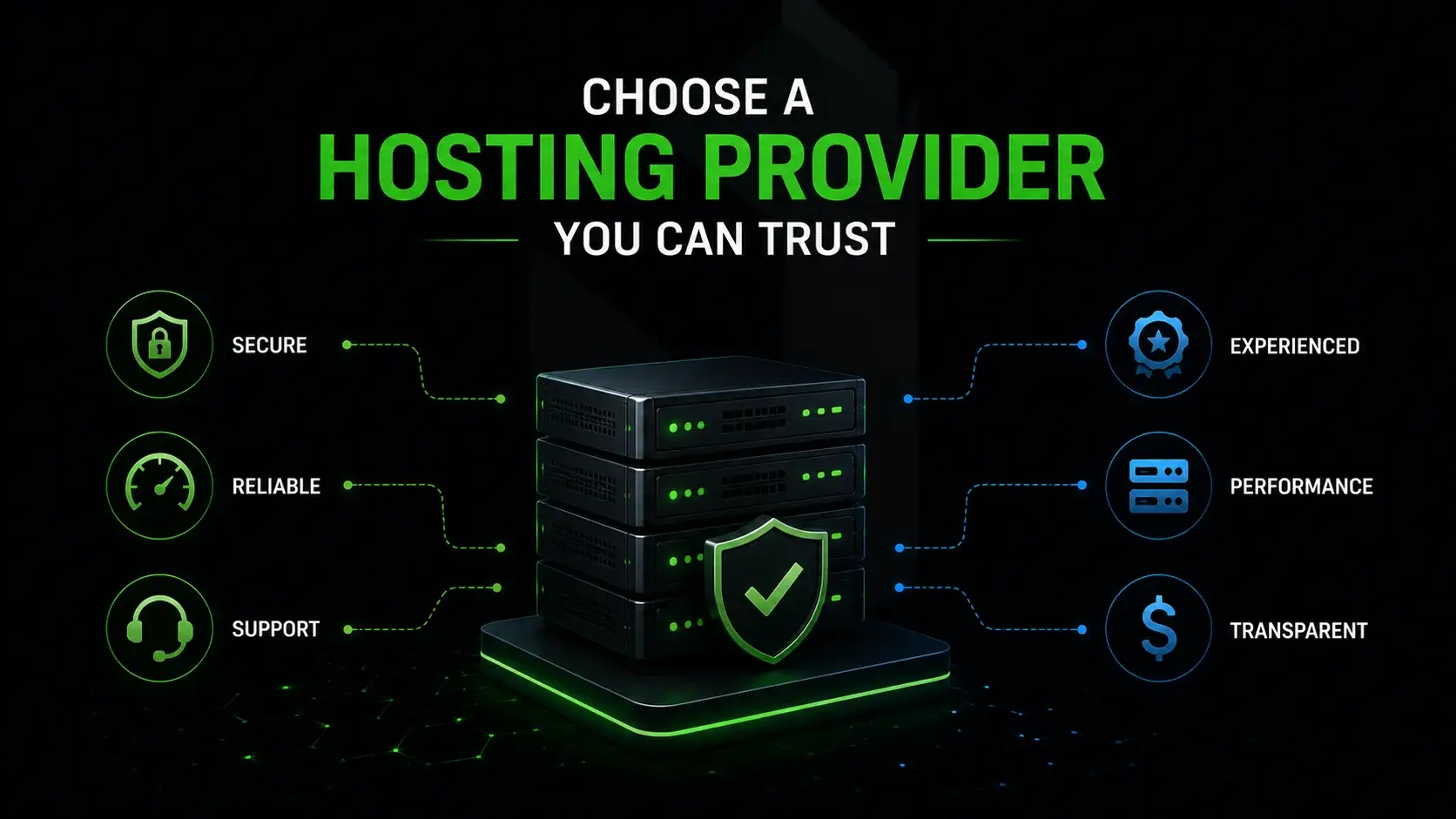
Choose a Hosting Provider You Can Trust
Your hardware is only as good as the data center that houses it. Selecting the right provider is a critical partnership that directly affects your network routing, uptime, and overall peace of mind. Look past the marketing jargon and deeply evaluate their core infrastructure, network peering, and support protocols.
Evaluating Service Level Agreements (SLAs) and Support
The SLA is your legal guarantee of network uptime and hardware replacement speeds. Many dedicated server providers offer a service level agreement (SLA) that guarantees network uptime, typically ranging from 99% to 100%, which is crucial for maintaining service reliability. Look for hosting providers offering 99.99% uptime guarantees and rapid, 24/7 technical support via phone and ticketing systems.
When your server goes down at 3 AM on a holiday weekend, you need absolute certainty that an expert engineer is physically present in the data center, ready to swap a failed RAM stick or a burnt-out power supply immediately. Read reviews specifically regarding their technical support responsiveness.
Analyzing Pricing and Hardware Provisioning
Don't just look at the lowest monthly sticker price. Dedicated servers typically cost more than $100 per month, making them a more expensive option compared to shared hosting services, which can be found for under $10 per month. Evaluate exactly what generation of processors you are getting, the speed of the RAM provided, and whether the storage uses modern NVMe SSDs or older, much slower SATA drives.
There are many pricing models in the industry. Some providers charge extra for outbound traffic, while others offer unmetered ports. When looking at the servers select the one that aligns with your actual data transfer needs to avoid hidden overage fees. Many dedicated server providers offer discounts for long-term contracts, such as a lower monthly rate for a 24-month commitment compared to a month-to-month plan. Ensure the provider can provision new hardware quickly as your capacity needs inevitably grow.
Choosing the Perfect Operating System
Your choice of operating system dictates your entire software ecosystem. The debate between Windows and Linux is as old as the industry itself. Free linux distributions like Ubuntu, Debian, or AlmaLinux offer incredible stability, security, and open-source flexibility. They power the vast majority of the web and are ideal for PHP, Python, and Ruby applications.
Alternatively, the windows operating system requires paid licensing but is absolutely mandatory if your business relies heavily on ASP.NET applications or a Microsoft SQL Server environment. Windows server provides a familiar graphical interface, making it somewhat easier for administrators transitioning from desktop environments to enterprise hosting.
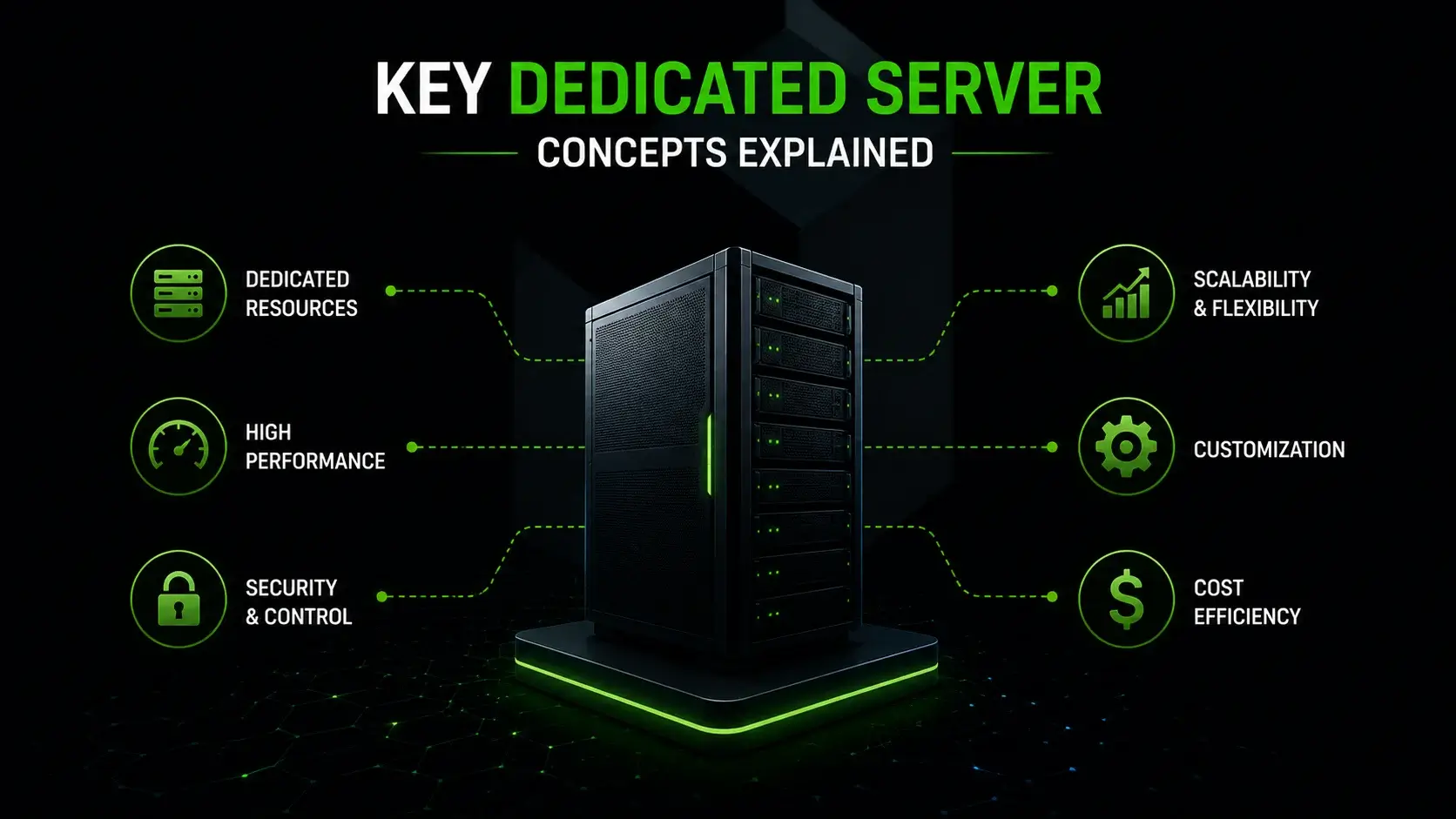
Key Dedicated Server Concepts Explained
Navigating the world of dedicated hosting involves understanding a few fundamental concepts that dictate how you build, launch, and scale your operations. Before signing a long-term contract and migrating your files, you need to clearly map out your resource limits and setup procedures.
Evaluating Your Website's Server Requirements
Start by heavily auditing your current resource usage. Check your existing RAM consumption, CPU loads, and daily bandwidth transfer on your current hosting solution. Use server-side monitoring tools to see exactly where your bottlenecks are occurring.
Factor in your projected growth over the next 12 to 24 months. If you are launching heavy multimedia campaigns or publishing massive content guides, ensure you have massive amounts of disk space. The goal is to lease a machine powerful enough to handle future demands without needing an immediate, painful migration just a few months down the line. Over-provision slightly so you always have breathing room.
Understanding Website Hosting Capacity Limits
Unlike shared hosting, there are absolutely no artificial limits on how many domains you can host on a dedicated machine. Your only limitation is the physical hardware itself.
You can host one massive, resource-heavy enterprise application, or smoothly partition the server to host hundreds of multiple websites for your own clients. Many digital marketing and web design agencies lease dedicated server plans specifically to act as their own mini hosting companies. By renting out partitioned space to their web design clients, they create a lucrative stream of recurring profit while maintaining total control over their clients' site speeds.
The Dedicated Server Setup and Configuration Process
The initial setup can be daunting if you aren't familiar with server administration. It involves installing the operating system, securing the network ports, and configuring the underlying web server software like Apache, Nginx, or LiteSpeed.
From there, you will likely install a visual control panel (like cPanel, Plesk, or DirectAdmin) to make management easier, set up your database environments, configure your DNS records, and finally migrate your application data over to its new, powerful home. If you chose a managed plan from among the available hosting options, the hosting provider's technical team will handle this entire complex migration for you. This ensures a seamless transition with absolute zero downtime for your digital commerce environments, client portfolios, or critical business platforms.
Frequently Asked Questions
- Do I really need a dedicated server for my small business?
t depends heavily on your daily traffic and data sensitivity. If you run a simple informational website, a basic shared hosting plan usually provides enough resources. However, if you manage rapidly growing online stores or handle highly sensitive data, you absolutely need the high performance of a dedicated server. It guarantees your online business remains stable during massive traffic spikes and protects your customers from shared vulnerabilities.
- How is a dedicated server different from virtual machines?
Virtual machines rely on infrastructure virtualization to split a single physical machine into multiple smaller environments. This creates a multi tenant setup where you still technically share the underlying hardware. A dedicated server, however, gives you an entire physical server completely to yourself. You get 100% of the raw computing power and dedicated hardware without any virtualization overhead slowing you down.
- What does "fully managed" dedicated hosting actually mean?
When you choose a fully managed plan, the hosting provider takes over the complex server administration tasks. Their team handles routine server monitoring, applies critical security patches, and executes daily software updates. They provide support around the clock for any technical issues. This premium level of support allows you to focus strictly on your business applications rather than actively managing the server.
- Can I host multiple websites on one dedicated server?
Absolutely. Because you have full control over the machine and all the resources, you can easily host dozens or even hundreds of multiple websites. As long as you have sufficient disk space and bandwidth, there are zero artificial limits. In fact, many web design agencies lease a powerful hosting solution specifically to offer private hosting services directly to their own clients.
- Which operating system should I choose for my server?
Your choice of operating system completely dictates your backend ecosystem. Free linux distributions like Ubuntu or Debian are the industry standard for most general software applications. However, if your company relies heavily on specific business applications built on ASP.NET, or if you need to run Microsoft SQL Server, you are required to install Windows server. Always match the OS to the exact stack your developers require.